How to Set Up Tangem Wallet in 2026
— By Tony Rabbit in Tutorials
Learn how to set up Tangem Wallet in 2026, including the official no-seed-phrase setup flow, backup cards, NFC scanning, authenticity checks, and the sending and receiving basics that matter.
Tangem Wallet is designed around a simple idea: tap a card or ring to your phone, use the mobile app, and keep the private key inside the device's chip instead of on a general-purpose device. If you are setting up Tangem for the first time, the easiest way to think about it is as a hardware-backed wallet experience built around NFC and a mobile app.
This guide focuses on the official Tangem setup flow without a seed phrase, because that is the most distinctive part of the product and the flow Tangem documents clearly in its own guide. Tangem also says the app supports setup with or without a seed phrase, but if you want the classic card-first experience, the no-seed-phrase path is the cleanest place to start.
Before you start
- An NFC-enabled phone with the official Tangem app.
- Your Tangem cards or Tangem Ring.
- Enough time to complete the backup step carefully, not half-distracted.
- A plan to verify the wallet in the official app before moving funds.
How Tangem Works in Plain English
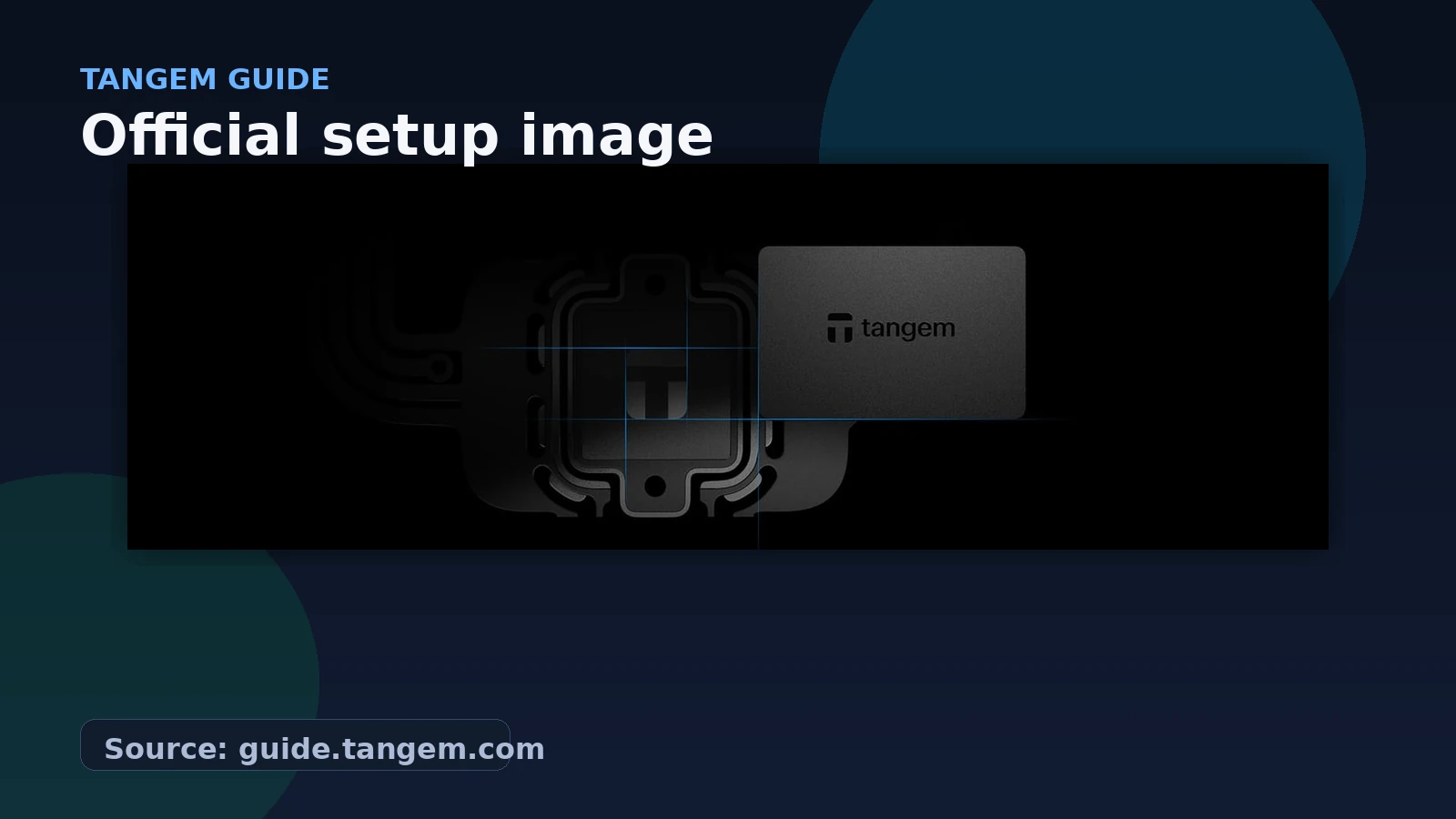
According to Tangem's official guide, the wallet has two parts. The first is the Tangem device, which can be a set of Tangem cards or a Tangem Ring. The second is the Tangem mobile app for iOS and Android. The device and the app communicate over NFC, so the usual interaction is simple: open the app, tap the wallet to your phone, and confirm what you want to do.
Tangem says the setup flow normally takes only a few minutes. More importantly, it emphasizes that your assets remain on the blockchain while the wallet device stores the private key used to control those addresses.
What You Need Before Setting Up Tangem
The main requirement is an NFC-capable phone. Tangem's guide says the mobile app is available on iOS and Android, and it specifically notes that full NFC support matters. On iPhone, Tangem points users toward iPhone 8 and newer for reliable full NFC support. On Android, it points to Android 6.0 and higher with full NFC support.
You also want to set the wallet up somewhere calm. This is not a process to rush while doing three other things. The most important moment is creating and confirming the backup path correctly so you do not mix up cards or stop halfway through the sequence.
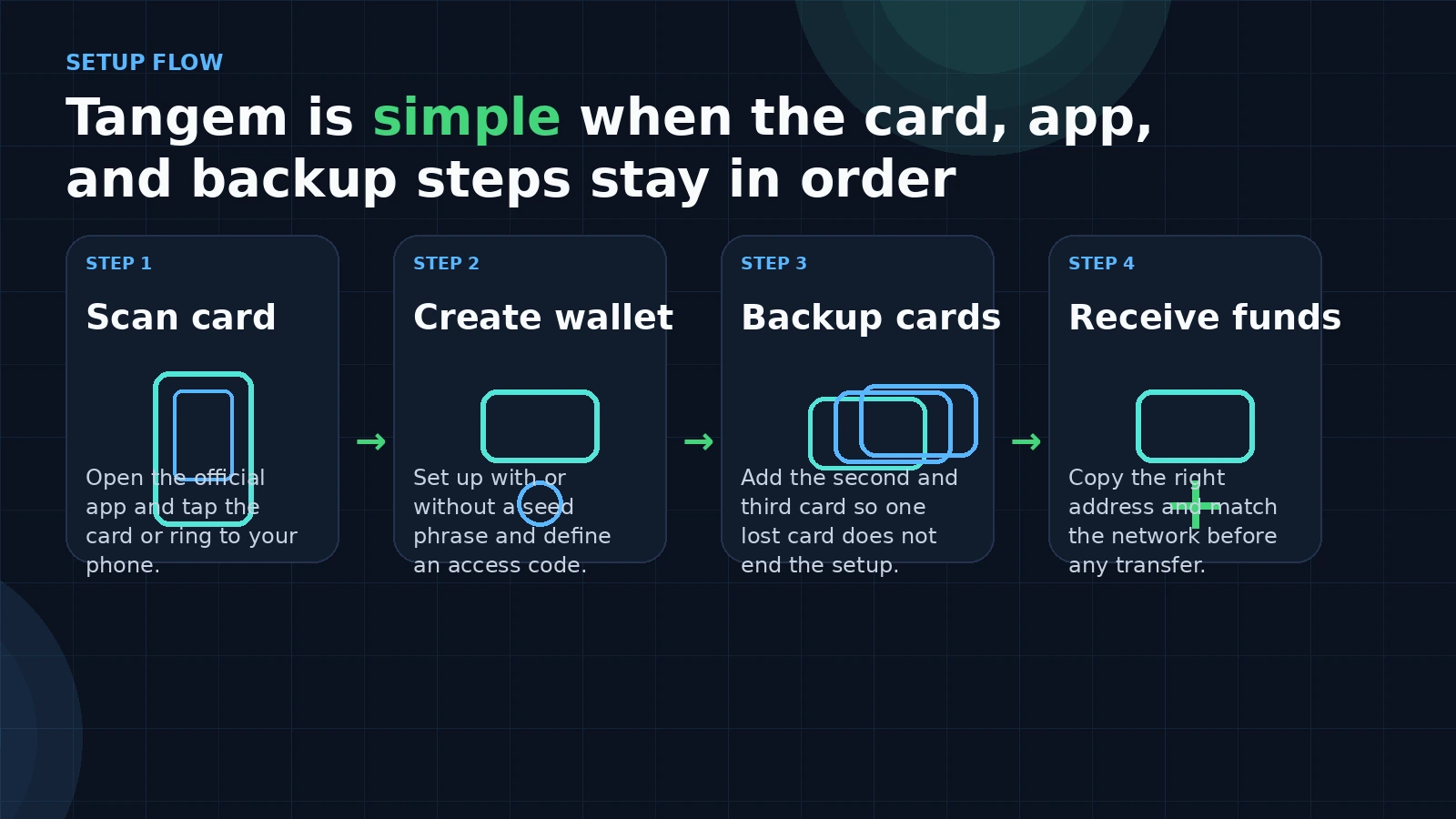
How to Set Up Tangem Wallet Without a Seed Phrase
Here is the official flow, simplified into a cleaner walkthrough.
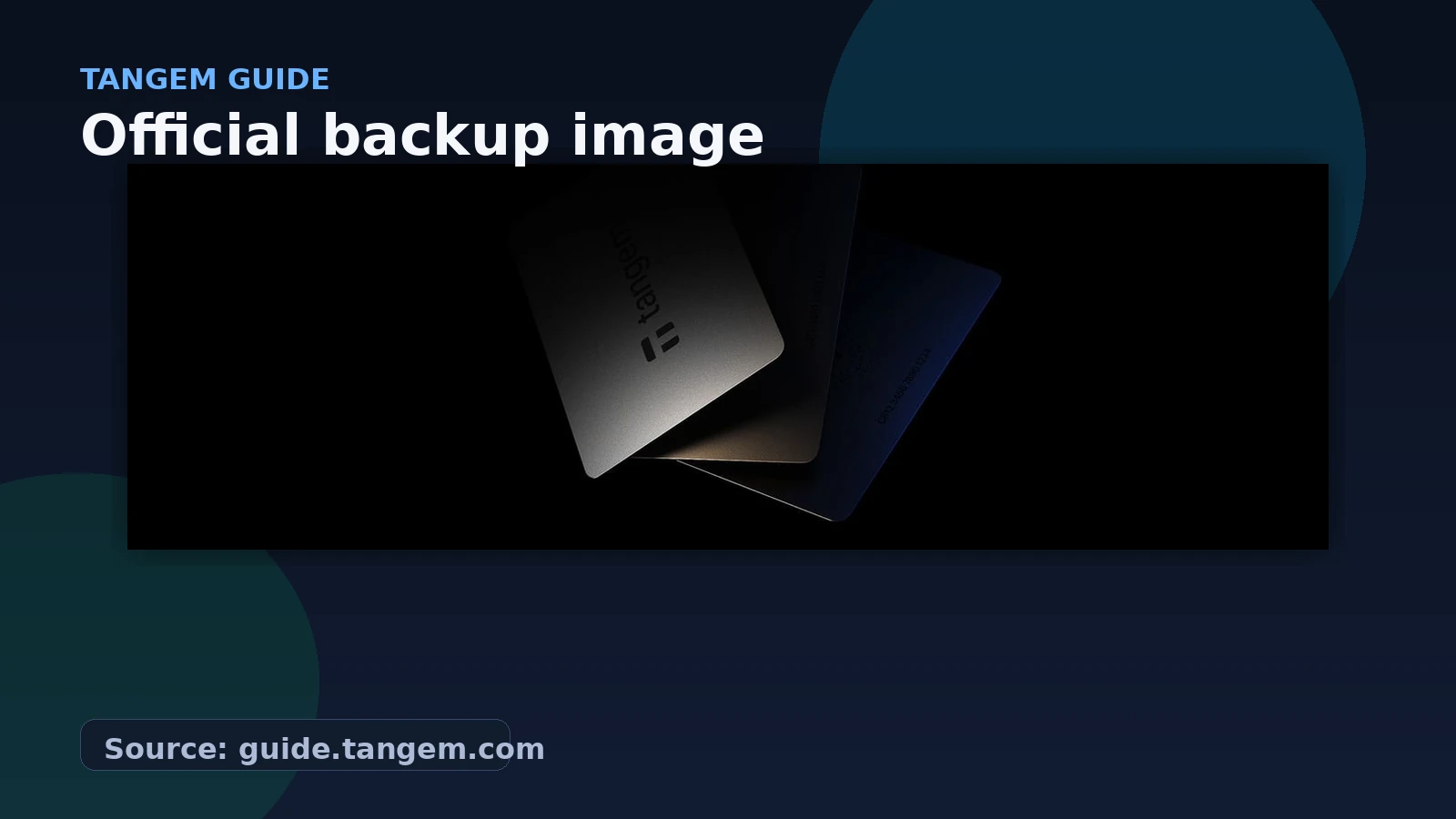
One detail worth calling out is Tangem's note about backup timing. In its guide, Tangem says newer Tangem Wallet 2.0 setup requires at least two cards so one can serve as backup. It also says that if you created a wallet with two cards, you cannot later add a third card to that existing backup set. In that case, Tangem says the solution is to move funds out, reset, and create a fresh wallet using the full set you want.
How Tangem Says Private Keys and Backup Work
This is the section that matters most if you are trying to understand Tangem beyond the marketing layer. In Tangem's private key guide, the company says the private key is generated on the card or ring during activation using a hardware random number generator. It also says the entropy comes from the chip's physical sensors, and that no one can know or replicate your private key.
For backups, Tangem says a secure communication channel is established between Tangem devices using the Diffie-Hellman key exchange protocol. It also states that the first step involves the cards authenticating each other with two-way attestation, that encryption uses a 256-bit key, and that the mobile application cannot decrypt the keys during the process.
Tangem claims worth remembering
How to Check That Your Tangem Wallet Is Authentic
Tangem's authenticity guide is refreshingly practical. It says the cards do not arrive with your wallet private key already loaded. Instead, when you begin setup, the official app should either let you create a wallet normally or warn you if something is wrong.
That means the safest habit is simple: use the official app first. If the setup path behaves normally, that is the verification route Tangem itself points to. If the app throws authenticity warnings or test-card style errors, stop there and contact support instead of pushing ahead.
How to Receive and Send Crypto in Tangem
Once the wallet is ready, receiving is straightforward. Tangem says you tap the asset you want to receive, choose Receive, then copy or share the address. The important part is the network. Tangem explicitly warns that assets like USDT can exist on multiple networks, so the sender must use the correct network.
Sending follows the same simple pattern. Open the token, choose Send, enter the recipient address and amount, choose the network fee level, then sign by entering your access code or biometrics and tapping the Tangem device.
Common Tangem Setup Mistakes to Avoid
Frequently Asked Questions
How do I set up Tangem Wallet for the first time?
Install the official app, scan the first card or ring with NFC, create the wallet, add backup cards as prompted, set your access code, and complete the confirmation scans in order.
Does Tangem Wallet need a seed phrase?
Tangem says the app supports setup with or without a seed phrase. This guide covers the official no-seed-phrase flow documented in Tangem's guide.
Where is the private key stored in Tangem?
Tangem says the private key is generated on the card or ring during activation and stored within the device's chip.
How do I verify a Tangem Wallet is authentic?
Use the official Tangem app. Tangem says the app should either let you create a wallet normally or warn you if something is wrong with the card.
What is the main Tangem mistake beginners should avoid?
Rushing the backup and network-selection steps. Those are the easiest places to make avoidable mistakes during setup and first transfers.
Related reading
Source basis: Tangem official guide pages on wallet setup, private key generation and backup, sending and receiving crypto, and authenticity checks. This article is educational only and should not be treated as security, legal, tax, or investment advice.