How to Send USDT on TRON (TRC-20): Complete Step-by-Step Guide (2026)
— By Tony Rabbit in Tutorials
Sending USDT on TRON is the cheapest way to move dollars on-chain, but the setup catches beginners. This guide walks through TRC-20 transfers end to end: wallet, energy, fees, address validation, and the most common mistakes.
USDT on TRON is the cheapest, fastest dollar-on-chain transfer most people will ever use. A move that costs 5 to 30 dollars on Ethereum often costs cents on TRON, and it usually settles in under a minute. The catch is that the same transfer can fail or get lost if you skip a couple of basic checks. This guide walks through the whole process end to end, so the first time you send USDT on TRON it goes through cleanly.
Quick answer: To send USDT on TRON (TRC-20), open a TRON-compatible wallet like TronLink, fund it with some TRX for the fee, paste the recipient's TRON address (starts with the letter T), confirm the network is TRC-20 on both sides, and send. Most transfers cost a few cents and settle in seconds. The most common reason transfers go wrong is selecting the wrong USDT network on the exchange or destination.
- USDT exists on multiple networks. Always confirm both wallets are using TRC-20 before sending.
- You need TRX for fees. Either keep a small TRX balance for energy or stake TRX to free yourself from per-tx costs.
- Addresses starting with T are TRON. Addresses starting with 0x are Ethereum or BSC and will not work.
- Once sent, transfers are final. No reversals. Triple-check the destination, especially the first and last characters.
- Activation matters for new wallets. A brand-new TRON address may need to be activated by the first inbound transfer.
Before you start: wallet, USDT and TRX
Sending USDT on TRON only requires three things: a TRON-compatible wallet, the USDT-TRC20 you want to move, and a small amount of TRX for the network fee. None of these steps need a centralized exchange. Most users simply install a wallet, buy or receive USDT, top up some TRX, and they are ready.
Pick a TRON-compatible wallet
The most common option is TronLink, which works as a browser extension and a mobile app. Other wallets that support TRC-20 USDT include Trust Wallet, Klever Wallet, MathWallet, and SafePal. Hardware wallets like Ledger and Trezor support TRX with the right companion app, which is the safer choice if you plan to hold larger balances on TRON.
Get USDT-TRC20 into the wallet
You can move USDT to TRON in three common ways. First, buy USDT directly on an exchange that supports TRC-20 withdrawals (most major ones do) and withdraw to your TRON address. Second, swap from another asset on a DEX. Third, bridge USDT from another chain. We cover bridging in detail in how to bridge ETH to TRON.
Why you also need TRX
TRON does not charge fees in USDT. It charges them through energy and bandwidth, both of which are paid for in TRX. Your wallet will either burn a small amount of TRX automatically or use staked TRX resources. If you do not have any TRX in the wallet, even a small balance, the USDT transfer cannot go through.
Step-by-step USDT TRON transfer
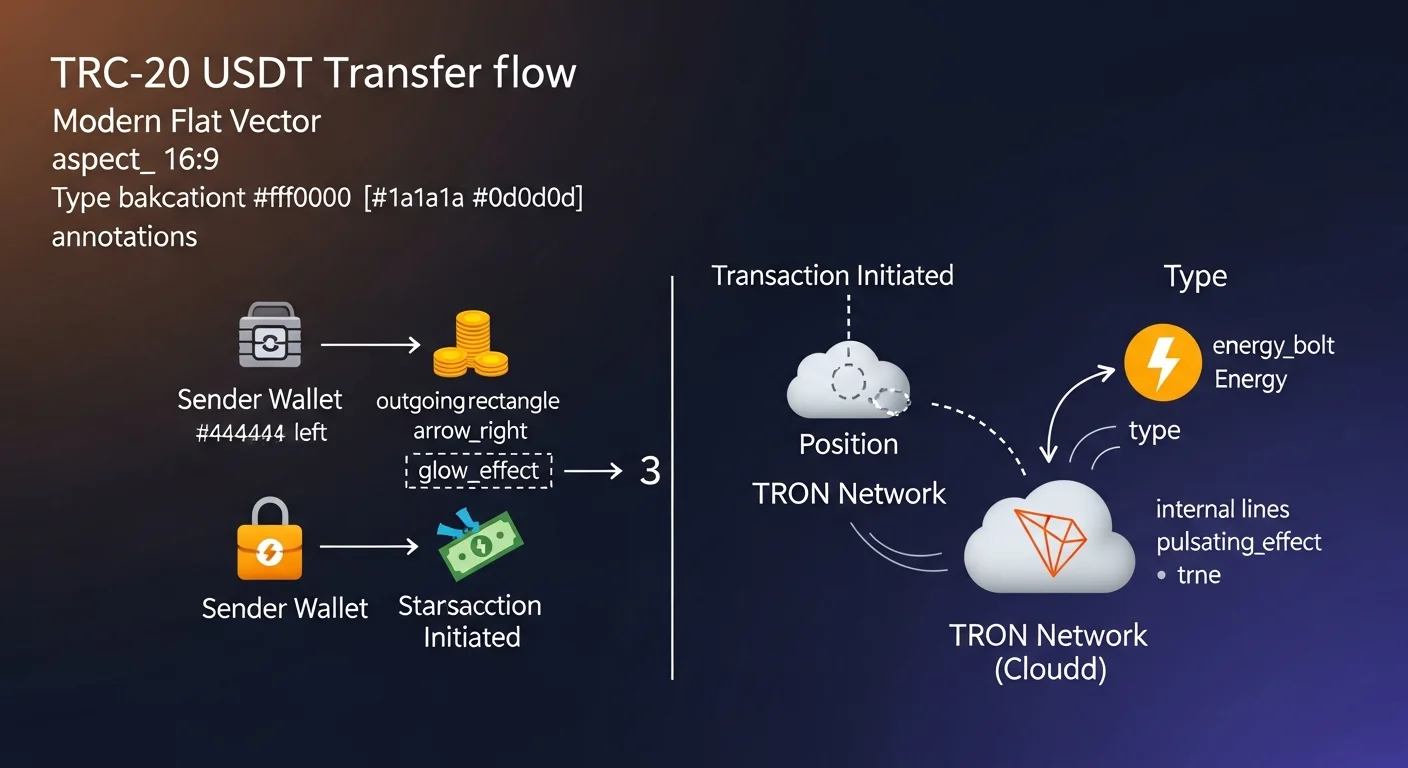
Once the wallet is funded and you have a small TRX balance, the actual transfer takes under a minute. The biggest risk is choosing the wrong network on the exchange side. Walk through these checks slowly the first few times.
Step 1: open the wallet and select USDT (TRC-20)
Inside TronLink or whichever wallet you use, find the USDT entry under your TRON address. Many wallets show multiple versions of USDT (Ethereum, BSC, TRON), so make sure you are clicking the one whose network is TRC-20 or that lives under your TRON account specifically. Tap or click Send or Transfer.
Step 2: paste the recipient's TRON address
A valid TRON address always starts with the letter T and is 34 characters long. If the address starts with 0x, it is an Ethereum or BSC address and will not work for TRC-20. Always copy and paste, never type by hand. After pasting, compare the first four and last four characters with the original. This check alone prevents most clipboard-based scam attacks.
Step 3: enter the amount and confirm the network
Type the amount of USDT to send. The wallet will show an estimate of the fee in TRX terms. Some wallets explicitly label the network as TRC-20 in the confirmation screen. If the network shown is anything other than TRC-20, stop and switch.
Step 4: review and send
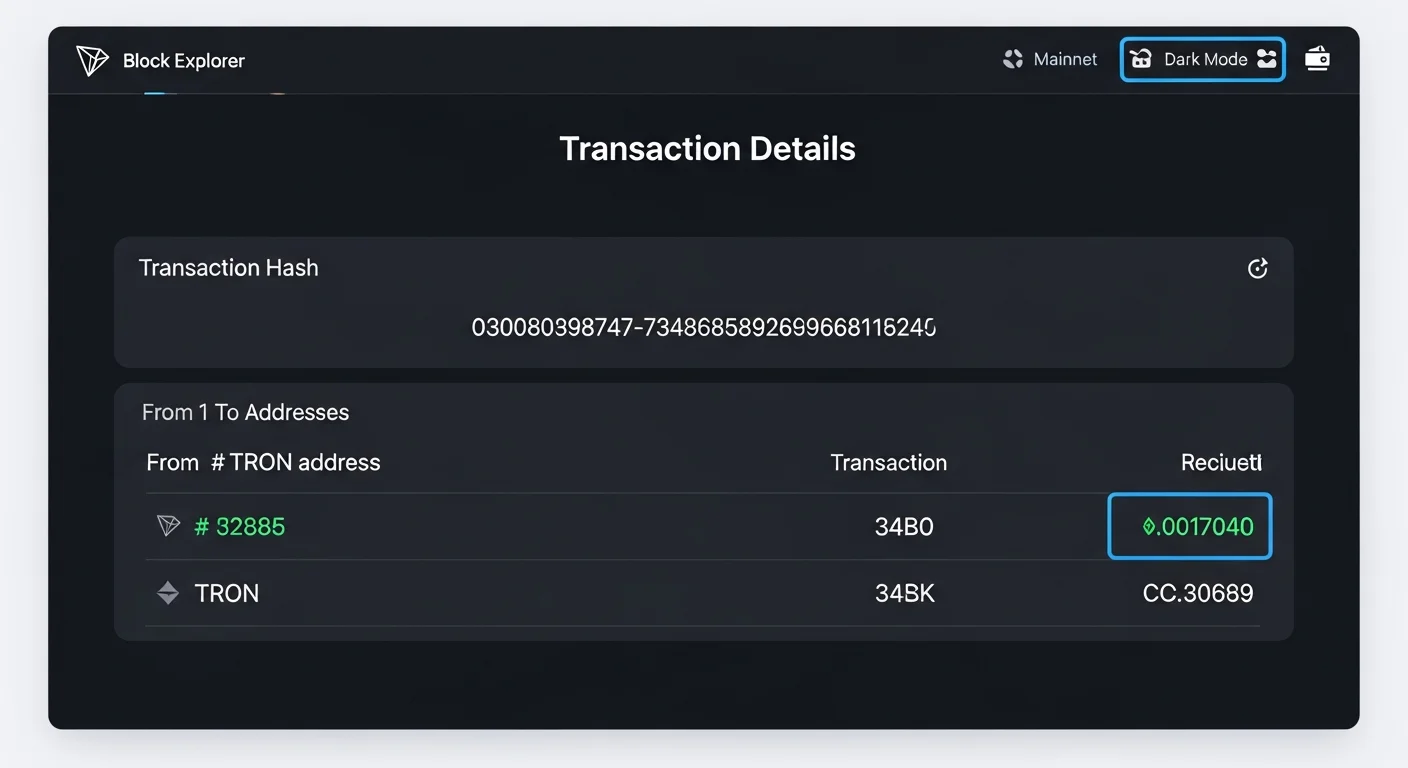
Review the destination, the amount, and the fee. Tap or click Confirm. The transaction enters the mempool and usually confirms in 3 to 10 seconds. The wallet shows a transaction hash you can paste into TRONSCAN to verify.
Energy, bandwidth and what you actually pay
TRON's fee model confuses most beginners because it is split into two resources: energy and bandwidth. Both are paid for in TRX, but the way they are spent differs.
What energy and bandwidth do
Energy is consumed by smart contract operations, including USDT transfers (USDT is a contract token on TRON). Bandwidth is consumed by the size of the transaction itself in bytes. For a USDT transfer, both resources are needed, but energy is usually the bigger cost driver. We have a deeper explainer in what are TRX energy and bandwidth.
Burning TRX vs staking TRX
If you do not have staked resources, the wallet burns TRX automatically to pay for energy and bandwidth. A typical USDT transfer burns about 13 to 30 TRX worth of energy, which at current prices is usually a couple of dollars. Power users stake TRX to receive recurring energy and bandwidth, which makes their USDT transfers effectively free for as long as the stake is active.
How to check before sending
Most TRON wallets show your remaining bandwidth (often around 600 free units a day) and your current energy. If both are zero or low, the wallet will fall back to burning TRX. That fallback is fine, but you should know it is happening so the deduction does not surprise you.
| Resource | What it covers | Typical use for USDT transfer |
|---|---|---|
| Bandwidth | Transaction size in bytes | Around 345 bandwidth units |
| Energy | Smart contract execution | Around 30,000 to 65,000 energy |
| TRX burn fallback | Used when staked resources are missing | Roughly 13 to 30 TRX |
Sending from a centralized exchange
If your USDT is on an exchange like Binance, Bybit, OKX, KuCoin, or Bitget, the steps are similar but the network choice screen is the place where most mistakes happen.
Pick TRC-20, not ERC-20 or BEP-20
When you click Withdraw on the exchange and select USDT, the exchange asks which network to use. Always select TRX, TRON, or TRC-20, depending on how the exchange labels it. Picking ERC-20 sends through Ethereum (much higher fee and slower). Picking BEP-20 sends through BSC and to a Binance Smart Chain address that will not work as a TRON address.
Match the network on both sides
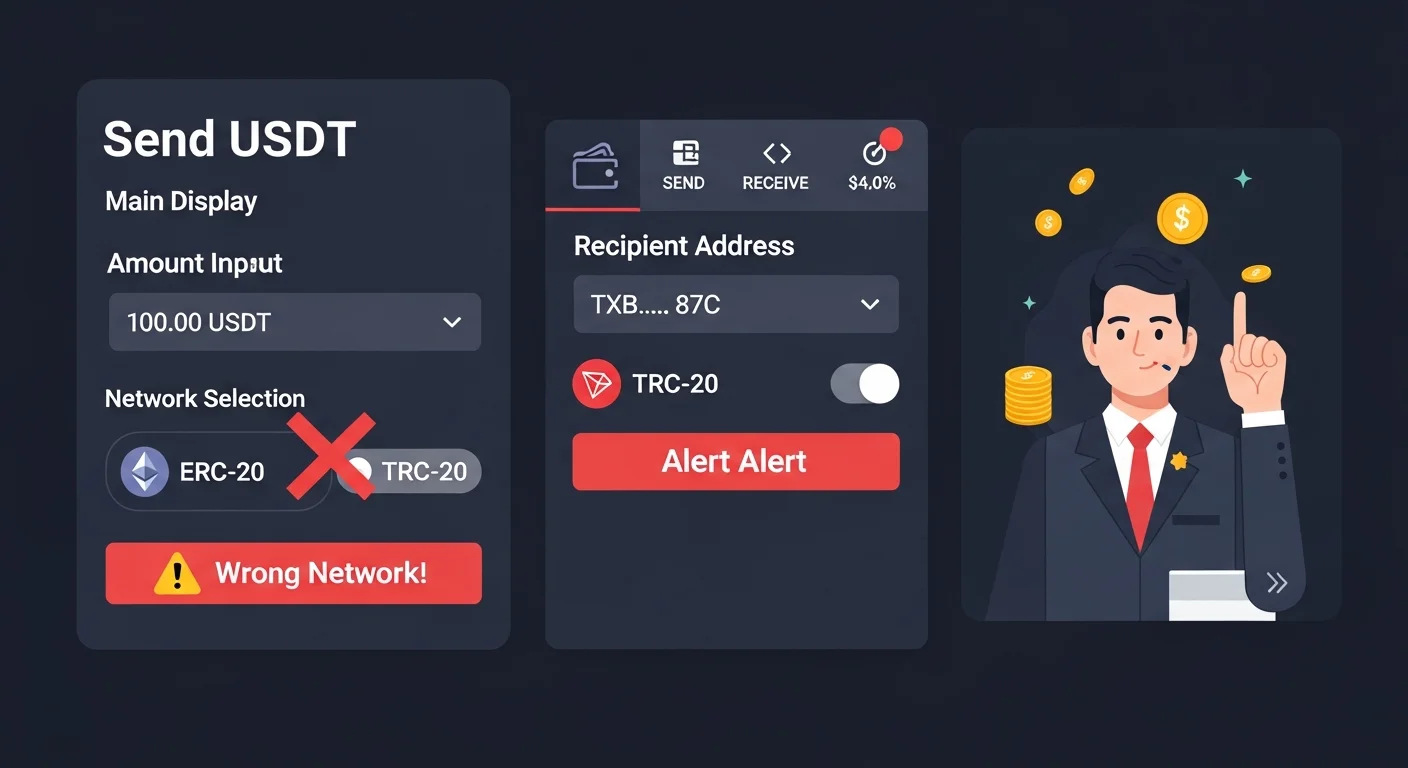
If your exchange withdraws on TRC-20, the receiving wallet must also be a TRON address. The clearest signal is that the address starts with T. Pasting an Ethereum 0x-address while using the TRC-20 network is a common way funds get lost.
Common mistakes that cause failed or lost transfers
Most stories of "I lost my USDT on TRON" come down to a small set of repeating mistakes.
- Wrong network selected. Sending TRC-20 USDT on the ERC-20 or BEP-20 network is the most common loss.
- Address mismatch. Sending to a 0x-address using TRC-20 means the funds end up at an unreachable address.
- Insufficient TRX for energy. The transfer is rejected by the network or the wallet refuses to broadcast it.
- Inactive new address. A brand-new TRON address may need a small initial transfer to activate. Some wallets warn about this.
- Clipboard hijack. Malware can swap the copied address. Always verify the first and last characters.
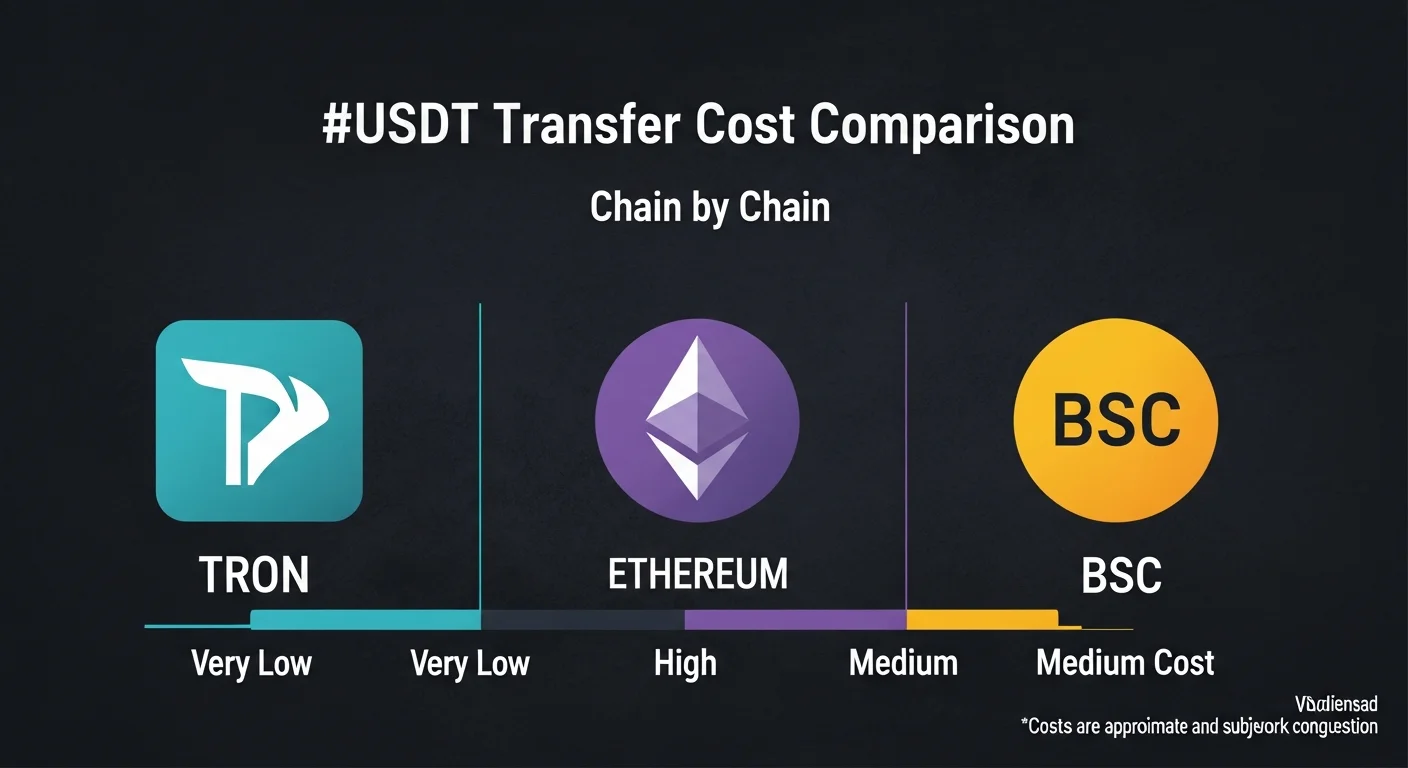
USDT transfer cost across chains
The reason TRON dominates retail USDT transfers is the cost gap. The same transfer on Ethereum mainnet can cost orders of magnitude more without offering any practical advantage to a regular user.
Practical workflow for first-time TRON users
- Install TronLink and write down the seed phrase offline. Never store it in a screenshot, email, or cloud note.
- Send a small test amount first. 1 USDT is enough to confirm the destination works.
- Confirm the transaction on TRONSCAN. Paste the hash and verify status, amount, and recipient.
- Top up TRX in advance. Even 50 to 100 TRX worth of energy buffer prevents annoying interruptions.
- For frequent transfers, stake TRX. Staking removes the per-transaction fee surprise.
Frequently asked questions
Why is sending USDT on TRON so cheap?
TRON has a different fee model based on energy and bandwidth, both denominated in TRX. The base resource cost is far lower than gas-based chains, which is why TRC-20 USDT became the default for retail dollar transfers.
Do I need to own TRX to send USDT on TRON?
Yes. Even though USDT is the asset being moved, the network fee is paid in TRX. Keep a small TRX balance or stake TRX for ongoing energy.
Can I send USDT TRC-20 to an Ethereum address?
No. TRC-20 lives on TRON only. Sending it to a 0x-address using TRC-20 is one of the most common ways funds get lost.
How long does USDT take to arrive on TRON?
Usually 3 to 10 seconds. If you are sending from a centralized exchange, the exchange may add an internal review window of a few minutes.
Is USDT on TRON safe?
The protocol mechanics are reliable for end-user transfers. The risks are user-side: wrong network, address typos, malware, or storing seed phrases insecurely.
Final takeaway: USDT on TRON is the workhorse of retail crypto payments because it is cheap, fast, and well-supported. The whole flow becomes routine once you confirm the network is TRC-20 on both sides and keep a small TRX buffer for energy.
Disclaimer: This guide is for educational purposes only and does not constitute investment, financial, legal, or trading advice. Always test with small amounts before sending large transfers.
Related Guides
- TRC-20 vs ERC-20: Complete USDT Comparison Guide (2026)
- Toncoin in 2026: Telegram Economy, Catchain 2.0 and USDT on TON
- What Is Tether (USDT): Complete Stablecoin Guide (2026)
- What Is a Stablecoin: Complete Guide to USDT, USDC, DAI (2026)
- USDT vs USDC vs DAI: Differences and Risks
Frequently Asked Questions
How do you send USDT on TRON using TRC-20?
You use a TRON-compatible wallet, select USDT, enter the recipient's TRON address, and confirm the transfer on the TRC-20 network. You also need enough resources or TRX to cover the network fee.
What is energy on the TRON network?
Energy is a network resource used to execute smart contract operations such as TRC-20 token transfers. You can obtain energy by staking TRX or pay the fee in TRX directly if you lack enough energy.
Why is sending USDT on TRON often cheap?
TRON is designed for low-cost transactions, and using staked resources like energy can reduce or cover transfer costs. Costs still depend on your available resources and network conditions.
What happens if I send TRC-20 USDT to the wrong network?
Sending to an address on an incompatible network can result in permanent loss of the funds. Always confirm both the address and that the recipient supports the TRC-20 network before sending.