How to Sell ETH on MetaMask in 2026: Cash Out and Off-Ramp Guide
Learn how to sell ETH on MetaMask in 2026, including swap vs off-ramp decisions, wallet transfers, and the safest way to cash out without network mistakes.
Selling ETH from MetaMask can be done via several methods, including swapping to stablecoins directly within MetaMask, using a Decentralized Exchange (DEX) like Uniswap, sending ETH to a Centralized Exchange, or utilizing MetaMask Portfolio's sell feature. Typical gas fees for these transactions are around $0.50-$3, with average swap times of 2-5 minutes across 10+ supported networks.
Table of Contents
- 1. Why Sell ETH from MetaMask
- 2. Swap ETH to Stablecoins Inside MetaMask
- 3. Swap on a DEX (Uniswap) via MetaMask
- 4. Send ETH to a Centralized Exchange
- 5. Use MetaMask Portfolio to Sell
- 6. Gas Fee Optimization Tips
- 7. Tax Implications of Selling ETH
- 8. Common Mistakes When Selling
- 9. Frequently Asked Questions
- 10. Related Tutorials
4
Methods Covered
~$0.50-$3
Typical Gas Fee (2026)
2-5 min
Average Swap Time
10+
Supported Networks
Why Sell ETH from MetaMask
There are several legitimate reasons you might want to sell ETH sitting in your MetaMask wallet. Knowing your "why" helps you pick the right method.
Taking profits. ETH hit a price target you set, and you want to lock in gains before a potential pullback. Swapping to stablecoins inside MetaMask is the fastest way to do this without leaving DeFi.
Moving to stablecoins. You want to park value in USDC or DAI while you wait for a better entry. This keeps your funds on-chain and ready to deploy without the delays of centralized exchanges.
Cashing out to fiat. You need actual dollars (or euros, or whatever your local currency is) in your bank account. This requires sending ETH to a centralized exchange like Coinbase, Binance, or Bybit, selling it there, and withdrawing fiat.
Paying for something. You owe taxes, need to cover a bill, or just want to spend your gains. Whatever the reason, you need a clear exit path from ETH to cash.
This guide covers every method available in 2026 - from in-wallet swaps to full fiat off-ramps. Pick the one that fits your situation and follow the steps.
Pros of Selling from MetaMask
- Full custody of your keys until the moment you sell
- Multiple methods available (swap, DEX, CEX, portfolio)
- Built-in swap aggregator finds competitive rates
- No KYC needed for on-chain swaps to stablecoins
- Works on Ethereum mainnet plus L2 networks
Cons / Things to Watch
- Gas fees on Ethereum mainnet can spike unexpectedly
- Slippage on large trades if liquidity is thin
- Fiat off-ramp still requires a centralized exchange
- MetaMask swap fee is 0.875% on top of gas
- Tax events are triggered on every swap or sale
Method 1: Swap ETH to Stablecoins Inside MetaMask
The simplest way to "sell" ETH without leaving your wallet is to swap it for a stablecoin like USDC, USDT, or DAI. You stay on-chain, keep self-custody, and lock in a dollar value. Here is exactly how to do it.
Step-by-Step: MetaMask Built-in Swap
Step 1: Open MetaMask and select the right network. Launch MetaMask (browser extension or mobile app). Make sure you are on Ethereum Mainnet at the top of the screen. If you hold ETH on an L2 like Arbitrum or Optimism, switch to that network - gas fees will be much cheaper there.
Step 2: Click the Swap button. On the main wallet screen, you will see a "Swap" button between "Send" and "Bridge." Click it. This opens MetaMask's built-in swap aggregator, which pulls quotes from multiple DEXs to find you the best rate.
Step 3: Set up your swap. In the "Swap from" field, ETH should already be selected. In the "Swap to" field, search for and select your target stablecoin - USDC is the most common choice. Enter the amount of ETH you want to swap.
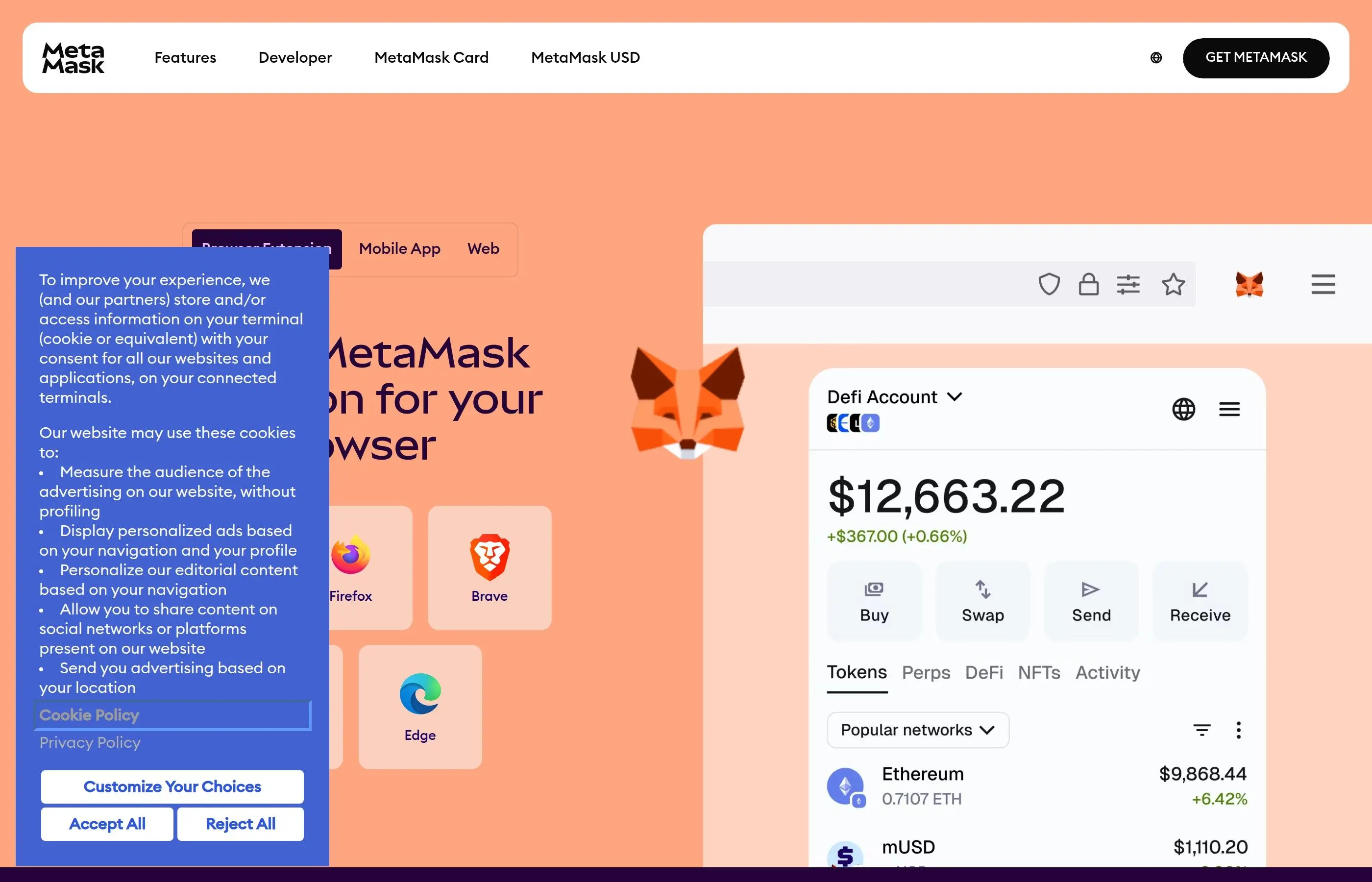
Step 4: Check the quote and slippage. MetaMask will display the estimated amount of USDC you will receive, the gas fee estimate, and the MetaMask swap fee (0.875%). Click the gear icon to check your slippage tolerance. For stablecoin swaps, 0.5% slippage is usually fine. If you are swapping a large amount (more than $10,000), consider lowering it to 0.3%.
Step 5: Review and confirm. Click "Review swap" to see the final breakdown. Double-check the output amount, the gas fee, and the exchange rate. If everything looks good, click "Swap." MetaMask will prompt you to confirm the transaction. Click "Confirm" in the popup.
Step 6: Wait for confirmation. The swap usually takes 15-45 seconds on Ethereum mainnet. Once confirmed, your USDC (or other stablecoin) will appear in your wallet. If you do not see it, click "Import tokens" and add the stablecoin contract address manually.
Pro Tip: Slippage Settings
For ETH-to-stablecoin swaps, 0.5% slippage works for most trade sizes. If you are swapping more than $50,000 worth, split it into multiple smaller trades to reduce price impact. For a deep dive on slippage, read our complete slippage guide.
When to Use This Method
- You want to exit ETH quickly without moving funds off-chain
- You plan to re-enter ETH later and want funds ready in your wallet
- You prefer self-custody and do not want to send ETH to an exchange
- You are on an L2 network where gas fees are negligible
Method 2: Swap on a DEX (Uniswap) via MetaMask
If you want more control over your swap - or if you are trading a token that MetaMask's built-in swap does not support well - you can connect MetaMask directly to a decentralized exchange like Uniswap, SushiSwap, or 1inch.
Uniswap is the most popular choice, so we will use it as the example. The process is nearly identical on other DEXs.
Step-by-Step: Selling ETH on Uniswap
Step 1: Go to Uniswap. Open your browser and navigate to app.uniswap.org. Always type the URL directly or use a bookmark. Never click swap links from emails, DMs, or social media - phishing sites that look identical to Uniswap are everywhere.
Step 2: Connect your MetaMask wallet. Click "Connect Wallet" in the top-right corner. Select MetaMask from the list. A MetaMask popup will appear asking you to approve the connection. Click "Connect." Uniswap will now show your ETH balance.
Step 3: Set up the trade. In the swap interface, set the top token (you are selling) to ETH. Set the bottom token (you are buying) to USDC, USDT, DAI, or whatever token you want. Enter the amount of ETH to sell. Uniswap will fetch a real-time quote.
Step 4: Check the details. Expand the swap details to see:
- Price impact - should be under 0.5% for most ETH swaps
- Minimum received - the worst case amount you will get after slippage
- Network fee - the gas cost in ETH
- Route - which liquidity pools Uniswap routes through
Step 5: Approve and swap. If this is your first time swapping a particular token, you may need to approve it first (this is a separate transaction). For selling ETH, no approval is needed - just click "Swap," review the confirmation popup, and click "Confirm Swap." Then confirm the transaction in MetaMask.
Step 6: Track the transaction. Click the transaction link to view it on Etherscan. Once it shows "Success," your stablecoins are in your wallet.
Why Use a DEX Instead of MetaMask Swap?
MetaMask charges a 0.875% service fee on swaps. If you go directly to Uniswap, you skip that fee and only pay the standard 0.3% (or 0.05% on concentrated liquidity pools) plus gas. On a $10,000 swap, that saves you roughly $58. For a full walkthrough, see our Uniswap tutorial.
Method 3: Send ETH to a Centralized Exchange and Sell for Fiat
If your goal is actual cash in your bank account, you will need to use a centralized exchange (CEX) as your off-ramp. The process is: send ETH from MetaMask to the exchange, sell it for USD/EUR/GBP, then withdraw fiat to your bank.
We will cover the three most popular exchanges: Coinbase, Binance, and Bybit. The steps are almost identical across all of them.
Step-by-Step: Selling ETH via Coinbase
Step 1: Get your Coinbase ETH deposit address. Log into Coinbase. Go to "Receive" or "Deposit." Select Ethereum (ETH). Select the Ethereum network (not Base, not Arbitrum - unless you are specifically sending from those L2s and Coinbase supports it). Copy the deposit address. Triple-check the address starts with "0x" and matches what Coinbase displays.
Step 2: Send ETH from MetaMask. Open MetaMask. Click "Send." Paste the Coinbase deposit address. Enter the amount of ETH you want to send. Review the gas fee. Click "Next" and then "Confirm."
Critical Warning: Check the Network
If your MetaMask is set to Arbitrum, Polygon, or another L2, you will send ETH on that network. If the exchange does not support deposits on that network, your funds could be lost or stuck. Always confirm the network in MetaMask matches the deposit network shown on the exchange. When in doubt, use Ethereum Mainnet.
Step 3: Wait for the deposit to arrive. Coinbase typically requires 20-30 confirmations for ETH deposits, which takes about 5-10 minutes. Binance and Bybit may vary. You will see a "Pending" status on the exchange until confirmations are complete.
Step 4: Sell ETH on the exchange. Once your deposit is confirmed, go to the trading section. Select the ETH/USD (or ETH/EUR, etc.) trading pair. Choose "Market order" for an instant sale at the current price, or "Limit order" to set your own price. Enter the amount and click "Sell."
Step 5: Withdraw fiat to your bank. Go to "Withdraw" or "Cash out." Select your linked bank account. Enter the amount. Confirm the withdrawal. Processing time varies:
- Coinbase: ACH takes 1-3 business days; wire transfer same day or next day
- Binance: SEPA takes 1-2 business days; some regions support instant withdrawal
- Bybit: Depends on your region and payment method; P2P is also an option
Comparing Exchanges for ETH Off-Ramp
For a detailed comparison of self-custody vs exchange wallets, check our Coinbase vs MetaMask guide.
Method 4: Use MetaMask Portfolio to Sell
MetaMask Portfolio (portfolio.metamask.io) is MetaMask's web dashboard that gives you a unified view of all your assets across chains. It also includes sell, swap, bridge, and stake features in one interface.
Step-by-Step: Selling via MetaMask Portfolio
Step 1: Go to portfolio.metamask.io. Open your browser and visit portfolio.metamask.io. Connect your MetaMask wallet when prompted.
Step 2: Navigate to the Sell section. In the left sidebar or top navigation, look for "Sell" or "Cash out." MetaMask Portfolio partners with third-party providers to let you sell ETH directly for fiat. Availability depends on your region.
Step 3: Select ETH and your currency. Choose ETH as the asset you want to sell. Select your local currency (USD, EUR, GBP, etc.). Enter the amount. The portfolio will show you quotes from available providers in your region.
Step 4: Choose a provider and complete KYC. Select the provider offering the best rate. If this is your first time, you will need to complete identity verification (KYC) with that provider. This is a one-time process that usually takes a few minutes.
Step 5: Confirm the sale. Review the final amount you will receive, including all fees. Approve the transaction in MetaMask. The provider will process the sale and send fiat to your linked payment method.
Using MetaMask Portfolio for Cross-Chain Selling
One of the biggest advantages of MetaMask Portfolio is its bridge feature. If you hold ETH on Arbitrum but the sell provider only supports Ethereum mainnet, you can bridge first and sell second - all within the same interface.
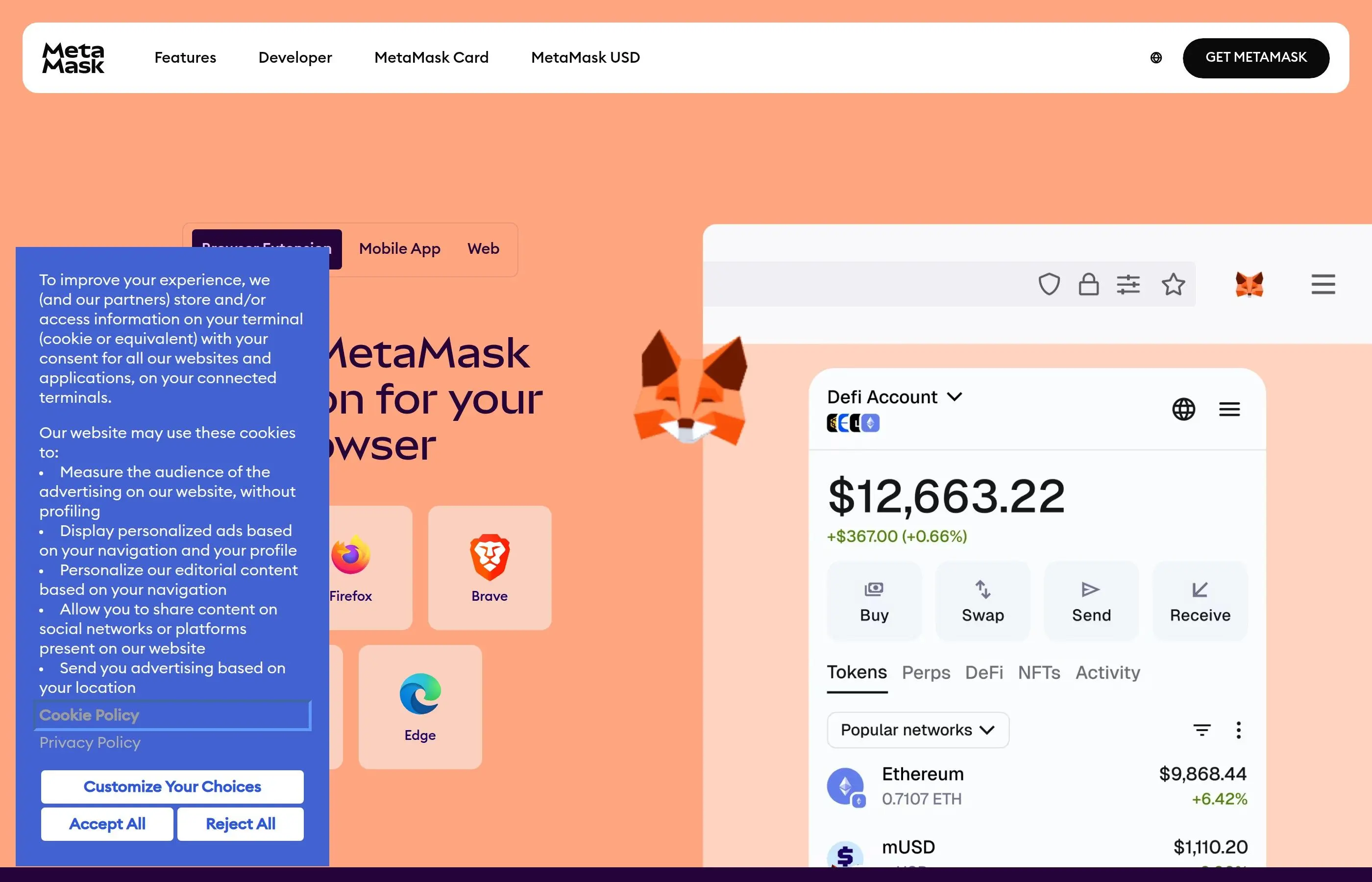
The bridge aggregator pulls quotes from multiple bridge protocols (Stargate, Across, Hop, etc.) and shows you the cheapest and fastest option. Bridge times vary from 1-15 minutes depending on the source and destination chains.
Portfolio Sell Availability
The "Sell" feature on MetaMask Portfolio is not available in all countries. As of 2026, it works in the US, UK, and most of the EU. If the sell option does not appear for you, use Method 3 (centralized exchange) instead.
Gas Fee Optimization Tips
Gas fees can eat into your sale proceeds if you are not careful. On Ethereum mainnet, a simple swap can cost anywhere from $0.50 during quiet periods to $30+ during network congestion. Here is how to minimize that cost.
When to Sell: Timing Your Transaction
Gas prices follow predictable patterns based on network activity. The cheapest times to transact on Ethereum mainnet are typically:
- Weekends - especially Saturday and Sunday mornings (UTC)
- Late night / early morning US time - between 2 AM and 6 AM EST
- Midweek off-hours - Tuesday and Wednesday tend to be cheaper than Monday or Friday
Avoid transacting during major market events (ETH price crashes, big token launches, NFT mints) because gas spikes dramatically when everyone rushes to trade at the same time.
Gas Trackers to Use
Before you hit "Confirm" on any transaction, check current gas prices:
- Etherscan Gas Tracker (etherscan.io/gastracker) - shows low, average, and high gas prices in real time
- Blocknative Gas Estimator - gives 90th and 99th percentile estimates for faster inclusion
- MetaMask itself - the "Market" gas setting in MetaMask usually picks a reasonable price, but you can switch to "Low" if you are not in a hurry
Use L2 Networks to Save 90%+ on Gas
The single biggest gas saver is to not use Ethereum mainnet at all. Layer 2 networks like Arbitrum, Optimism, Base, and zkSync offer the same swap functionality at a fraction of the cost. Typical gas fees on L2s in 2026:
If your ETH is on mainnet and you want to move it to an L2 first, use the MetaMask bridge feature or a dedicated bridge like Stargate. The bridge fee is a one-time cost, and you will save on every transaction after that. For more on gas fees, see our complete gas fees guide.
Tax Implications of Selling ETH
Every time you sell, swap, or trade ETH, it is a taxable event in most countries. This applies whether you swap ETH for USDC on a DEX, sell ETH for dollars on Coinbase, or trade ETH for another token. The tax authority does not care which method you use - if you disposed of ETH, you owe taxes on any gains.
Capital Gains Basics
Short-term capital gains: If you held your ETH for less than one year before selling, your profit is taxed at your ordinary income tax rate. In the US, that can be anywhere from 10% to 37% depending on your tax bracket.
Long-term capital gains: If you held your ETH for more than one year, you qualify for lower tax rates. In the US, long-term rates are 0%, 15%, or 20% depending on your income level.
How gains are calculated: Your gain (or loss) equals the sale price minus your cost basis. Your cost basis is what you originally paid for the ETH, including any fees. For example, if you bought 1 ETH at $2,000 and sold it at $3,500, your capital gain is $1,500.
What You Should Track
- Date and price when you originally acquired the ETH
- Date and price when you sold or swapped the ETH
- Gas fees paid (these can be added to your cost basis in many jurisdictions)
- The specific method used (swap, sale, trade)
Tax Tracking Tools
Use a crypto tax tool like Koinly, CoinTracker, or TokenTax to automatically import your MetaMask transactions and calculate your tax obligations. These tools can read your wallet address directly from the blockchain and categorize every transaction. This is not tax advice - consult a qualified tax professional for your specific situation.
Common Mistakes When Selling ETH
These are the errors that cost people money every day. Avoid them and your selling experience will be smooth.
Mistake 1: Sending ETH on the Wrong Network
This is the number one cause of lost funds. You copy your Coinbase deposit address, but your MetaMask is set to Polygon. You send ETH on Polygon, but Coinbase expects it on Ethereum mainnet. The result: your funds are stuck, and recovery (if possible at all) can take weeks and require support tickets.
Fix: Always verify the network in MetaMask matches the deposit network on the exchange. The network name appears at the top of the MetaMask window. If you are unsure, switch to Ethereum Mainnet - it is supported everywhere.
Mistake 2: Setting Slippage Too High
Setting slippage to 5% or higher on a stablecoin swap is throwing money away. Front-running bots watch for high-slippage transactions and sandwich your trade, taking the maximum amount your slippage allows.
Fix: Use 0.3%-0.5% slippage for ETH-to-stablecoin swaps. Only increase slippage for volatile or low-liquidity tokens, and even then, 1%-3% is usually enough.
Mistake 3: Approving Unlimited Token Spending
When interacting with DEXs, you are often asked to "approve" the smart contract to spend your tokens. Some dApps request unlimited approval by default. If that contract is later exploited, an attacker could drain your entire token balance.
Fix: In MetaMask, when the approval popup appears, click "Edit" next to the approval amount and set it to only the amount you are swapping. Alternatively, revoke old approvals regularly using revoke.cash.
Mistake 4: Falling for Fake Support or Phishing
After posting about a swap problem on Twitter or Discord, someone DMs you pretending to be "MetaMask Support" and asks you to "validate your wallet" by entering your seed phrase on a website. This is always a scam. MetaMask support will never DM you first and will never ask for your seed phrase.
Fix: Never share your seed phrase with anyone, ever. There is no legitimate reason for anyone to ask for it. Official MetaMask support is only available through support.metamask.io.
Mistake 5: Not Keeping Enough ETH for Gas
You try to swap your entire ETH balance to USDC, but the transaction fails because there is nothing left to pay the gas fee. Now you have wasted gas on a failed transaction.
Fix: Always leave a small amount of ETH in your wallet for gas. On mainnet, keep at least 0.005 ETH. On L2s, 0.001 ETH is usually more than enough.
Mistake 6: Ignoring Price Impact on Large Swaps
Swapping $100,000 of ETH to USDC in a single trade on a DEX can cause significant price impact, meaning you get a worse rate than the displayed price. The larger the trade relative to the pool's liquidity, the more you lose to slippage.
Fix: For swaps over $10,000, split them into multiple smaller trades. Use aggregators like 1inch or Paraswap that automatically route through multiple pools to minimize price impact. Or use a limit order feature if the DEX supports it.
Frequently Asked Questions
Can I sell ETH directly for cash from MetaMask?
Not directly from the wallet extension itself. MetaMask Portfolio (portfolio.metamask.io) does offer a "Sell" feature in supported regions that lets you convert ETH to fiat through third-party providers. Otherwise, you need to send ETH to a centralized exchange like Coinbase, sell it there, and withdraw to your bank. There is no way to go from MetaMask to your bank account in a single step without an intermediary.
What is the cheapest way to sell ETH from MetaMask?
If you are swapping to stablecoins, the cheapest method is using a DEX like Uniswap directly (skipping MetaMask's 0.875% swap fee) on an L2 network like Arbitrum or Base where gas costs under $0.10. If you are selling for fiat, Binance has the lowest trading fees at 0.1%. The total cost depends on gas fees, swap fees, trading fees, and withdrawal fees combined.
How long does it take to sell ETH and get cash in my bank?
The on-chain part (sending ETH to the exchange) takes 5-10 minutes. Selling on the exchange is instant with a market order. The fiat withdrawal is the slowest part: ACH transfers in the US take 1-3 business days, SEPA in Europe takes 1-2 days, and wire transfers can arrive same day. Total time from "I want to sell" to "money in my bank" is typically 1-3 business days.
Is swapping ETH to USDC considered selling?
Yes, from a tax perspective. Swapping ETH for USDC (or any other token) is a taxable event in the US and most other countries. You are disposing of ETH and receiving something of value in return. The IRS treats this the same as selling ETH for dollars. You need to calculate your gain or loss based on your cost basis.
What if my ETH is on Arbitrum or another L2 - can I still sell it?
Absolutely. You have two options. First, you can swap ETH to stablecoins directly on the L2 using a DEX like Uniswap (which runs on all major L2s). Gas will be very cheap. Second, you can send ETH from your L2 directly to an exchange that supports deposits on that network - Coinbase supports Arbitrum, Optimism, and Base deposits. If the exchange does not support your L2, bridge to mainnet first using MetaMask Portfolio's bridge feature.
Do I need to pay gas fees when selling ETH?
Yes, every on-chain transaction requires gas. Swapping on a DEX costs gas. Sending ETH to an exchange costs gas. Bridging between networks costs gas. The only step that does not cost gas is the actual sale on a centralized exchange (that is an off-chain order book). On Ethereum mainnet, expect $1-$5 for a simple transfer and $3-$15 for a swap during normal conditions. On L2s, the same actions cost a few cents.
Can I sell all my ETH or do I need to keep some?
You need to keep a small amount of ETH to pay the gas fee for the transaction itself. If you try to send or swap your entire balance, the transaction will fail because there is nothing left to cover gas. Keep at least 0.005 ETH on mainnet or 0.001 ETH on L2 networks. MetaMask will warn you if your balance is too low to cover the transaction plus gas.
Is it safe to sell ETH from MetaMask?
Yes, as long as you follow basic security practices. Use only official websites (bookmark them). Never share your seed phrase. Verify deposit addresses carefully before sending. Use hardware wallets like Ledger for large holdings - they work with MetaMask and add an extra layer of security. The biggest risk is user error (wrong network, phishing, etc.), not a flaw in MetaMask itself. See our complete MetaMask tutorial for full security guidance.
Related Tutorials
Expand your knowledge with these related guides:
How to Use MetaMask Wallet
Complete 2026 tutorial covering setup, security, networks, and daily usage.
Slippage Explained
How to set slippage correctly on any DEX to avoid front-running and failed trades.
How to Use Uniswap
Complete swap tutorial with advanced features like limit orders and multi-hop routes.
Coinbase vs MetaMask
The 2026 master comparison - when to use each and how they work together.
What Are Gas Fees?
Complete guide to understanding, estimating, and reducing gas costs on Ethereum.
Frequently Asked Questions
How do I sell ETH directly from MetaMask?
MetaMask is a non-custodial wallet and does not directly support selling cryptocurrency for fiat. You will need to send your ETH to a cryptocurrency exchange to sell it.
What is the process to sell ETH from MetaMask?
First, transfer your ETH from MetaMask to a centralized exchange like Coinbase or Binance. Once on the exchange, you can place a sell order for your ETH.
What exchanges can I use to sell ETH from MetaMask?
Popular exchanges that support selling ETH include Coinbase, Binance, Kraken, and Gemini. Choose an exchange that operates in your region and supports fiat withdrawals.
Are there fees involved when selling ETH from MetaMask?
While MetaMask itself does not charge fees for sending ETH, you will incur network transaction fees (gas fees) to move your ETH. Exchanges also charge trading and withdrawal fees.
How long does it take to sell ETH and get fiat currency?
The time varies depending on the exchange and your chosen withdrawal method. Selling ETH on an exchange is typically quick, but fiat withdrawals can take several business days.