How to Use Coinbase Wallet: Self-Custody and dApp Guide (2026)
— By Tony Rabbit in Tutorials
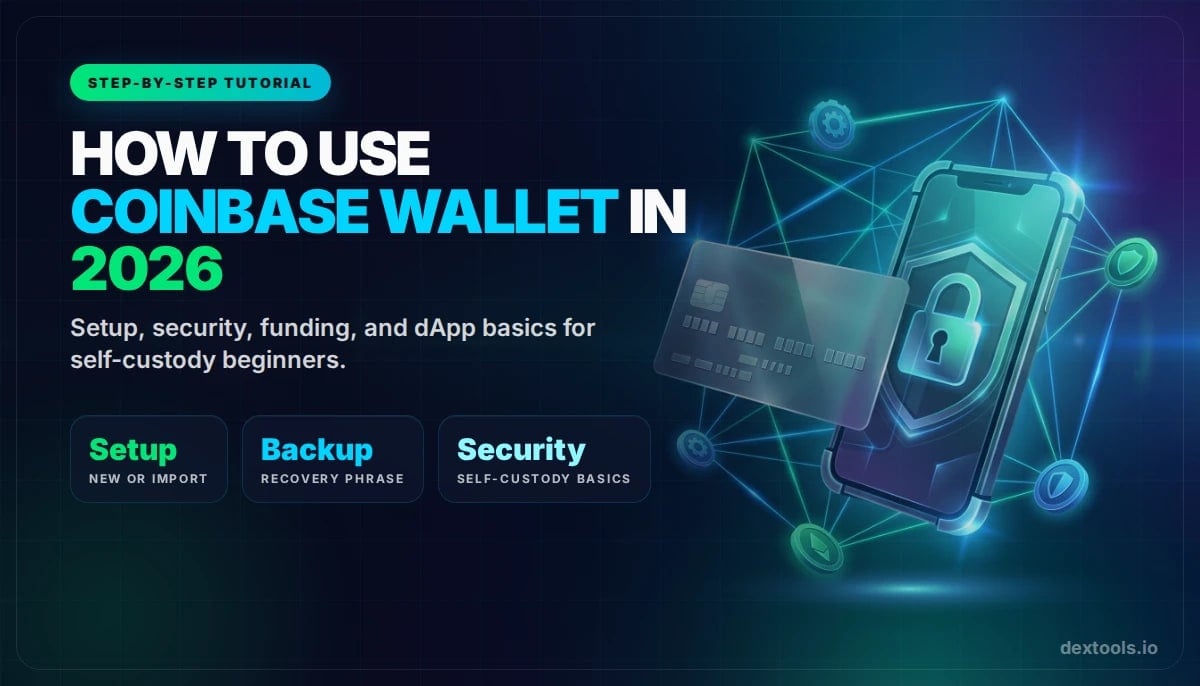
Learn how to use Coinbase Wallet in 2026 for self-custody, dApp connections, on-chain asset storage, and safer setup inside the broader Coinbase ecosystem.
Coinbase Wallet is Coinbase's self-custody wallet, which means you control the wallet keys, not the exchange. That makes it very different from leaving funds inside the regular Coinbase app or Advanced Trade account.
This tutorial is built for search intent that is actually useful: how to set up Coinbase Wallet, how to fund it safely, how to connect it to dApps, and what beginners should never do with a self-custody wallet.
Where this page fits Use this page when you specifically want Coinbase Wallet as a self-custody product, not the custodial Coinbase exchange app. If you need the generic first-wallet setup, read How to Create a Crypto Wallet. If you want a broader multi-chain beginner wallet, compare with Trust Wallet.
Quick answer
- Use Coinbase Wallet if you want self-custody, dApp access, and direct control over your assets.
- Do not confuse Coinbase Wallet with the custodial Coinbase exchange account.
- Back up your recovery phrase before funding anything, then start with a small transfer.
What Is Coinbase Wallet?
Coinbase Wallet is a separate self-custody wallet app and browser extension. Unlike the main Coinbase exchange, it gives you direct control over your wallet and lets you connect to dApps, hold on-chain assets, and interact with DeFi and NFTs more directly.
The key distinction is simple:
Coinbase products, explained simply
If you want the broader exchange walkthrough first, read our Coinbase beginner guide. If you specifically want self-custody, keep going here.
Coinbase Wallet setup flow
Step 1: Install Coinbase Wallet the Right Way
Install Coinbase Wallet only from official app stores or the official Coinbase Wallet page. Do not trust random ads, sponsored app clones, or browser extension lookalikes.
Once installed, choose whether to create a new wallet or import an existing recovery phrase. If you are brand new, creating a fresh wallet is usually the cleanest route.
Step 2: Back Up Your Recovery Phrase Before Funding
This is the single most important part of the setup. If your wallet is self-custody, recovery is your responsibility. If you lose the recovery phrase, forget the backup, or store it somewhere unsafe, support cannot magically recover your assets for you.
If you need more wallet-security context, see our seed phrase recovery guide.
Step 3: Fund Coinbase Wallet Safely
You can fund Coinbase Wallet by receiving crypto from another wallet or exchange, or by using supported buy flows inside the app. For beginners, the safest method is often a small test transfer first, especially if you are sending from an exchange.
Best funding route by situation
Step 4: Connect Coinbase Wallet to dApps Carefully
One of the biggest reasons to use Coinbase Wallet is dApp access. That can include swaps, on-chain analytics, NFT platforms, and Base ecosystem apps. But connecting a wallet to a dApp is also where many users approve risky contracts too casually.
Before approving any connection:
- Make sure the site is the correct official domain
- Read the signature or approval request carefully
- Do not approve unlimited token permissions unless necessary
- Disconnect from apps you no longer use
If you want to explore Base after setup, our Base Chain beginner guide is the logical next step.
Step 5: Use Coinbase Wallet for Swaps, Sends, and On-Chain Research
Once funded, Coinbase Wallet becomes the tool you use to hold assets, send tokens, receive tokens, and connect to on-chain apps. That does not mean you should trade blindly. Use the wallet for execution, but use research tools before interacting with new tokens.
Common Coinbase Wallet Mistakes to Avoid
Beginner mistakes that hurt the most
Coinbase Wallet vs MetaMask
This is one of the most common wallet decisions. Coinbase Wallet is a strong beginner-friendly self-custody option. MetaMask remains a very common default for EVM usage and developer-style web3 activity. If you want the deep comparison, see our Coinbase vs MetaMask guide.
If you simply want a starting recommendation: Coinbase Wallet is a clean choice for beginners who want an easier first self-custody experience. MetaMask is often the more universal default for EVM power users.
Frequently Asked Questions
Is Coinbase Wallet the same as Coinbase?
No. Coinbase Wallet is a self-custody wallet. The regular Coinbase exchange account is custodial.
Can Coinbase Wallet hold multiple assets?
Yes, it is designed to hold multiple supported assets and connect to on-chain apps, but always verify the current network and token support inside the wallet.
Is Coinbase Wallet good for beginners?
Yes, as long as the beginner understands the self-custody tradeoff: convenience plus control also means personal responsibility for security.
Should I keep all my funds in Coinbase Wallet?
For active on-chain use, maybe. For larger long-term holdings, many users prefer to combine a hot wallet with a hardware-wallet strategy.
Related reading
Disclaimer: This article is for educational purposes only and does not constitute investment, tax, or legal advice. Coinbase Wallet features and supported networks can change over time. Always verify live details inside the app before making important transactions.