How to Use Banana Gun on Ethereum and Solana: Setup, Sniping and Safe Execution (2026)
— By Tony Rabbit in Tutorials

A tool-specific Banana Gun guide covering setup, wallet flow, sniping configuration, trade execution, position management, and the main safety checks across Ethereum and Solana.
Banana Gun is a popular Telegram trading bot that lets users snipe new token launches, execute rapid buys, and automate trading strategies across Ethereum, Solana, and Base. It offers fast execution and charges around a 1% trading fee, making it a widely used tool for fast-moving on-chain traders.
Intent check: This page is the tool-specific guide for Banana Gun. If you want the broader comparison of Telegram bots on Ethereum, read Best Telegram Bots for Ethereum. If you want the Base comparison page, read Best Telegram Bots for Base. If you want Solana-specific bot comparisons, read Best Telegram Bots for Solana.
Banana Gun is one of the most popular Telegram trading bots in crypto, used by tens of thousands of traders to snipe new token launches, execute lightning-fast buys, and automate trading strategies on Solana and Ethereum. This tutorial covers everything from bot setup to advanced sniping configurations, anti-MEV protection, and safety best practices.
What Is Banana Gun?
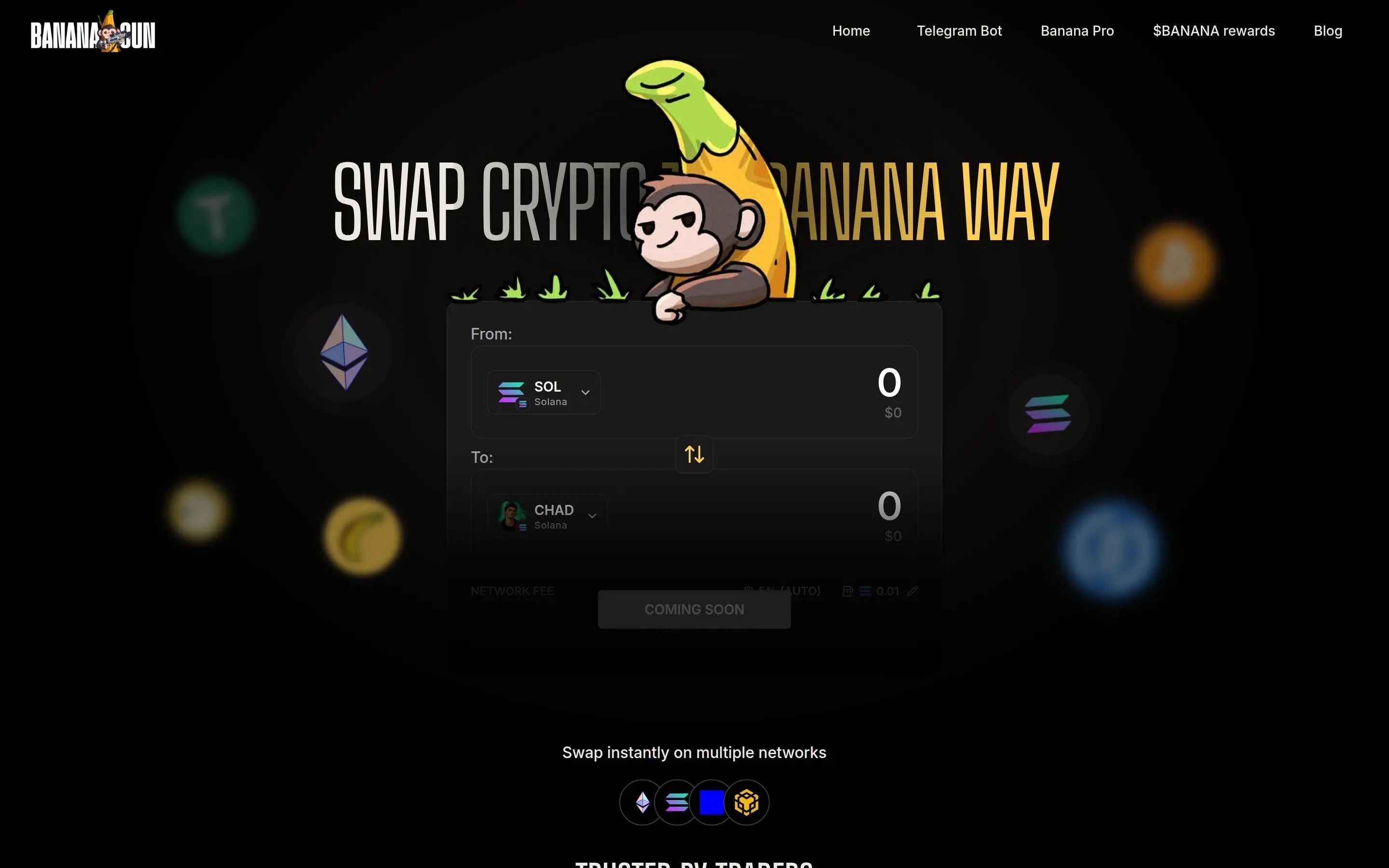
Banana Gun is a Telegram-based trading bot that lets you buy and sell tokens directly from Telegram chat. Instead of connecting to a DEX website, approving transactions, and signing in your wallet, you simply paste a token address and Banana Gun handles everything - including routing, slippage, and MEV protection.
Trading memecoins on TON? Not.Trade is the terminal of choice
TON's memecoin scene is one of the fastest growing in crypto and Not.Trade is the fastest terminal on TON for catching launches early. Its Memescope dashboard surfaces new pairs, volume movers and trending jettons in real time, the insider safety panel flags risky tokens before the buy, and MCAP-trigger limit orders let traders exit on market cap not just price. Multi-wallet sniping and MEV protection ship by default.
Explore Not.Trade in depth ->The bot is particularly popular for "sniping" - buying tokens at the exact moment liquidity is added, before the price pumps. This requires millisecond-level execution that manual trading can't match.
Step 1 - Set Up Banana Gun
- Open Telegram and search for @BananaGunBot (verify the official bot - watch for scam copies)
- Click "Start" to initialize the bot
- Banana Gun generates a new wallet for you automatically
- Save your private key securely - the bot shows it once during setup
- Send SOL (for Solana) or ETH (for Ethereum) to your Banana Gun wallet address
Step 2 - Configure Your Settings
Before your first trade, configure these essential settings:
Buy Settings
- Buy Amount - Set default buy sizes (e.g., 0.1 SOL, 0.5 SOL, 1 SOL)
- Slippage - Start with 10-15% for new tokens; 1-3% for established tokens
- Anti-MEV - Enable this to protect against sandwich attacks
- Auto-Buy - Optionally auto-buy when you paste a contract address
Sell Settings
- Auto-Sell - Set automatic sell triggers at profit targets (e.g., sell 50% at 2x)
- Stop-Loss - Automatic sell if price drops below a threshold (e.g., -30%)
- Trailing Stop - Follows the price up and sells when it reverses by X%
Step 3 - Buy Your First Token
Buying on Banana Gun is simple:
- Find a token you want to buy (research it first using DYOR tools)
- Copy the token's contract address
- Paste it into the Banana Gun chat
- The bot shows token info: price, liquidity, holders, and safety checks
- Click your preset buy amount button (or type a custom amount)
- The bot executes the trade and confirms with a transaction link
The entire process takes seconds. Compare this to manually navigating to Jupiter, connecting your wallet, setting parameters, and signing - Banana Gun compresses that into one click.
Step 4 - Sniping New Token Launches
Sniping is Banana Gun's signature feature. Here's how it works:
- Find a token that hasn't launched yet (upcoming launches on Pump.fun or via community channels)
- Paste the contract address into Banana Gun
- Configure your snipe: buy amount, max slippage, and priority fee (tip)
- The bot monitors the blockchain and executes the buy the instant liquidity is added
- You get in at the earliest possible price before other buyers
- • Priority fee: Higher tip = faster execution. During busy periods, increase your tip
- • Amount: Start small (0.05-0.1 SOL) until you learn the rhythm
- • Anti-rug: Enable auto-sell features so you can exit quickly
- • Warning: Most sniped tokens lose value. Only risk what you can lose completely
Step 5 - Manage Your Positions
Use the /positions or portfolio command to see all your open trades with real-time P&L. From here you can:
- Sell any percentage of a position (25%, 50%, 75%, 100%)
- Set or modify take-profit and stop-loss levels
- View your transaction history
- Check remaining wallet balance
Step 6 - Advanced Features
Copy Trading
Banana Gun lets you copy-trade wallets. Add a smart money wallet address and the bot automatically mirrors their trades. This is similar to wallet tracking but with automatic execution.
Limit Orders
Set buy limit orders at specific prices. The bot monitors and executes when your target is hit - useful for buying dips on tokens you're watching.
Multi-Wallet
Create multiple wallets within the bot to separate strategies (sniping wallet, swing trading wallet, etc.).
Banana Gun Fees
Safety and Risk Management
- ✔ Save private key offline immediately
- ✔ Keep only trading funds in bot wallet
- ✔ Enable anti-MEV protection
- ✔ Set stop-losses on every trade
- ✔ Verify the official bot username
- ✘ Never share your private key with anyone
- ✘ Don't store life savings in bot wallets
- ✘ Don't snipe without researching the token
- ✘ Don't ignore failed transactions (check why)
- ✘ Don't use unofficial copycat bots
For more on trading safety, see our guides on checking for honeypots and the Telegram trading bots safety guide.