How to Speed Up or Cancel a Pending Transaction in MetaMask (2026)
— By Tony Rabbit in Tutorials

Learn how MetaMask speed up and cancel actually work, when replacement transactions help, and how to troubleshoot a stuck pending transaction safely.
On MetaMask, “speed up” and “cancel” are replacement-transaction tools for pending EVM transactions, not magic undo buttons. They work by reusing the same nonce with a new transaction, usually at a higher gas price, so the network accepts the new instruction instead of the old one.
Intent check: This page is the action guide for replacing or canceling a stuck MetaMask transaction. If you first need the cause analysis, read Why Is My Crypto Transaction Pending?. If the queue problem is nonce-related, read Wallet Nonce in Crypto: Why Transactions Get Stuck and How Ordering Works
This matters because beginners often think a pending transaction is frozen forever or, at the other extreme, that MetaMask can always cancel anything instantly. Neither is true. If the transaction is still pending and the network supports replacement behavior, MetaMask can sometimes help. If the original transaction already confirmed, the cancel path is gone.
Quick answer
- MetaMask speed up tries to replace a pending transaction with a higher-fee version so it confirms faster.
- MetaMask cancel usually tries to replace the pending transaction with a zero-value transaction using the same nonce.
- These tools are mainly relevant on EVM networks and only while the original transaction is still pending.
- The first checks are whether the transaction is actually pending, whether the gas was too low, and whether the wallet is showing the correct chain state.
What Speed Up and Cancel Actually Do
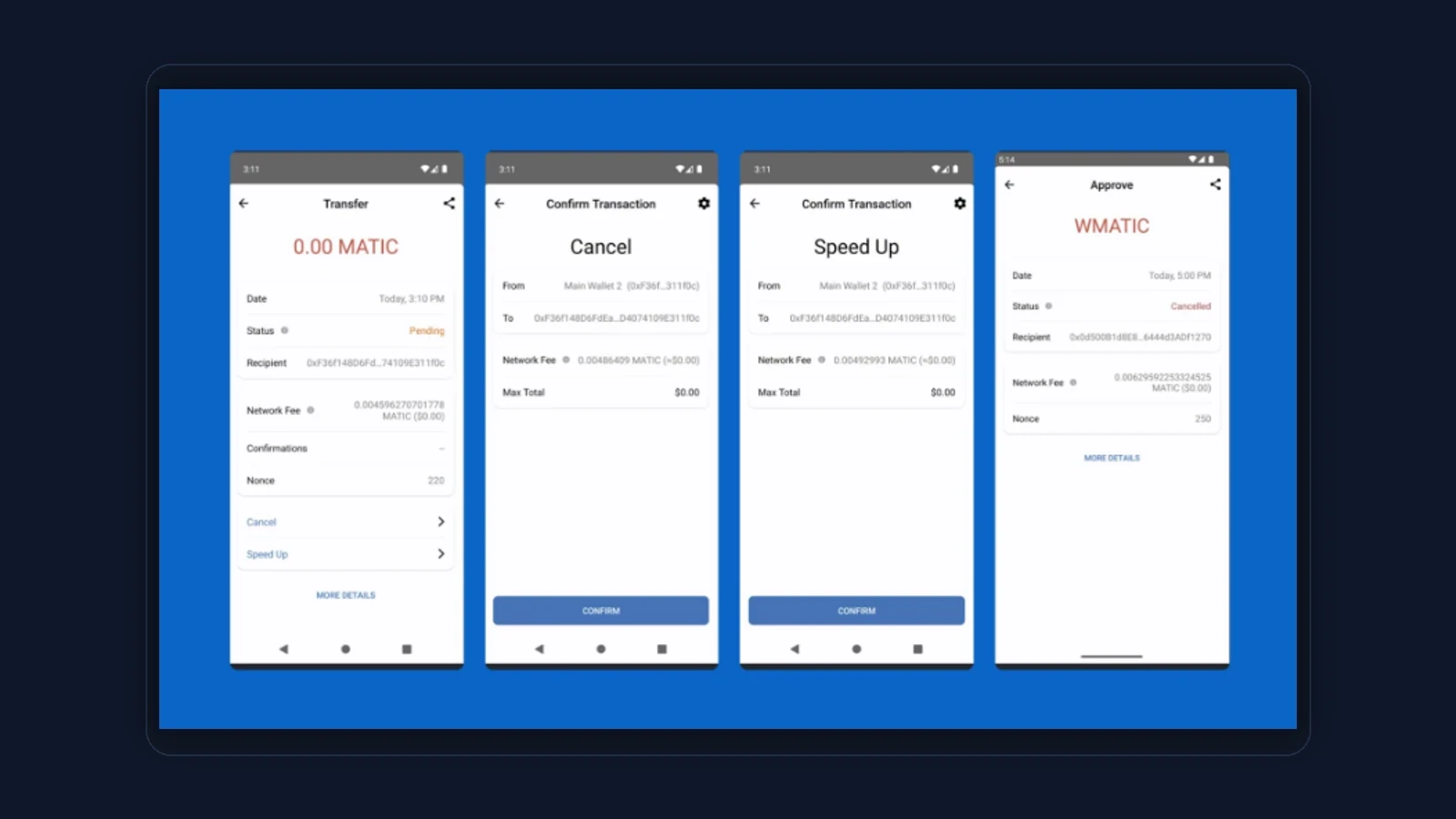
Speed up is not a separate new idea. It is a replacement of the same action with a stronger fee so validators are more likely to include it sooner. Cancel is also a replacement pattern, but instead of re-submitting the original economic action, it tries to overwrite the pending nonce with a harmless self-transaction so the old path never lands.
That is why both tools depend on the transaction still being pending. Once the original transaction confirms, there is nothing left to replace.
When MetaMask Can Still Help
The tools are most useful when the transaction is pending because the gas was too low for current network conditions. In that case, a higher-fee replacement can often solve the problem. Cancel can work when you want to stop a transaction that is still pending and has not been included yet.
The tools are less useful when the transaction is already confirmed, when the explorer and wallet disagree about status, or when the replacement attempt is still underpriced. In those cases the result can stay messy for longer than users expect.
How to speed up or cancel in MetaMask
How to Speed Up or Cancel Step by Step
In MetaMask, open the pending transaction and confirm it is still unresolved. If you still want it to execute, choose speed up and submit a stronger replacement fee. If you want to stop it, choose cancel and let MetaMask build a replacement that uses the same nonce. After that, stop clicking random buttons and monitor the explorer. The chain result matters more than the wallet animation.
Why Gas Settings Matter So Much
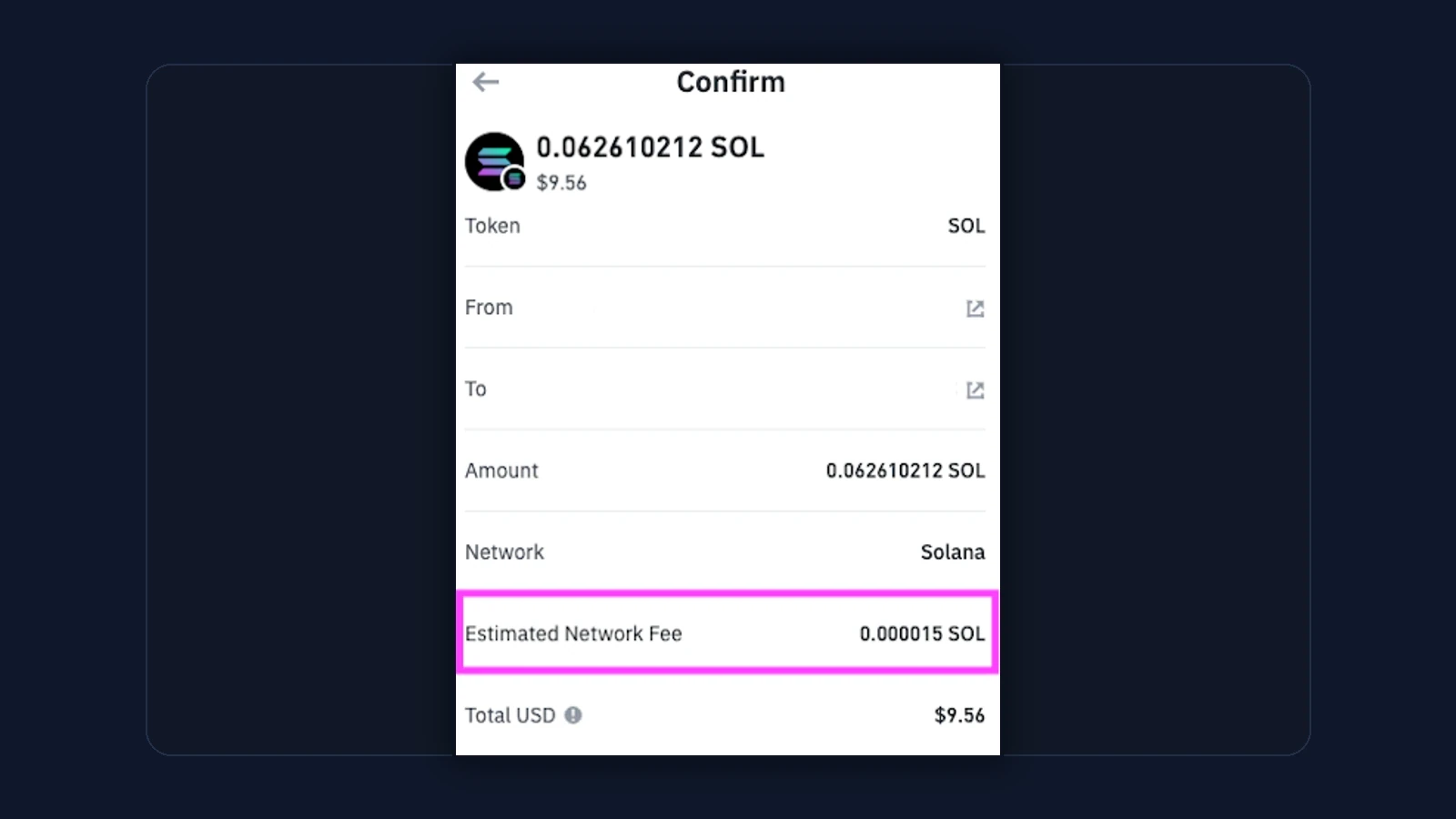
The whole reason speed up exists is gas competition. If your original gas settings were too low for current network demand, the pending transaction can sit behind stronger transactions for much longer than expected. The replacement needs to be noticeably more competitive or the network may treat it like more of the same.
When to choose speed up vs cancel
Why nonce is the hidden key to this whole feature
What if MetaMask and the explorer seem to disagree?
A calmer replacement-transaction mindset
- Do not think of speed up or cancel as a panic feature. Think of it as nonce management.
- Use the explorer to confirm whether the problem is real before trying to fix it.
- If one pending transaction is blocking later ones, solve the earliest stuck nonce first.
- Do not keep stacking replacements if you have not yet understood the last one.
Helpful next reads on DEXTools
The Biggest MetaMask Mistakes
Most mistakes come from confusion rather than malice. Users speed up when they really wanted cancel, cancel when the original already confirmed, or sign a replacement with barely changed gas that is too weak to help.
Common MetaMask speed-up or cancel mistakes
A safer MetaMask troubleshooting checklist
- Confirm in the explorer that the original transaction is still pending.
- Decide clearly whether you want the original action to happen or be replaced.
- Use stronger gas settings for a replacement, not barely changed ones.
- Monitor the explorer after signing instead of stacking more random transactions.
- If the amount is large and the state is messy, document the transaction hashes before doing anything else.
When the right move is simply to wait
How DEXTools Still Helps Before You Retry
DEXTools does not replace MetaMask nonce management, but it helps you understand the market context around the asset you are trying to move or trade. If a pending swap is already stressful, the last thing you need is confusion about the token, pair, or liquidity situation too. DEXTools reduces that second layer of confusion.
Use the explorer to diagnose the pending transaction, MetaMask to manage the replacement attempt, and DEXTools to stay sane about the asset and market side of the decision.
Frequently Asked Questions
What does speed up do in MetaMask?
It tries to replace a pending transaction with a higher-fee version so it confirms faster.
What does cancel do in MetaMask?
It usually tries to replace the pending transaction with a zero-value transaction using the same nonce.
Can MetaMask cancel a confirmed transaction?
No. Cancel only helps while the original transaction is still pending and replaceable.
Why did my speed-up attempt not work?
Usually because the replacement fee was still too weak, the original already confirmed, or the transaction state was misread.
Should I trust the wallet or the explorer more during a pending issue?
Use the explorer as the source of on-chain truth. The wallet interface is helpful, but the explorer is usually clearer during troubleshooting.
Related DEXTools tutorials
Disclaimer: This article is for educational purposes only and does not constitute investment, legal, tax, or security advice. Replacement transactions depend on network conditions and wallet behavior, so always verify live status in the explorer before trying to speed up or cancel anything.