How to Send TON: Step-by-Step Transfer Guide (2026)
— By Tony Rabbit in Tutorials
Sending TON is fast and cheap once you understand a few quirks. This guide covers address formats (EQ vs UQ), fees, comments, exchange withdrawals, and the mistakes that lose funds when transfers go wrong.
Sending TON is one of the simplest things you can do in crypto, but a few TON-specific details (address formats, optional comments, exchange memos) catch new users. Once you have done a couple of transfers, the workflow becomes routine and finality lands in seconds.
Quick answer: To send TON, open a TON wallet, paste the recipient's address (starts with EQ or UQ), enter the amount, optionally add a comment, and confirm. The fee is small (sub-cent) and confirmation lands in roughly one second. The most common reason transfers go wrong is sending TON to a wrong-network address (TRC-20, ERC-20) or forgetting an exchange memo when depositing to a custodial platform.
- Use a TON wallet, always. Tonkeeper, @wallet bot, TON Space, or Ledger via a TON front end.
- Address starts with EQ or UQ. Bounceable and non-bounceable formats describe the same destination differently.
- Memos matter on exchange deposits. Some exchanges require a memo, and missing it routes funds to the wrong account.
- Comments are optional. Free-text comments on TON transfers help you label payments.
- Test small first. A 0.01 TON test confirms the path before any larger transfer.
Step-by-step: sending TON from a wallet
The flow looks the same in Tonkeeper, the @wallet bot, and most other TON wallets. Names of buttons can vary slightly.
Trade TON with Not.Trade, the fastest terminal on TON
Not.Trade is purpose built for TON traders: real-time on-chain charts for every jetton, insider safety scoring (Top 10 wallets, snipers, dev movement, bundlers, LP lock), MCAP-trigger limit orders, multi-wallet sniping, MEV protection and one-click swaps routed across STON.fi and DeDust. It runs natively inside Telegram and as a fast web terminal, with TON Connect non-custodial wallet support.
Read the full Not.Trade guide ->Step 1: open the wallet and tap Send
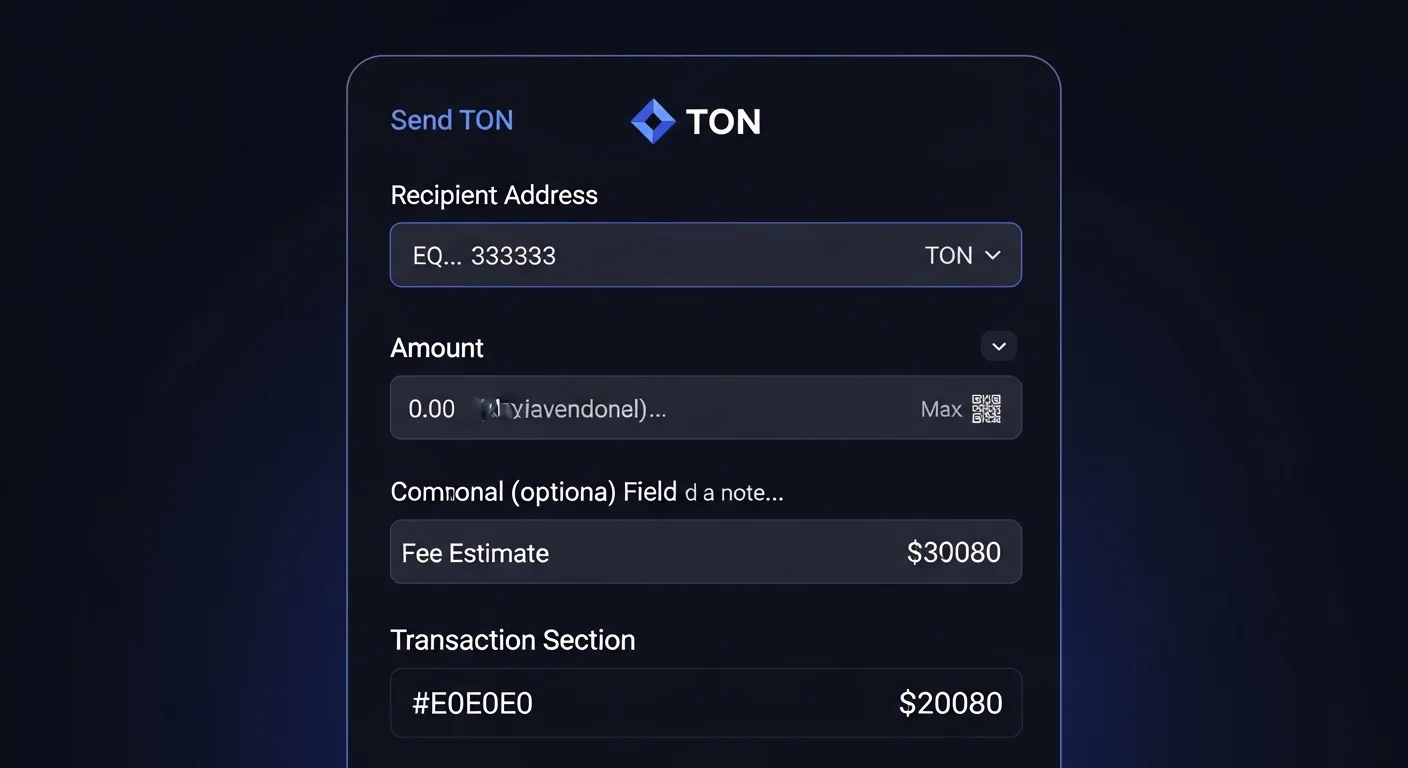
Open your TON wallet. Confirm you are on the right account if you have multiple. Tap Send or Transfer.
Step 2: paste the recipient's TON address
A valid TON address starts with EQ (bounceable format) or UQ (non-bounceable format). Both refer to the same underlying account, just with different transfer behavior. Modern wallets handle both transparently. Always copy and paste, never type by hand. Read the first four and last four characters and compare with the original.
Step 3: enter the amount and optional comment
Type the amount of TON to send. Optionally add a comment (Tonkeeper labels it as "Comment"; @wallet might call it something similar). The comment is stored on-chain alongside the transfer and can help you label payments to friends, vendors, or yourself.
Step 4: review the fee and confirm
The wallet shows a fee in TON (usually fractions of a cent). Confirm. The transaction broadcasts immediately and lands at the destination in roughly one second.
TON addresses: EQ vs UQ formats
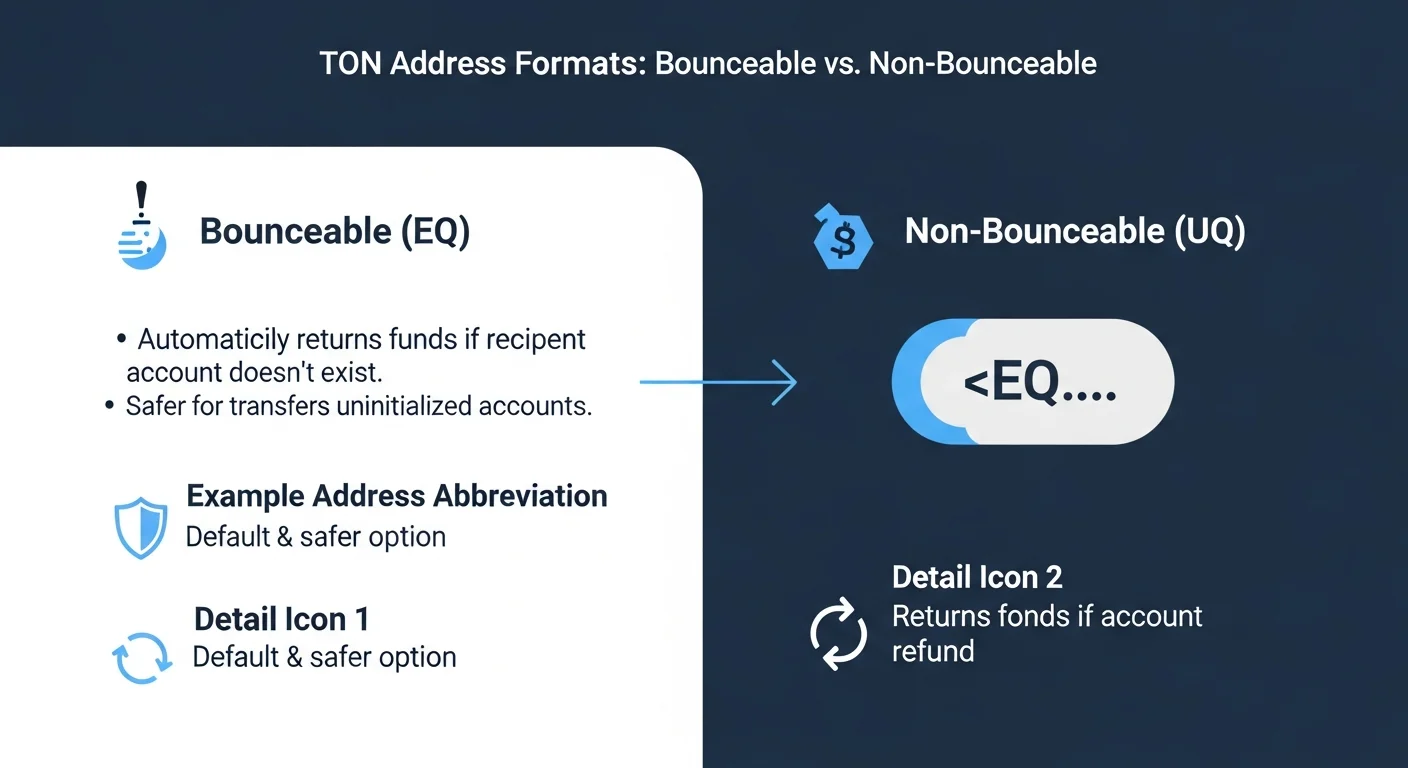
TON addresses confuse beginners because the same account can be displayed in two formats. The difference matters for the network's fallback behavior, not for who receives the funds.
Bounceable (EQ)
Bounceable addresses tell the network to "bounce" funds back to the sender if the destination is an empty (uninitialized) contract. This is useful for sending to smart contracts that may not exist yet, because the funds return automatically rather than disappear.
Non-bounceable (UQ)
Non-bounceable addresses tell the network to deliver funds even if the destination is uninitialized. This is the format used for plain wallet-to-wallet transfers. Most modern wallets default to UQ for simple sends.
How wallets handle both
Tonkeeper, @wallet, and similar wallets switch between formats automatically based on context. As a sender, you usually do not need to think about EQ vs UQ. As a receiver, you may see your address in either format, depending on the source.
Sending TON from an exchange
Exchanges add their own quirks to the transfer flow.
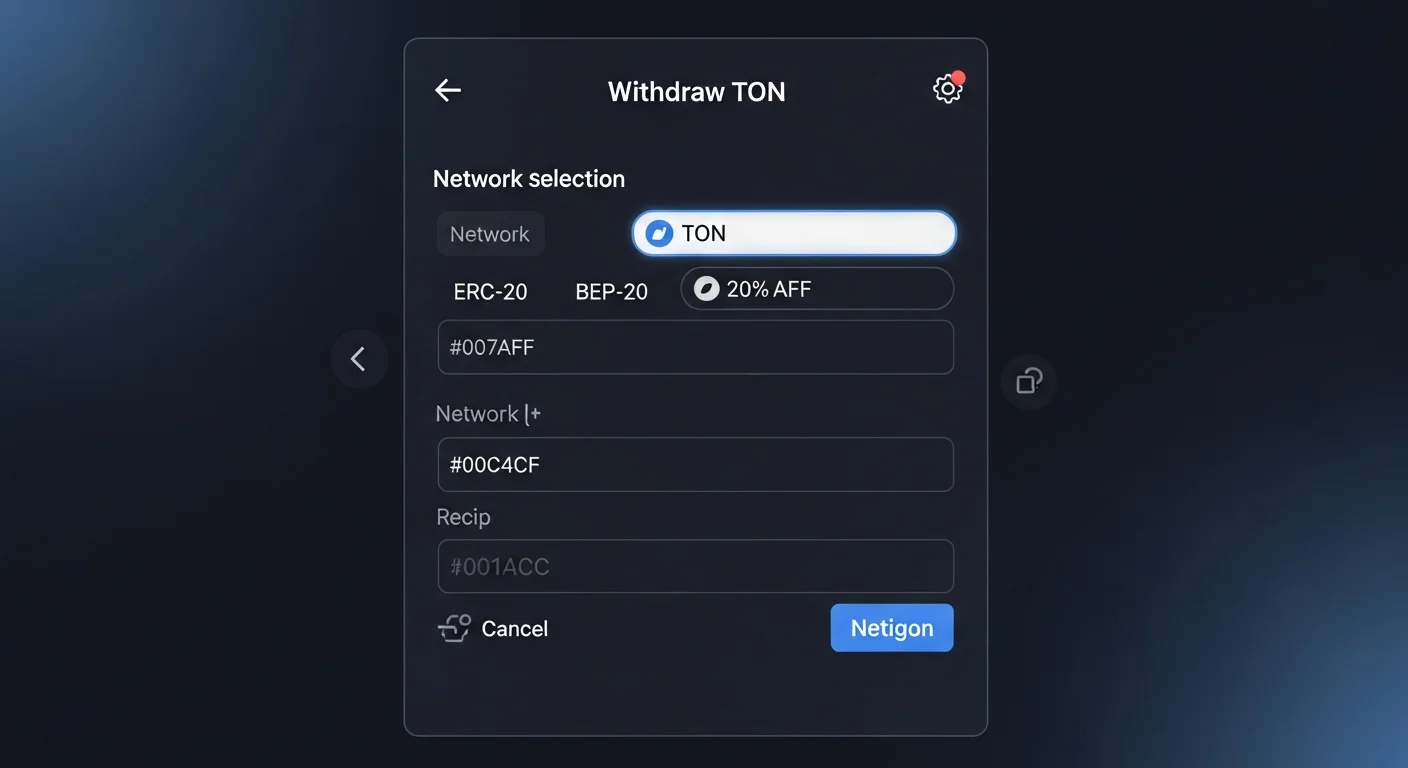
Pick the TON network
When you click Withdraw and select TON, choose the TON network. Some exchanges label it "TON" directly. Others may show "Toncoin (TON)." Avoid networks like "TRC-20 TON" that simply do not exist; if such an option appears, it usually means a wrapped version on Tron, which is not the native TON.
Memo or comment requirements
Many centralized exchanges use a single deposit address with an internal memo system. When depositing TON to such an exchange from your wallet, you must include the memo (or comment) the exchange specifies. Skipping the memo can cause the exchange to credit the wrong user account, or cause a manual review process.
Address verification
As with any exchange flow, verify the first and last four characters of the destination address. Send a tiny test transfer the first time you withdraw to a new address.
Fees and confirmation speed
TON's economics make ordinary transfers very cheap. Fees are paid in TON, not in any wrapped or external asset.
Typical fee ranges
Plain TON-to-TON transfers cost a fraction of a cent. Jetton transfers (USDT-TON, jetton tokens) cost slightly more because they involve a smart contract execution, but still usually below one cent.
Why fees stay stable
TON's dynamic sharding adds capacity when demand spikes, which keeps fees from blowing out during busy periods. Most users never see the fee climb meaningfully on simple transfers.
Common mistakes
- Wrong network: sending TON to a TRC-20 (Tron) or ERC-20 (Ethereum) address ends up at an unreachable destination.
- Missing memo on exchange deposit: the funds may sit unallocated and require manual support to recover.
- Address typo: always copy-paste and verify endings, never type addresses by hand.
- Sending too small for fee: you still need a tiny TON balance to cover the fee even if the transfer amount is in TON.
- Clipboard hijack: malware swaps the copied address. Verify the first and last four characters every time.
Quick reference table
| Item | What it means | Common mistake |
|---|---|---|
| EQ address | Bounceable, returns funds if destination is uninitialized | Treating it as a different account from the same UQ |
| UQ address | Non-bounceable, default for wallet-to-wallet sends | Sending to UQ when target is a smart contract that needs bounce |
| Comment | Optional on-chain note attached to the transfer | Confusing it with an exchange memo |
| Memo | Required identifier for some exchange deposits | Missing it and triggering manual review |
| Network choice | Always TON for native TON transfers | Selecting TRC-20 TON or wrapped TON on another chain |
Practical workflow for first-time TON transfers
- Confirm wallet has TON. Even tiny amounts need a fee balance.
- Send a small test first. 0.01 TON to confirm the path.
- Always include the exchange memo when depositing. Skip it and you may need manual support.
- Verify the destination format. EQ or UQ, but matching the original.
- Use the comment field for personal notes. Helpful for tracking payments later.
Frequently asked questions
What is a TON address?
A TON address is the on-chain identifier for an account. It usually starts with EQ (bounceable) or UQ (non-bounceable) and is encoded in around 48 characters.
Why do TON addresses look different sometimes?
Because of EQ vs UQ formatting. Both refer to the same underlying account; the prefix tells the network how to handle uninitialized destinations.
Do I need a memo to send TON?
Only when depositing to certain centralized exchanges that use a single deposit address with internal memos. Wallet-to-wallet transfers do not need a memo.
How long does a TON transfer take?
Usually around one second for native TON transfers. Slightly longer for Jetton transfers because they involve smart contract execution.
Can a TON transfer be reversed?
No. Once a transfer is final, it cannot be reversed. This is why test transfers and address verification matter.
Final takeaway: Sending TON is fast, cheap, and forgiving once the user understands address formats and exchange memos. Test small the first time, verify the destination, and never treat a transfer as routine when sending to a new address.
Disclaimer: This guide is for educational purposes only and does not constitute investment, financial, legal, or trading advice. On-chain transfers are irreversible.
Related Guides
- Freeze Authority on Solana: Blacklist Risk and Transfer Control (2026)
- What Is a Fee-on-Transfer Token? Crypto Explained
- Token Transfer Velocity vs Holder Retention: What Shows Real Conviction?
- Settlement Volume vs Transfer Count: Which Better Shows Real On Chain Value Movement?
- How to Transfer Crypto Between Wallets: Complete Safety Guide (2026)
- How to Send USDT on TRON (TRC
Frequently Asked Questions
How do I send TON to another wallet?
Open your wallet, choose to send TON, paste the recipient's address, enter the amount, and confirm the transaction. Always double check the address before confirming because transactions cannot be reversed.
What is the difference between EQ and UQ TON addresses?
EQ and UQ are different formats of the same underlying TON address that mainly differ in flags such as whether the address is bounceable. Modern wallets generally handle both, but it helps to confirm you are using the format the recipient expects.
Do I need to add a comment or memo when sending TON?
Some recipients, especially exchanges, require a comment or memo to credit your deposit to the right account. If a memo is requested, sending without it can cause the funds to be delayed or lost.
What are TON transaction fees like?
TON transactions typically cost a small fee paid in TON, so you should keep a little extra TON in your wallet to cover it. Sending your entire balance without leaving room for fees can cause the transfer to fail.