Send Crypto From Coinbase to Phantom Wallet Safely (2026)
— By Tony Rabbit in Tutorials

Learn how to send crypto from Coinbase to Phantom Wallet safely by setting up the wallet first, matching the chain, and using a test send before size.
Sending crypto from Coinbase to Phantom Wallet is a high-intent beginner search because the user is usually crossing from exchange custody into a wallet they want to use for on-chain activity. The part that matters is not the button sequence alone. It is matching the asset and the network to what Phantom can actually receive and display.
Intent split
- This page covers the general Coinbase to Phantom transfer workflow across supported assets and chains.
- If you only need the SOL-specific path, read How to Send SOL from Coinbase to Phantom.
That matters even more with Phantom because users often associate it only with Solana, while the wallet now supports multiple chains. The transfer is safe when you know exactly which asset is leaving Coinbase, which chain it will travel on, and where Phantom expects it to land.
Quick answer
- Set up Phantom first and confirm the exact chain and asset you want to receive there.
- On Coinbase, match the asset, receiving address, and network before confirming the send.
- If this is your first time sending to Phantom, use a small test transaction before moving the full amount.
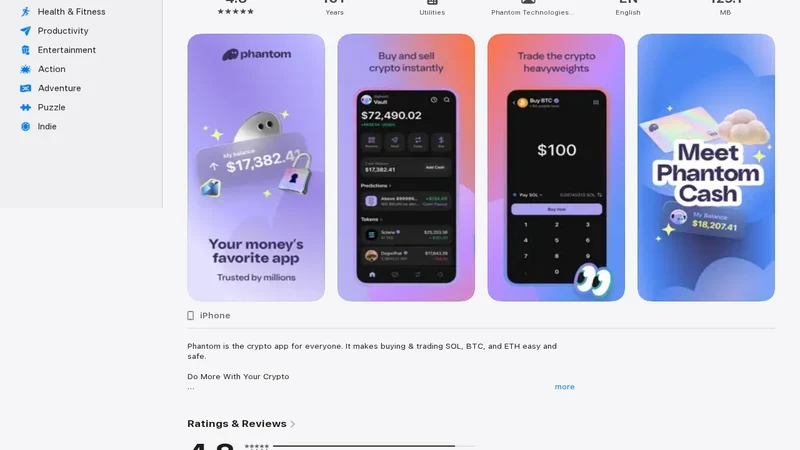
Why Users Send Crypto from Coinbase to Phantom
Coinbase is where many beginners buy their first assets. Phantom is where they want to use them for wallet-based activity, especially around Solana and other supported chains. So the move from Coinbase to Phantom is usually the moment a user starts managing their own addresses rather than relying only on exchange balances.
What decides whether the transfer is safe?
Step 1: Set Up Phantom and Get the Correct Receiving Address
Start in Phantom, not Coinbase. Open the wallet, confirm the chain context, and copy the receive details for the asset you want to send. The most common mistake here is assuming every address inside Phantom works for every asset or every chain. It does not.

Phantom-side checks before the transfer
Why Chain Matching Matters More With Phantom
Phantom feels simple because the wallet experience is clean, but that simplicity can hide a multi-chain reality. If you assume the wallet will sort out a route mismatch for you, you are trusting the wrong layer. The safe move is still to decide the exact receiving chain first and make Coinbase follow that decision.
Step 2: Configure the Send on Coinbase Carefully
Once the destination details are ready, go back to Coinbase and set up the send slowly. Crypto transfers to self-custody are simple only when the asset and route match the wallet exactly. Treat the address, network, and asset as one combined decision.
Step 3: Use a Test Send Before You Move Size
If you are sending an asset to Phantom for the first time, a small test transaction is worth it. Once that first amount lands correctly, you can move the rest with much more confidence.
Coinbase to Phantom flow
Step 4: Confirm the Balance in Phantom Before You Trade or Swap
After Coinbase marks the transfer complete, verify that the balance is visible in Phantom before you do anything else. A lot of apparent transfer failures are just wallet-view problems or chain-context confusion.
Common Coinbase to Phantom Mistakes to Avoid
Mistakes to avoid
Frequently Asked Questions
Can I send SOL from Coinbase to Phantom?
Yes, as long as you use the correct Phantom receiving flow for SOL and verify the route before sending.
Can I send ETH from Coinbase to Phantom?
Potentially, but only if the receiving chain and wallet context inside Phantom support the exact route you are using. Chain matching matters.
What if the transfer does not appear in Phantom right away?
Check Coinbase status first, then confirm Phantom is showing the correct chain and asset before assuming the funds are missing.
Related reading
Helpful next reads on DEXTools
Disclaimer: This article is for educational purposes only and does not constitute investment, tax, or legal advice. Coinbase send options and Phantom-supported networks can change over time. Always confirm the live asset, destination chain, and receiving address before moving funds.