Best TON Wallets in 2026: Complete Comparison Guide
— By Tony Rabbit in Tutorials
Choosing a TON wallet shapes your everyday experience. This guide compares Tonkeeper, the @wallet bot, TON Space, MyTonWallet, OpenMask, and Ledger pairing across security, dApp support, and ergonomics.
The TON wallet landscape grew quickly between 2024 and 2026. The best wallet for any specific user depends on how they actually use TON: someone who spends mostly inside Telegram has different needs than a DeFi power user moving between STON.fi, DeDust, and JustLend daily, and both of those differ from a long-term holder storing meaningful balances. This guide compares the most-used options.
Quick answer: The default starter wallet for most users is the Telegram @wallet bot (custodial, easy) or Tonkeeper (non-custodial, more capable). For non-custodial in-Telegram use, TON Space is the official option. MyTonWallet and OpenMask serve advanced users with extra features and browser-extension support. For larger balances, pair Ledger with a TON-compatible front end. The right choice depends on convenience-vs-control and balance size.
- Custodial vs non-custodial is the first decision. The @wallet bot trades self-custody for convenience.
- Tonkeeper is the default non-custodial mobile wallet. Strong dApp support and a wide user base.
- TON Space is non-custodial inside Telegram. Combines convenience with self-custody.
- MyTonWallet and OpenMask are popular among power users and developers.
- Ledger pairing is the right answer for long-term, high-value storage.
Categories of TON wallets
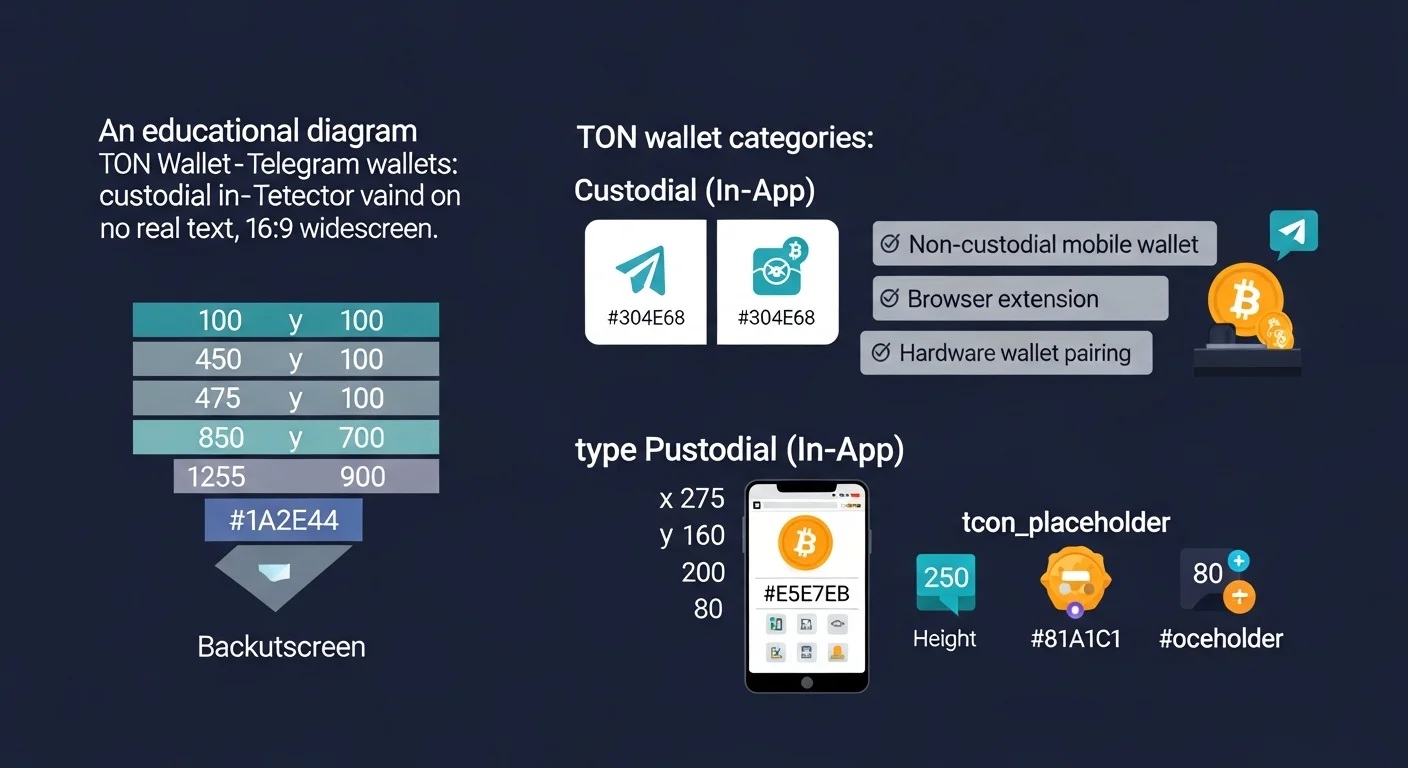
Wallets split into a few clear categories based on where they run and who controls the keys.
Trade TON with Not.Trade, the fastest terminal on TON
Not.Trade is purpose built for TON traders: real-time on-chain charts for every jetton, insider safety scoring (Top 10 wallets, snipers, dev movement, bundlers, LP lock), MCAP-trigger limit orders, multi-wallet sniping, MEV protection and one-click swaps routed across STON.fi and DeDust. It runs natively inside Telegram and as a fast web terminal, with TON Connect non-custodial wallet support.
Read the full Not.Trade guide ->Custodial in-Telegram wallets
The @wallet bot is the most common entry point. It runs entirely inside Telegram, with the wallet provider holding the private keys. The convenience is unmatched (no install, no seed phrase to memorize), but the user does not have full custody.
Non-custodial mobile wallets
Tonkeeper is the leading non-custodial mobile wallet. The user controls a seed phrase and the keys never leave the device. dApp support is the strongest in the category through TON Connect.
Non-custodial in-Telegram (TON Space)
TON Space is a non-custodial wallet built directly into Telegram. The seed phrase belongs to the user, but the wallet UI lives inside the Telegram app, which makes it convenient for users who do not want to install another app.
Browser-extension wallets
OpenMask is a browser-extension wallet for TON, similar in spirit to MetaMask. It serves users who interact with TON dApps mostly from a desktop browser.
Hardware wallet pairings
Ledger has TON support, with TON-aware front ends like Tonkeeper able to pair with Ledger devices. Keys stay on the hardware device, and approvals require physical button presses on the Ledger.
The wallets in detail
Tonkeeper
Tonkeeper is the default non-custodial wallet for most TON users. Mobile and browser extension versions exist, both backed by the same seed phrase. Tonkeeper handles Jettons, NFTs, .ton domains, dApp connection through TON Connect, and Ledger pairing. We have a dedicated guide at how to use Tonkeeper.
Telegram @wallet bot
The @wallet bot is the simplest entry into TON. Users do not install anything; they just open a chat. The wallet supports buying TON with cards, sending TON to Telegram contacts, and trading via integrated services. The tradeoff is that the wallet is custodial. We cover it in detail at how to use Telegram wallet.
TON Space
TON Space is the official non-custodial Telegram wallet. The seed phrase belongs to the user, the UI lives inside Telegram, and the wallet supports the same Jetton, NFT, and dApp flows as standalone wallets.
MyTonWallet
MyTonWallet is a feature-rich non-custodial wallet popular among power users. It supports staking flows, hardware wallet pairings, and an active dApp ecosystem. Particularly strong for users who want fine-grained control over fees and resource management.
OpenMask
OpenMask is a browser-extension wallet aimed at desktop dApp users. The interface and flow are familiar to anyone who has used MetaMask on Ethereum, with TON Connect integrated for dApp authentication.
Ledger pairing
For high-value balances, the safest setup is a Ledger device paired with Tonkeeper or another TON front end. Keys stay inside the Ledger; the front end builds transactions but cannot sign without physical confirmation on the device.
How to pick a TON wallet
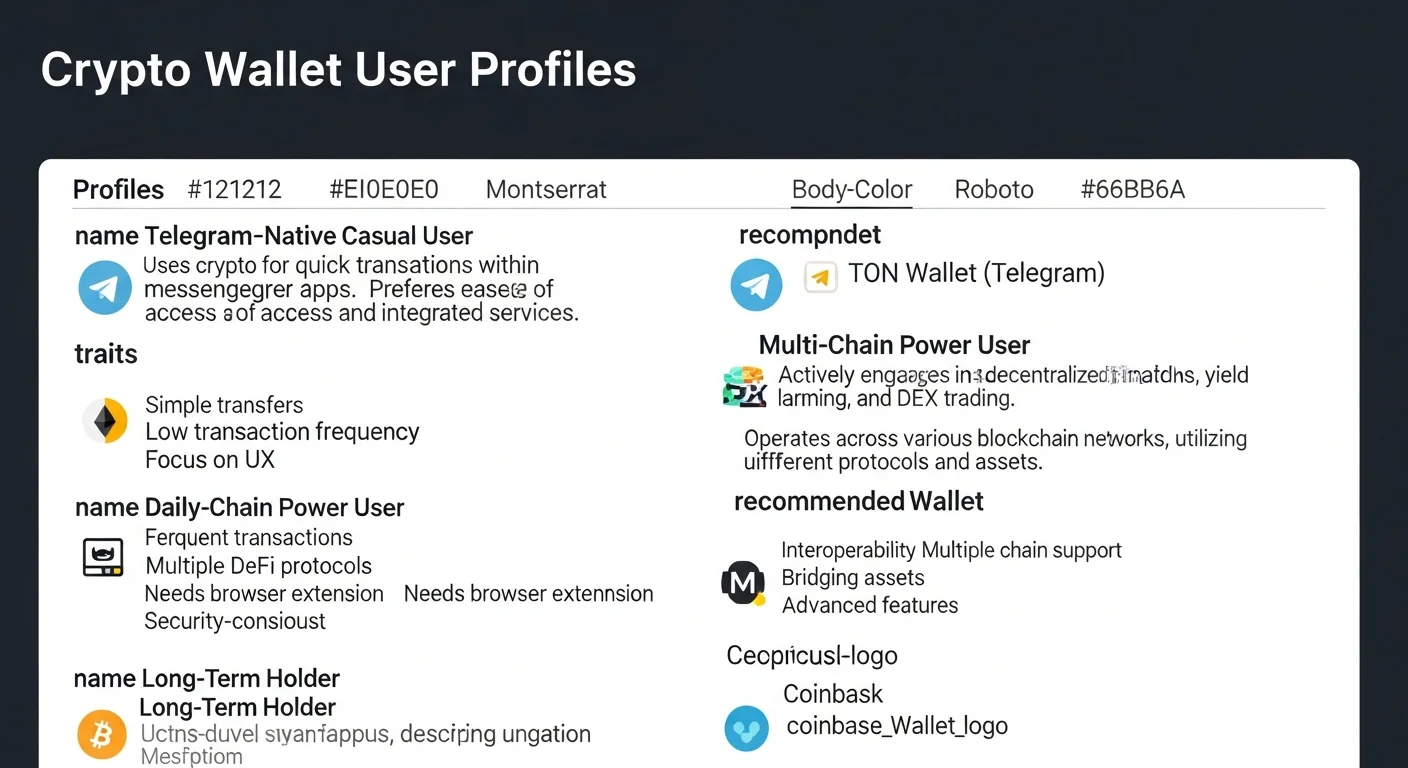
The right wallet usually maps to a specific user profile.
Telegram-native casual user
If you already use Telegram and just want to receive USDT, gift NFTs, or play Mini Apps, the @wallet bot is enough. When balances start mattering, upgrade to TON Space or Tonkeeper.
Daily DeFi user
If you swap on STON.fi or DeDust, lend on TON-native protocols, or interact with multiple dApps in a session, Tonkeeper is the cleanest fit. Strong TON Connect integration, mobile and extension parity, and active dApp support.
Multi-chain power user
For users juggling Ethereum, Solana, and TON, a combination is common: Tonkeeper for TON, MetaMask for EVM chains, Phantom for Solana. OpenMask can sit alongside MetaMask if you do most TON work on desktop.
Long-term holder
For meaningful balances or long-term storage, pair Ledger with a TON-aware front end. The hardware wallet adds a layer that defeats most malware-based key extraction.
Security best practices regardless of wallet
- Back up the seed phrase offline. Two paper copies in different physical locations.
- Install only from official sources. App stores and the wallet's verified site, never random links.
- Use Ledger for meaningful balances. The hardware layer prevents most extraction attacks.
- Audit dApp approvals regularly. Revoke anything you no longer use.
- Verify addresses every time. Read the first and last four characters before signing.
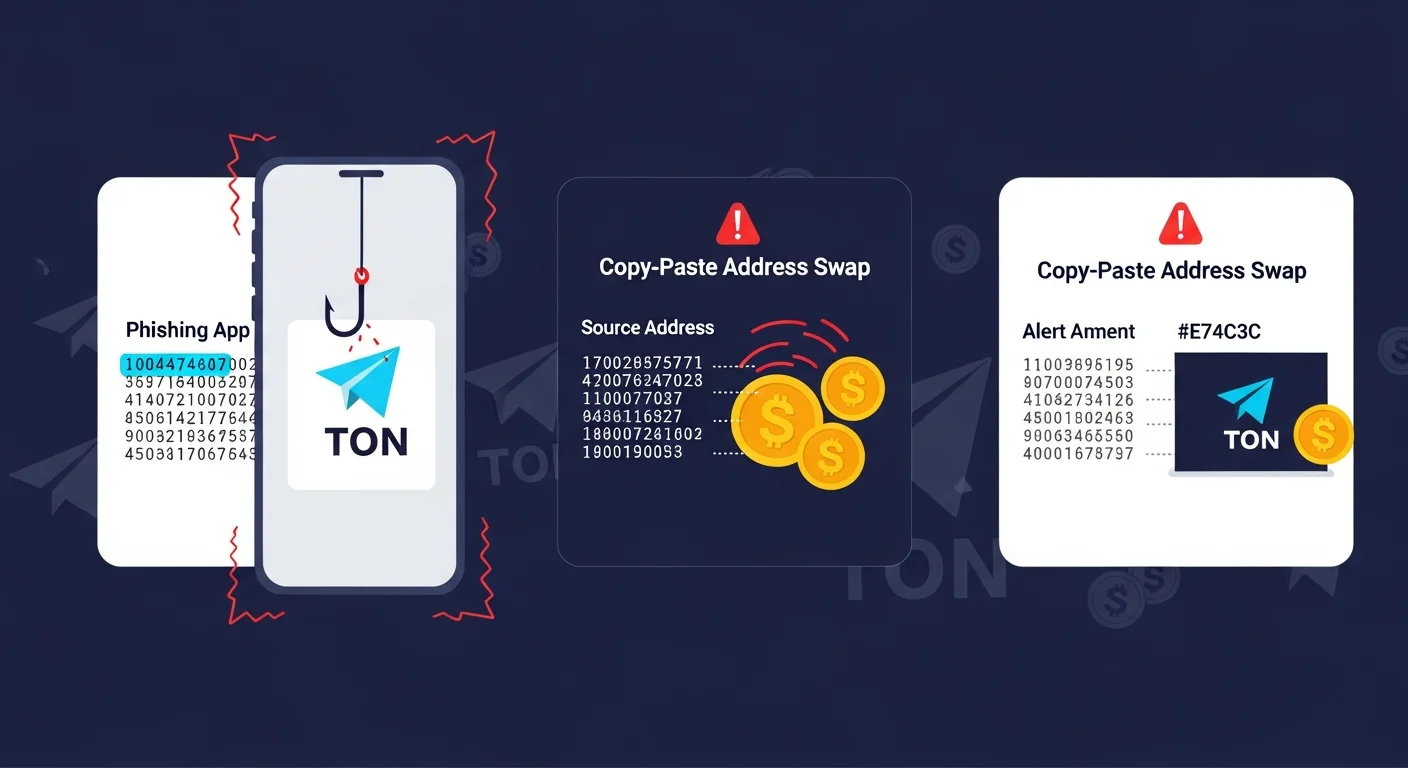
TON wallet quick reference
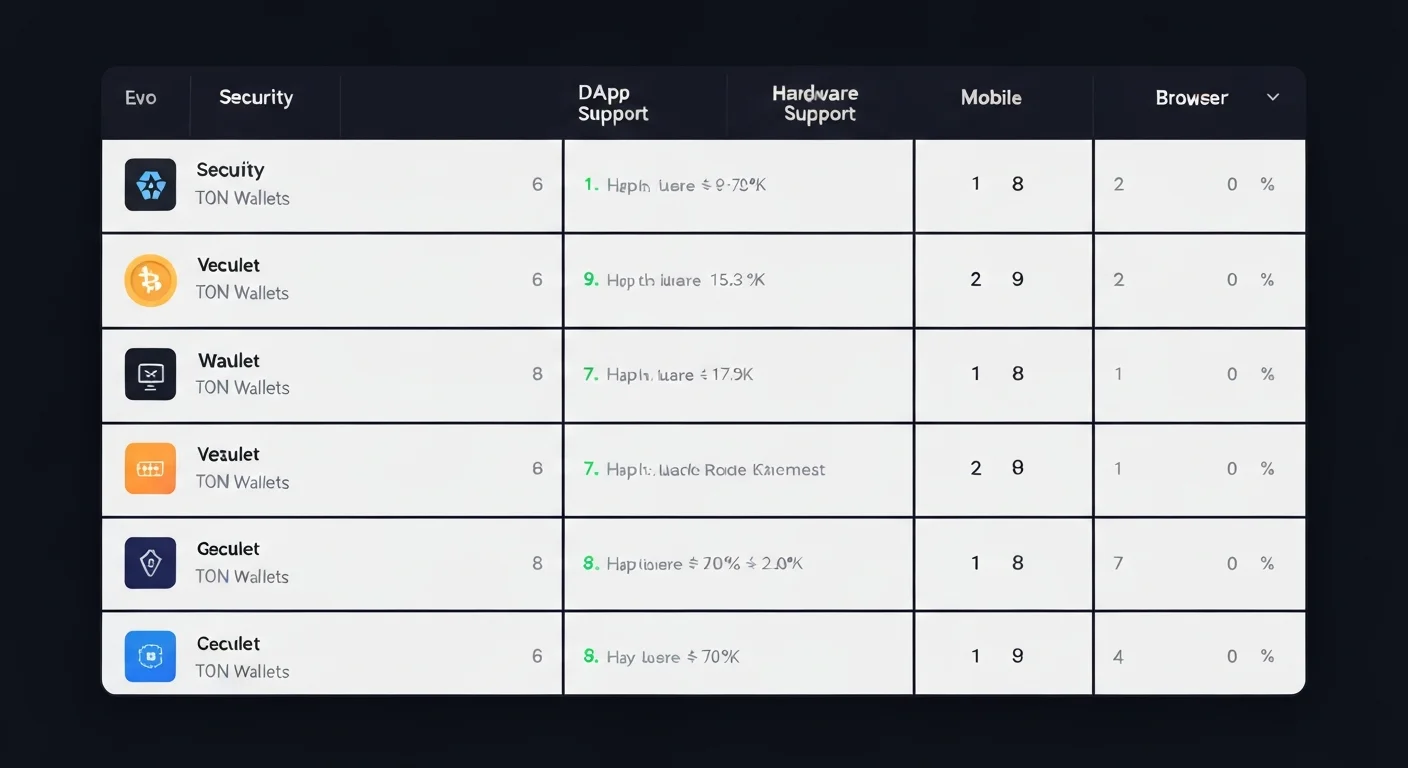
| Wallet | Custody | Best for | Main caution |
|---|---|---|---|
| Tonkeeper | Non-custodial | Default daily wallet, dApp use | Phishing imposters |
| @wallet bot | Custodial | First-time Telegram users | Custodial counterparty risk |
| TON Space | Non-custodial | Telegram-native self-custody | Backup the seed phrase |
| MyTonWallet | Non-custodial | Power users, fee control | Less mainstream support |
| OpenMask | Non-custodial | Desktop dApp users | Browser extension surface |
| Ledger + front end | Hardware | Long-term, high-value storage | Slightly slower flow |
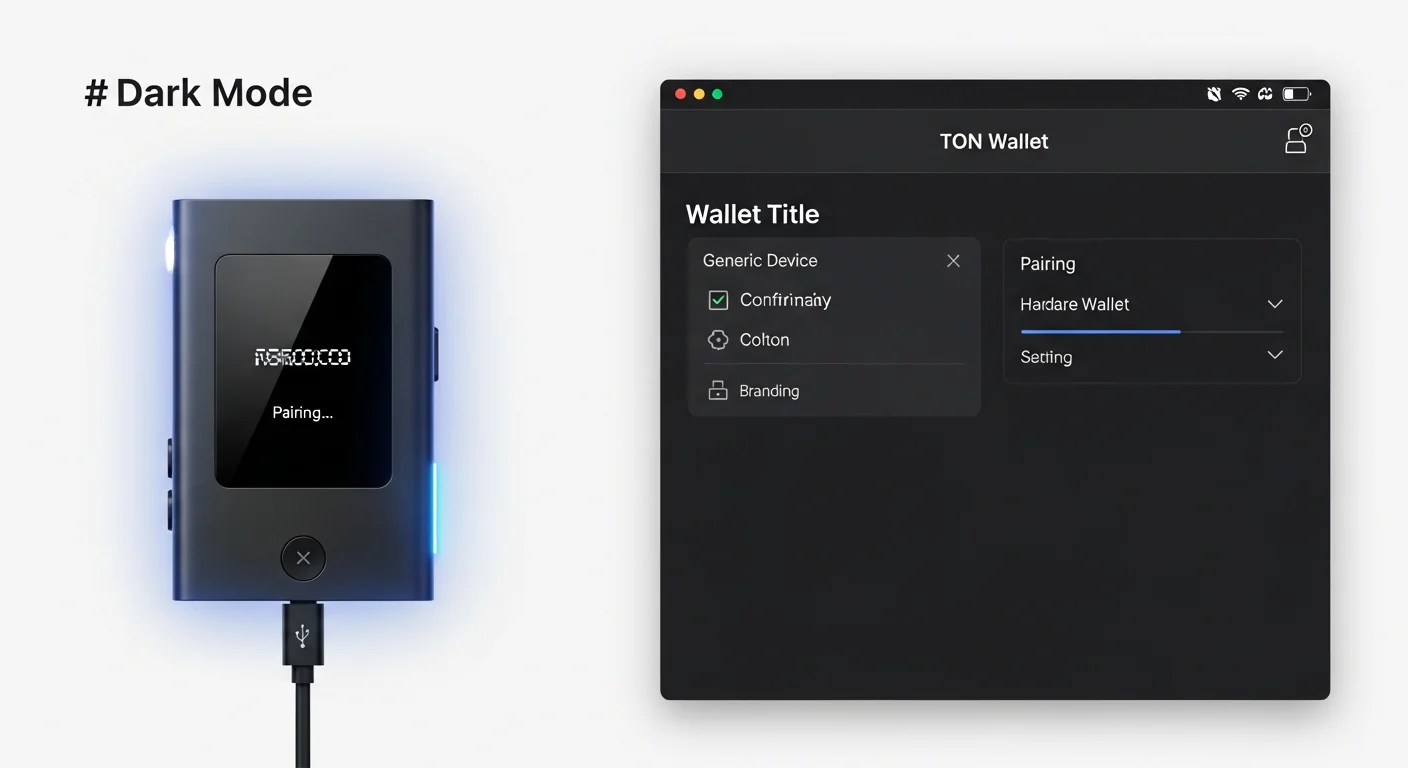
Practical wallet decision workflow
- Define the use case. Casual, DeFi, multi-chain, or long-term holder.
- Pick a single primary wallet and commit to it for daily use.
- Add a hardware wallet for size. Whenever a balance grows past your comfort threshold.
- Keep a small "burner" wallet for risky dApps or new Mini Apps.
- Audit and revoke approvals monthly. Stale approvals are a real attack surface.
Frequently asked questions
Which TON wallet is the safest?
For meaningful balances, Ledger paired with Tonkeeper or another TON front end. For everyday use, Tonkeeper is widely considered the strongest non-custodial mobile wallet.
Is the Telegram @wallet bot custodial?
By default, yes. TON Space is the non-custodial mode inside Telegram.
Can I use one seed phrase across wallets?
Yes. The same TON seed phrase can be imported into Tonkeeper, MyTonWallet, OpenMask, and other compatible wallets.
Does TonHub still exist?
TonHub is one of the longer-running TON wallets. Coverage in this guide focuses on the most-used options in 2026, but the broader landscape includes additional wallets.
How do I import a wallet into a new device?
Open the wallet app on the new device, choose "Import," and paste the 12 or 24-word seed phrase. Never type a seed phrase into anything other than a wallet's import flow.
Final takeaway: No single TON wallet wins every category. Pick the one that matches how you actually use TON, add hardware pairing for size, and keep a small burner wallet for the riskiest dApps.
Disclaimer: This guide is for educational purposes only and does not constitute investment, financial, legal, or trading advice. Self-custody means you are responsible for your own keys.
Related Guides
- 7 Best Cold Wallets 2026: Hardware Wallet Buyer's Guide
- Top 3 TON Trading Terminals 2026: Not.Trade vs STON.fi vs DeDust
- TON vs Solana: Complete Network Comparison Guide (2026)
- TON vs Ethereum: Complete Network Comparison Guide (2026)
- TON Liquid Staking: tsTON, stTON and hTON Compared (2026)
Frequently Asked Questions
What should I look for in a TON wallet?
Key factors include whether it is self-custody, its security features, support for Jettons and dApps, and ease of use. The best choice depends on how you plan to use the TON ecosystem.
What is the difference between a custodial and self-custody TON wallet?
With self-custody you hold the private keys and are fully responsible for your funds, while a custodial option has a third party manage keys for you. Self-custody gives more control but requires careful backup of your recovery phrase.
Can I use a hardware wallet with TON?
Some hardware wallets support TON or can be paired with TON software wallets to keep keys offline. Using hardware adds a layer of protection against online threats for larger holdings.
Are Telegram-based TON wallets safe to use?
Telegram-integrated wallets offer convenience but can differ in whether they are custodial or self-custody, which affects who controls the keys. Always understand the custody model and back up any recovery phrase before storing significant value.