How to Use WalletConnect Safely for dApp Connections (2026)
— By Tony Rabbit in Tutorials
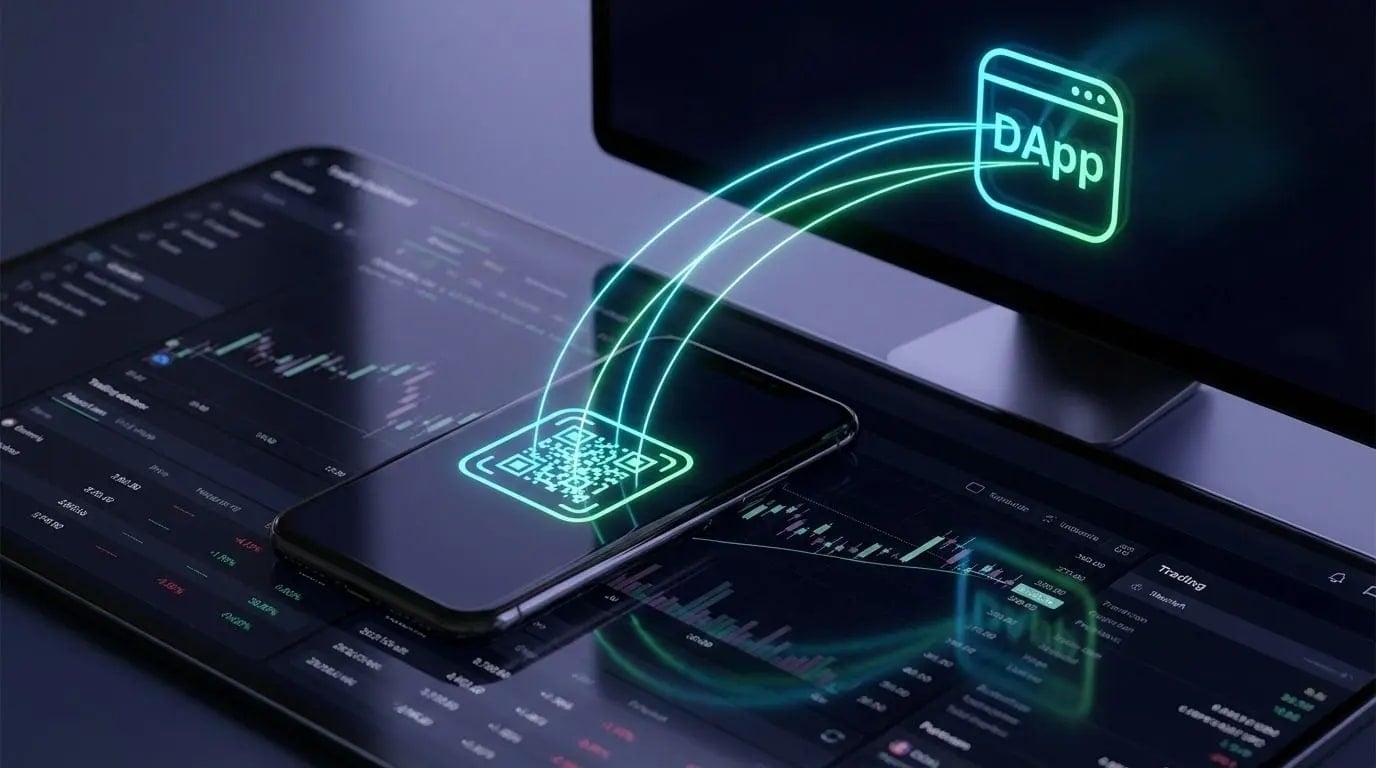
Learn how to use WalletConnect safely in 2026, including session checks, wallet prompts, disconnect hygiene and the most common dApp-connection mistakes.
Intent check: If you want the deeper protocol explanation, start with our WalletConnect explainer. This page is specifically about the practical steps for using WalletConnect safely when connecting a wallet to a dApp.
How to use WalletConnect safely in plain English
WalletConnect is easy to misuse when users treat every connection prompt as harmless. In practice, safe usage depends on checking the site, understanding the requested session, recognizing wallet prompts and disconnecting stale permissions when the job is done.
That search intent stays evergreen because the real user problem is operational, not conceptual. People are usually asking how to connect safely, how to avoid signing into the wrong app and how to clean up permissions afterward. That practical focus keeps this page separate from the protocol-level explainer.
How WalletConnect works in practice
- You open a dApp and choose Connect Wallet.
- The site offers WalletConnect as an option.
- You scan the QR code or approve the connection from your wallet app.
- The wallet establishes a session with the dApp.
- You approve only the transactions or signatures you actually want.
WalletConnect vs browser extension connection
How to use WalletConnect safely
- Check the URL before connecting.
- Use bookmarks for dApps you visit often.
- Read every approval and signature request.
- Disconnect old sessions you no longer use.
- Use a separate hot wallet for risky DeFi activity.
If your strategy includes active DeFi positions, you should also track your wallet exposure. Our DeBank tutorial and Zapper tutorial help with that.
Common WalletConnect mistakes
The biggest mistake is assuming that a familiar connection method means a trustworthy site. The second biggest mistake is signing messages without understanding whether they are just a login request or something that can authorize token spending, order execution, or delegated actions.
Another common mistake is leaving sessions open across multiple devices. That may not be catastrophic on its own, but it creates unnecessary surface area and confusion when you are moving quickly between dApps.
Should you use WalletConnect in 2026?
Yes - if you use it correctly. WalletConnect remains one of the most convenient and standard ways to connect wallets to dApps. The key is to treat it as a transport layer, not a security guarantee. Good connection hygiene, separate wallets for separate jobs, and careful approval review matter much more than the connection method itself.
FAQ
Is WalletConnect safe?
WalletConnect itself is a legitimate connection standard, but safety depends on the dApp you connect to and the requests you approve.
Does WalletConnect expose my private keys?
No. Your wallet stays in control of signing. Private keys are not shared with the dApp.
What is the biggest risk when using WalletConnect?
The main risk is approving malicious transactions or signatures on unsafe sites.
Frequently Asked Questions
Q
What is WalletConnect and how does it work?
Q
What are the main risks associated with using WalletConnect?
Q
How can I verify the authenticity of a dApp before connecting with WalletConnect?
Q
What steps should I take to secure my wallet when using WalletConnect?
Q
What should I do if I suspect a malicious connection or transaction through WalletConnect?
Related Guides
- WalletConnect Protocol Explained: Sessions, Relays and WCT (2026)
- What Is a dApp: Complete Guide to Decentralized Applications (2026)
- Burner Wallet for Crypto: Complete Airdrop & Risky dApp Guide (2026)
- How to Use Coinbase Wallet: Self-Custody and dApp Guide (2026)
- Base Chain dApp Guide: Bridge, Swap, Lend and Use Base App (2026)