How to Send SOL From Coinbase to Phantom: Guide 2026
— By AliceOnChain in Tutorials
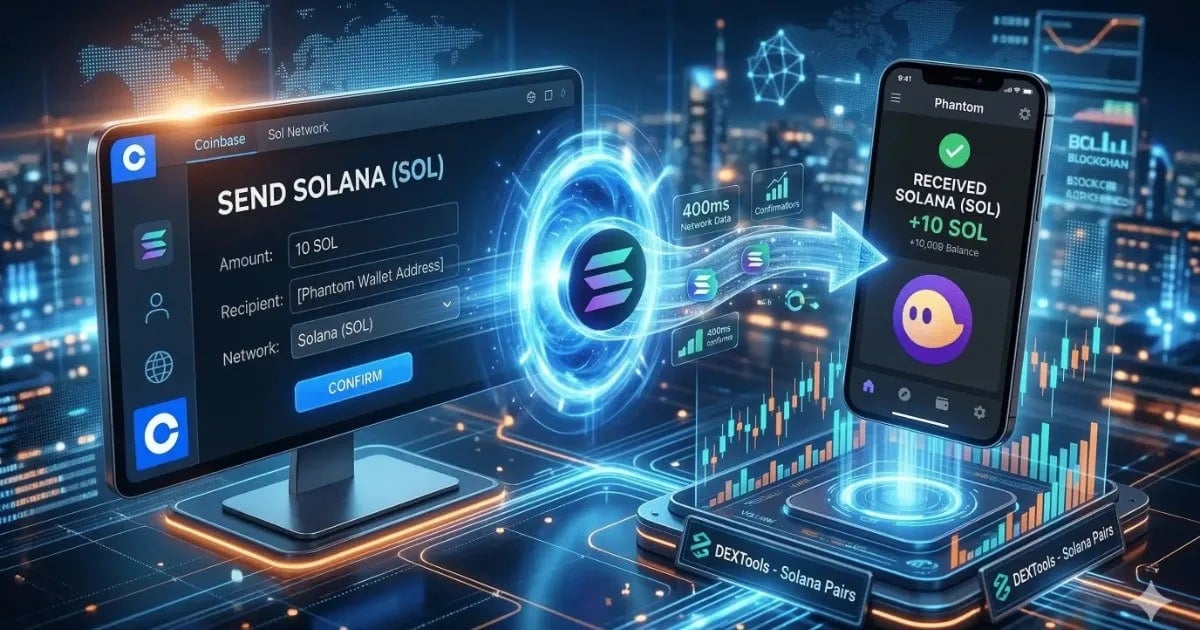
Send SOL from Coinbase to Phantom in 2026: learn the network checks, fees, transfer time, and how to avoid address mistakes during the transfer.
How to Send Solana from Coinbase to Phantom: A Complete 2026 Step-by-Step Guide
In the fast-moving world of decentralized finance (DeFi), speed and self-custody are everything. If you are holding your assets on a Centralized Exchange (CEX), you are missing out on the real action. To trade the latest Solana gems, interact with liquidity pools, or use professional tools like DEXTools, you need to move your funds.
Intent split
- For the broader multi-chain workflow, read How to Send Crypto from Coinbase to Phantom Wallet Safely in 2026.
- This page is specifically about sending SOL to Phantom, including time, fees, and address checks.
This guide is specifically about sending SOL on the Solana network from Coinbase to Phantom. It focuses on transfer time, network matching, fees, and the safety checks that matter when moving SOL into a self-custody wallet.
Why Move Your SOL to Phantom?
While Coinbase is great for buying crypto with fiat, a non-custodial wallet like Phantom is your passport to the Solana ecosystem. By moving your SOL, you gain:
Full Control: Your keys, your crypto.
DApp Integration: Connect to decentralized exchanges (DEXs) like Jupiter or Raydium.
Real-time Analytics: Seamlessly link your wallet to DEXTools to track your portfolio's performance.
How to Send Solana from Coinbase to Phantom (Step-by-Step)
1. Secure Your Phantom Receiving Address
Open your Phantom Wallet (either the browser extension or the mobile app).
Click on the "Receive" button in the main dashboard.
Search for Solana (SOL).
Copy your unique Wallet Address. It will look like a string of characters (e.g.,
7xKX...9zL).Tip: Never manually type the address. Always use the "Copy to Clipboard" feature.
2. Set Up the Withdrawal on Coinbase
Log into your Coinbase account and follow these steps:
Go to the "My Assets" tab or click the "Send / Receive" button at the top right.
Select Solana (SOL) from your asset list.
Enter the amount you wish to transfer. You can toggle between USD and SOL.
Paste your Phantom address into the "To" field.

3. Network Selection & Verification
Coinbase typically recognizes the Solana Network automatically. However, always double-check that the network is set to "Solana" and not "Ethereum" or any other Layer-2, as sending to the wrong network will result in a permanent loss of funds.
4. Execute the Transfer
Click "Preview Send" to review the network fees (usually very low for SOL).
Confirm the transaction and complete your Two-Factor Authentication (2FA) via your authenticator app or SMS.
⏱️ How Long Does Solana Take to Send?
If you are a trader waiting for a dip, you probably want to know: how long does Solana take to send?
The Short Answer: Between 2 and 10 minutes for the full process from CEX to Wallet.
The Technical Reality: The Solana blockchain itself is lightning-fast, with a "Time to Finality" of about 400ms to 7 seconds.
The "Exchange Factor": The delay usually happens on Coinbase's side. Exchanges perform internal security checks before broadcasting your transaction to the blockchain. Once the status on Coinbase says "Completed," you should see the SOL in your Phantom wallet almost instantly.
Troubleshooting: Why is my SOL not showing up?
If your transfer is taking longer than usual, check these three things:
Network Status: Check if the Solana network is experiencing "Degraded Performance" (rare in 2026, but possible during massive mints).
Exchange Processing: Look at your Coinbase transaction history. If it says "Pending," the funds haven't left the exchange yet.
Solscan: Copy your transaction hash (TxID) and paste it into Solscan.io. If the transaction is "Successful" there, your funds are safe in your wallet.
Next Step: Connect Phantom to DEXTools
Once your SOL has arrived in your Phantom wallet, you are ready to use the most powerful trading tool in the space: DEXTools.
Go to the DEXTools app.
Click "Connect Wallet" at the top right corner.
Select Phantom from the list.
Approve the connection in your Phantom pop-up.
Now you can track real-time price charts, set price alerts for Solana pairs, and use the DEXTSwap feature to trade tokens directly with the best routing and lowest slippage.
⚠️ Security Best Practice
How to Use Phantom Wallet: Complete Step-by-Step Tutorial (2026)The 10% Test Rule: If you are moving a significant amount of money, always send a small "test" transaction first (e.g., 0.1 SOL). Once you confirm the test arrived in Phantom, send the remaining balance. Better safe than sorry.
Disclaimer: This article is for informational purposes only and does not constitute investment advice, financial advice, trading advice, or any other kind of advice. DEXTools does not recommend buying, selling, or holding any cryptocurrency or token. Users should conduct their own research and consult with a qualified financial advisor before making any investment decisions. Cryptocurrency investments are volatile and high-risk. DEXTools is not responsible for any losses incurred.
Related Guides
- How to Send Crypto from Coinbase to Phantom Wallet Safely in 2026
- What Is AnySwap? How It Works, Fees, Modes and Safety (2026)
- How to Send Crypto from OKX to Phantom Wallet (2026)
- How to Send Crypto from Kraken to Phantom Wallet (2026)
- Send Crypto From Bybit to Phantom Wallet: Steps 2026
Frequently Asked Questions
How do I send Solana from Coinbase to Phantom?
To send Solana from Coinbase to Phantom, first copy your Phantom wallet address, then log into Coinbase, select Solana, enter the amount to transfer, paste your Phantom address, and confirm the transaction.
How long does it take to send Solana from Coinbase to Phantom?
The transfer usually takes between 2 and 10 minutes, depending on Coinbase's processing time, while the Solana blockchain itself is very fast with a 'Time to Finality' of about 400ms to 7 seconds.
What should I do if my Solana is not showing up in Phantom?
If your Solana is not showing up, check the network status for any issues, verify your Coinbase transaction history for pending status, and use Solscan.io to track your transaction hash.
Why should I move my Solana to Phantom?
Moving your Solana to Phantom gives you full control of your assets, allows integration with decentralized exchanges, and provides real-time analytics through tools like DEXTools.
What is the 10% Test Rule in crypto security?
The 10% Test Rule is a security best practice that suggests only transferring a small percentage of your assets initially to ensure everything works correctly before sending larger amounts.