How to Use Zerion: Complete DeFi Portfolio Tracker Tutorial (2026)
— By Tony Rabbit in Tutorials

Learn how to track your entire DeFi portfolio across multiple chains with Zerion. This step-by-step guide covers wallet tracking, token discovery, swap execution, and NFT management in one unified dashboard.
Zerion is a non-custodial DeFi wallet and portfolio tracker that aggregates your on-chain activity across multiple blockchains. It allows users to track, swap, bridge, and manage crypto assets from a single interface, supporting over 15 chains. Zerion provides a real-time view of your entire DeFi portfolio.
How to Use Zerion DeFi Portfolio Tracker - Complete Tutorial 2026
Learning how to use Zerion DeFi portfolio tracker is essential for anyone managing crypto assets across multiple blockchains in 2026. Zerion has evolved from a simple portfolio viewer into a full-featured DeFi dashboard that lets you track, swap, bridge, and manage your entire on-chain life from a single interface. Whether you hold tokens on Ethereum, Arbitrum, Base, Solana, or dozens of other networks, Zerion aggregates everything into one clean, real-time view - making it the go-to tool for serious DeFi users.
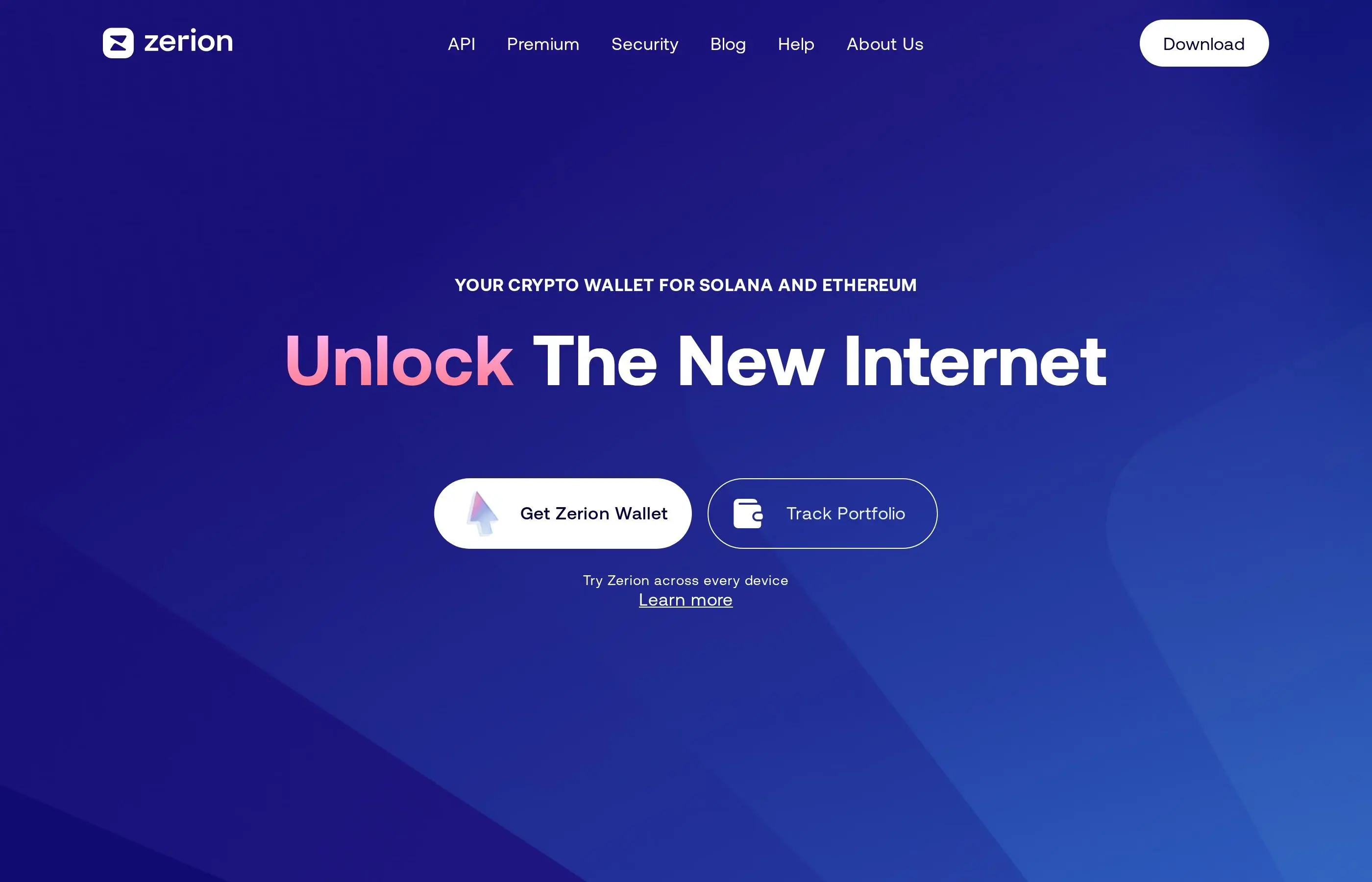
What Is Zerion and How Does It Work?
Zerion is a non-custodial DeFi wallet and portfolio tracker that aggregates your on-chain activity across every major blockchain. Unlike centralized portfolio trackers that require manual entry, Zerion reads directly from the blockchain by connecting your wallet addresses. It indexes token balances, NFT holdings, DeFi positions (lending, staking, liquidity pools), and full transaction history - all updated in real time.
The platform operates as both a web app (app.zerion.io) and a mobile app (iOS and Android). At its core, Zerion uses its own wallet infrastructure combined with WalletConnect support, meaning you can either create a Zerion wallet or connect existing wallets like MetaMask, Ledger, or Rabby. The key innovation is Zerion's indexing layer - it crawls over 15 chains simultaneously and normalizes the data into a unified portfolio view with accurate USD valuations.
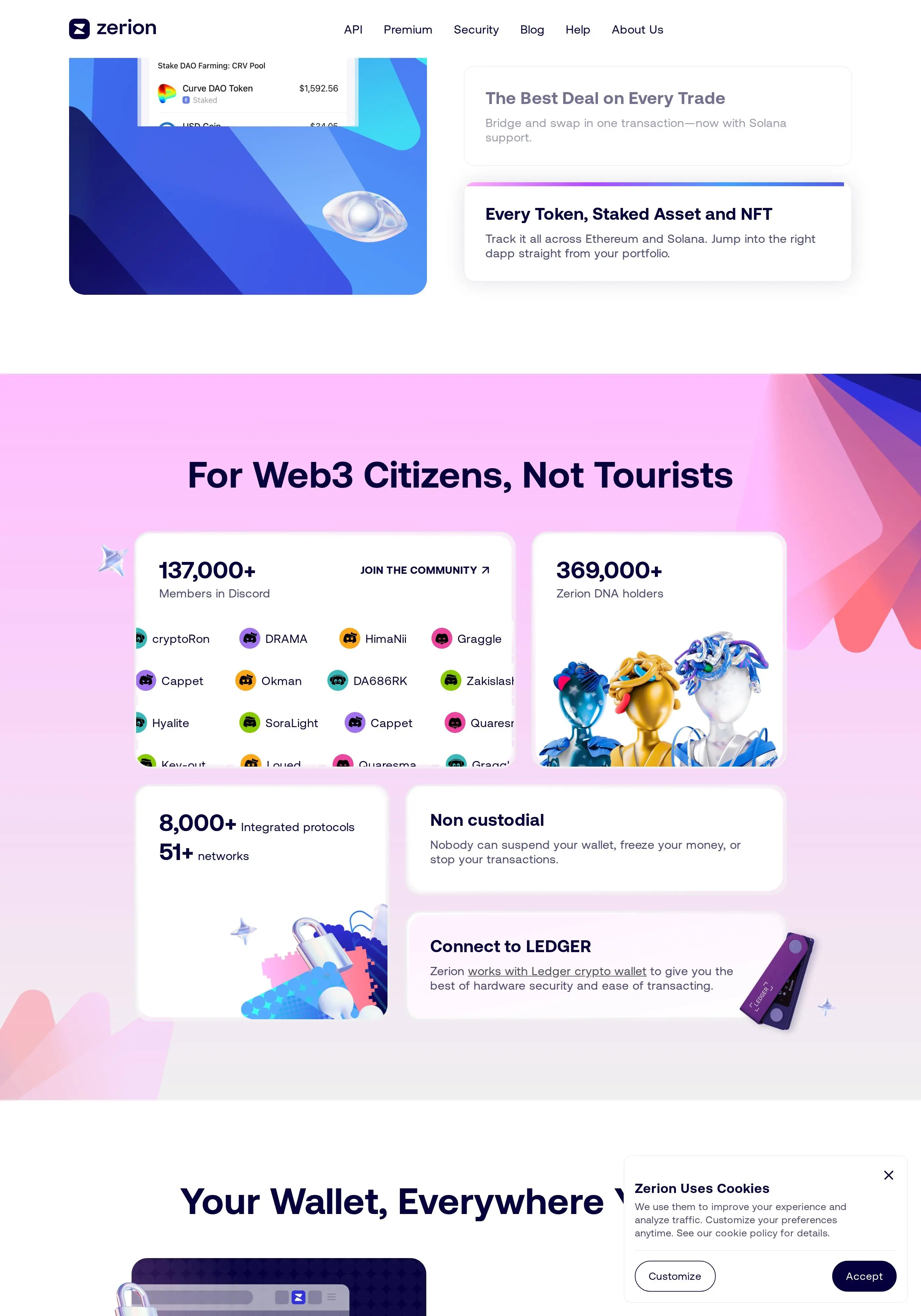
Zerion is non-custodial - your private keys never leave your device. The platform only reads public on-chain data and routes transactions through your own wallet for signing. This means Zerion cannot freeze, seize, or access your funds under any circumstances.
Step-by-Step: Getting Started with Zerion
Step 1 - Create or Connect a Wallet
Visit app.zerion.io or download the Zerion mobile app. You have two options: create a new Zerion smart wallet (which supports social recovery and gasless transactions on select chains) or connect an existing wallet via WalletConnect, MetaMask browser extension, or by simply pasting a public address for read-only tracking.
Step 2 - Add All Your Addresses
This is where Zerion shines. Click the wallet selector in the top left and add every address you use. You can label them (e.g., "Main ETH," "Solana Trading," "Cold Storage") for easy identification. Zerion will combine all addresses into a single aggregated portfolio view, or you can filter by individual wallet.
Step 3 - Explore Your Portfolio Dashboard
Once your wallets are connected, the dashboard immediately displays your total portfolio value, broken down by tokens, NFTs, and DeFi positions. The chart at the top shows your portfolio performance over time (24h, 7d, 30d, 1y, or all-time). Scroll down to see individual token holdings sorted by value.
Step 4 - Review DeFi Positions
Navigate to the "Positions" tab to see all your active DeFi positions. This includes LP tokens in Uniswap or Curve pools, staked assets in Lido or EigenLayer, lending positions on Aave, and yield farming across various protocols. Zerion automatically detects and categorizes these positions with their current value and APY.
Step 5 - Check Transaction History
The "History" tab provides a complete, human-readable transaction log across all chains. Every swap, transfer, approval, mint, and contract interaction is decoded and displayed with clear descriptions like "Swapped 1.5 ETH for 3,200 USDC on Uniswap" instead of raw hex data.
Step 6 - Configure Notifications
Enable push notifications on mobile to get alerts for incoming transfers, significant price movements on held tokens, and completed transactions. This is particularly useful for tracking large wallets or monitoring your own positions during volatile markets.
Multi-Chain Portfolio Tracking
Zerion's multi-chain tracking is its flagship feature. The platform supports Ethereum, Arbitrum, Optimism, Base, Polygon, Avalanche, BNB Chain, Solana, zkSync, Linea, Blast, Scroll, and more. Each chain's assets are automatically detected and valued, with no manual configuration required.
The portfolio breakdown shows chain-by-chain allocation, letting you visualize how your assets are distributed. This is invaluable for risk management - if 90% of your portfolio sits on a single L2, you might want to diversify. Zerion also tracks bridged assets, showing you when the same token exists across multiple chains in your wallets.
Pro Tip: Add whale wallets or protocol treasury addresses as "watched wallets" (read-only) to track what smart money is doing. Zerion lets you follow any public address without needing private keys.
Swapping and Bridging with Zerion
Zerion includes a built-in swap aggregator that routes through multiple DEXs (Uniswap, 1inch, Paraswap, 0x) to find the best price for any trade. You can swap tokens on any supported chain directly from the portfolio view - just click any token and hit "Swap." The aggregator compares routes across DEXs and shows you the expected output, price impact, and gas cost before you confirm.
For cross-chain transfers, Zerion integrates bridge aggregation. Need to move USDC from Ethereum to Arbitrum? Zerion compares bridge options (Stargate, Across, Hop, official bridges) and shows you the fastest and cheapest route. The entire process happens within the Zerion interface - no need to visit separate bridge websites.
NFT Portfolio Management
Zerion provides a dedicated NFT gallery that displays all your NFTs across supported chains. Each NFT shows its floor price (sourced from OpenSea, Blur, and Magic Eden), rarity rank, and collection metadata. You can sort by value, collection, or chain, and quickly identify which NFTs have appreciated or declined.
The platform also tracks NFT activity - mints, purchases, sales, and transfers - in your transaction history. This makes it easy to calculate your NFT PnL without needing a separate tracker. For tax purposes, every NFT transaction is logged with the acquisition cost, sale price, and holding period.
Token Discovery and Explore Features
The Explore tab is Zerion's token discovery engine. It highlights trending tokens across all chains, showing 24h volume, price change, and market cap. You can filter by chain, category (DeFi, memecoins, AI tokens, L2 tokens), and time frame. The "New Tokens" section surfaces recently launched assets, while "Top Movers" shows the biggest gainers and losers.
Each token page includes a price chart, liquidity depth, holder distribution, and contract details. Zerion also flags potential risks - if a token has a honeypot contract, low liquidity, or concentrated holdings, you will see warning indicators. This built-in due diligence saves time and helps avoid scams.
Tax Reporting and Export
Zerion offers transaction history export in CSV format, compatible with major crypto tax software like Koinly, CoinTracker, and TokenTax. The export includes every on-chain transaction across all connected wallets and chains, with timestamps, amounts, USD values at the time of transaction, and transaction types (swap, transfer, mint, etc.).
For users in jurisdictions requiring capital gains reporting, this is a significant time saver. Instead of manually pulling data from 10+ block explorers, Zerion consolidates everything into a single export. The platform also categorizes transactions automatically - distinguishing between taxable events (swaps, sales) and non-taxable movements (transfers between your own wallets).
Warning: Zerion's tax export is a starting point, not a complete tax solution. DeFi transactions involving liquidity pools, yield farming, and complex smart contract interactions may need manual review. Always consult a crypto-savvy tax professional for final filing.
Advanced Strategies and Tips
Wallet Labeling System: Create a naming convention for your wallets that reflects their purpose. Use prefixes like "TRADE-" for active trading wallets, "HOLD-" for long-term storage, and "FARM-" for DeFi yield positions. This makes portfolio analysis much faster when you have 10+ addresses.
Portfolio Alerts: Set percentage-based alerts on your total portfolio value. Getting notified when your portfolio drops 10% in a day helps you react quickly to market crashes - or resist panic selling if you have already set your risk tolerance.
Whale Watching: Add known whale wallets and fund addresses as watched wallets. Track their token purchases and DeFi positions to identify trends before they become mainstream. Zerion makes this trivially easy compared to manual Etherscan monitoring.
Gas Optimization: Use Zerion's built-in gas tracker to time your transactions. The platform shows current gas prices and estimates, helping you save on Ethereum mainnet transactions by waiting for low-gas periods.
Fee Structure
Zerion vs Alternatives: Comparison
Security Considerations and Risks
Zerion is a non-custodial platform, which means the primary security responsibility lies with you. The platform never holds your private keys or seed phrases. However, there are still risks to be aware of:
Smart Contract Risk: When you use Zerion's swap or bridge features, you interact with third-party smart contracts (Uniswap, 1inch, Stargate, etc.). These contracts carry inherent risk - bugs or exploits could result in fund loss. Zerion itself does not control these protocols.
Token Approval Risk: Every swap requires a token approval transaction. Zerion defaults to exact amount approvals (safer) rather than unlimited approvals. Always review what you are approving before signing.
Phishing Risk: Only use Zerion at app.zerion.io or from official app store listings. Fake Zerion websites exist that attempt to steal wallet connections. Bookmark the real URL and never click links from unsolicited messages.
Privacy Considerations: While Zerion is non-custodial, using the platform means your wallet addresses are associated with your IP address on Zerion's servers. Use a VPN if on-chain privacy is important to you.
Common Mistakes to Avoid
• Not adding all wallets - If you track only your main wallet, your portfolio value is incomplete. Add every address you use, including cold storage and L2 wallets.
• Ignoring DeFi positions - Your LP tokens and staked assets are real value. Check the Positions tab regularly to monitor impermanent loss and APY changes.
• Swapping without checking routes - Always review the swap route before confirming. Large trades may have significant price impact - splitting across multiple swaps can save you money.
• Not exporting for taxes - Do not wait until tax season to export your history. Export quarterly so you can catch any missing transactions early.
• Trusting portfolio value blindly - Small-cap tokens may show inflated values due to low liquidity. Always check if you could actually sell at the displayed price.
Frequently Asked Questions
Is Zerion free to use?
Yes, portfolio tracking, NFT viewing, and transaction history are completely free. Zerion charges a small fee (around 0.5%) on swaps executed through its built-in aggregator. Bridge fees depend on the bridge provider used.
Does Zerion support Solana?
Yes, Zerion added Solana support and tracks SPL tokens, Solana NFTs, and Solana DeFi positions. You can add Solana wallet addresses alongside your EVM wallets for a unified cross-chain view.
Can I use Zerion with a hardware wallet?
Absolutely. Zerion supports Ledger and Trezor connections. You can also add hardware wallet addresses as watch-only for tracking without connecting the device. When you want to execute transactions, connect your hardware wallet to sign.
How accurate is Zerion's portfolio valuation?
Zerion pulls prices from on-chain DEX data and CoinGecko. For high-liquidity tokens, valuations are very accurate. For low-liquidity tokens or newly launched assets, prices may be less reliable due to thin order books.
Is my data private on Zerion?
All blockchain data is public by nature. Zerion reads this public data to display your portfolio. The platform does not share your wallet addresses with third parties. However, your IP address and usage patterns are logged on their servers, similar to any web application.
Can Zerion track centralized exchange balances?
No, Zerion only tracks on-chain assets. Balances held on centralized exchanges like Binance or Coinbase are not visible. You would need a separate tool like CoinStats or Delta for CEX integration.
What is Zerion DNA?
Zerion DNA is a dynamic NFT that evolves based on your on-chain activity. Holding a Zerion DNA NFT unlocks premium features like reduced swap fees and exclusive access to new features. It serves as both a loyalty program and a membership pass.
Related Tutorials
• How to Use MetaMask Wallet - Complete Tutorial 2026
• How to Bridge Crypto Between Chains - Cross-Chain Tutorial 2026
• How to Use a Wallet Tracker on Solana Chain
• How to Use Ledger Nano Hardware Wallet - Setup Guide 2026
• How to Use Lido Finance Liquid Staking ETH Tutorial 2026
• How to Read Crypto Charts - Beginners Tutorial
Related Guides
- How to Use LlamaFolio: Track Wallet Holdings and DeFi Positions (2026)
- What Is a Crypto Portfolio Tracker? Complete Beginner Guide (2026)
- Zapper Tutorial: Navigate DeFi Dashboards and Manage Multi-Chain Portfolios (2026)
- DeBank Tutorial: Track DeFi Portfolios and Smart Money Wallets (2026)
- How to Use Exodus Wallet: Portfolio and Multi-Chain Guide (2026)