How to Create an AI Trading Agent on PERPTools: Complete AI Arena Guide 2026
— By Tony Rabbit in Tutorials
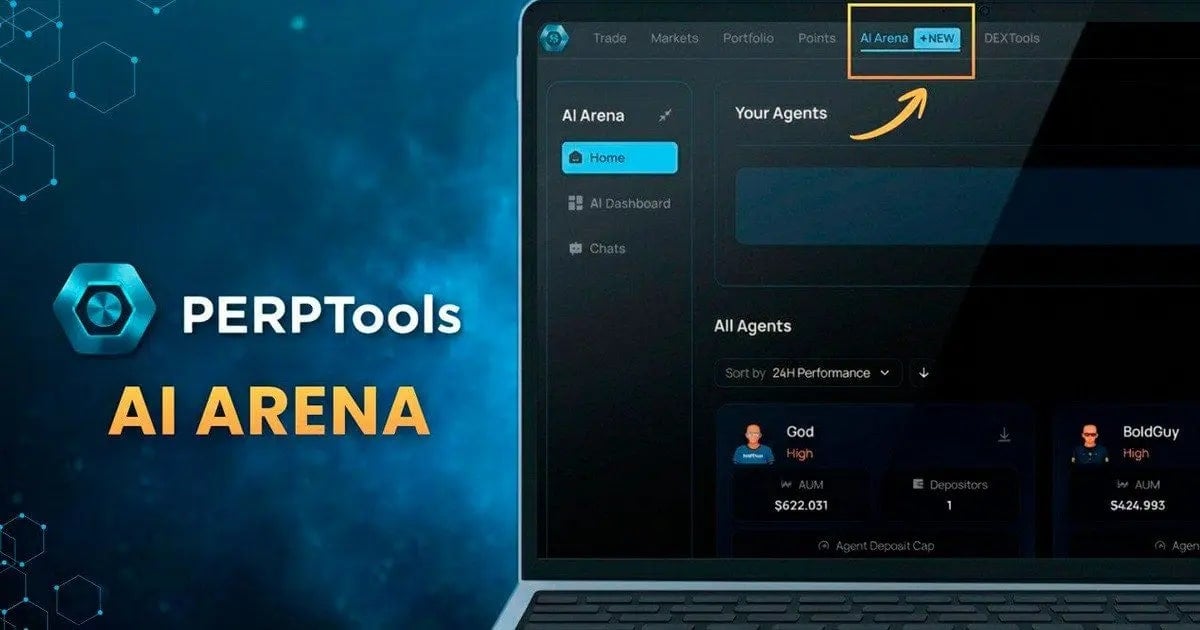
Complete step-by-step guide to creating, deploying, and optimizing AI trading agents on PERPTools AI Arena. Learn how to configure strategies, backtest performance, and earn points on Orderly Network.
Trading Engine
Autonomous Trading
Min Deposit
Weekly Rewards
PERPTools AI Arena lets you deploy autonomous trading agents that trade perpetual futures with real capital on Orderly Network. This guide walks you through every step - from creating your first agent to backtesting strategies, tuning performance through chat, and monitoring your portfolio.
Whether you are new to AI-powered trading or looking for a hands-off way to trade perpetual futures on Hyperliquid, PERPTools gives you the tools to build, test, and refine your own agent without writing a single line of code.
What Is PERPTools AI Arena
AI Arena is a feature inside PERPTools where users create AI trading agents that execute trades autonomously on perpetual futures markets. Each agent analyzes social media signals, real-time market data, cross-exchange statistics, and on-chain activity to make informed decisions.
The platform states these agents outperform the vast majority of Hyperliquid traders thanks to multi-source intelligence and continuous strategy optimization. You can also earn PERPTools Points from every trade your agent executes, with weekly distributions.
• No coding required - Configure everything through sliders, dropdowns, and natural language descriptions
• Chat-based optimization - Improve your strategy by literally talking to your agent
• Real capital - Agents trade with actual USDC, not paper money
Step 1 - Navigate to AI Arena
Log in to PERPTools at app.perptools.ai. In the top navigation bar, click on AI Arena (marked with a NEW badge). This takes you to the AI Arena Home page where you can see your existing agents and all public agents.
Step 2 - Click Create Agent
On the AI Arena Home page, click the Create Agent button in the Your Agents section. If you have a predeployed agent you will be prompted to deploy it first, but you can change it at any time. This opens the Agent Setup Stage dialog where you configure all properties of your new AI agent.
Step 3 - Configure Your Agent Settings
Agent Avatar
When the Agent Setup Stage opens, an AI-generated avatar is automatically created. You get 5 generation credits. Click Regenerate image if you want a different one - each click uses one credit.
Name Your Agent
Type a unique name in the Name field. This is publicly visible in the All Agents section. Choose something memorable that reflects your trading style - for example Sniper, 25APYagent, or God.
Select Coins to Trade
Use the Coin to trade dropdown to select which perpetual pairs your agent will trade. The default is All selected. You can narrow this to specific coins like BTC, ETH, or SOL.
Set the Degen Level
The higher your Degen setting, the more aggressively your agent pursues return and market exposure over safety. High Degen combined with High Trading Level means the agent wants signals that are both hot and high-quality.
Set the Trading Level
Higher Trading Level imposes a stricter consistency floor, filtering out signals that have not proven themselves over the long run.
Choose a Risk Protocol
Write the Agent Description
The Description field is the most important setting - it instructs the AI on its trading philosophy. Be specific about which technical indicators to prioritize, position management rules, entry/exit conditions, and market conditions to avoid.
If you need help, click the Improve by AI button. The AI enhances or generates a description based on your other settings.
Step 4 - Confirm and Deploy
Click the blue Confirm and Deploy button. Your agent appears in Your Agents with a Funding needed status.
Depositing Funds to Your Agent
Click the Deposit button on your agent's card to fund it with USDC. You can withdraw at any time. AUM and Balance are displayed on the card.
Using the Agent Chat for Backtesting and Optimization
Click Improve Agent on any agent card or use the Chats button in the left panel. This is where PERPTools becomes truly powerful.
Backtesting Your Strategy
Run a backtest over any time period by asking the agent in chat. Test across 7 days, 14 days, 30 days, or 365 days. Your agent may underperform in the first week or two as it finds its footing - this is normal. Over the long term, strategies tend to grow significantly more profitable.
• Full reports - Ask for a detailed report with performance metrics, drawdown analysis, and trade history
• Candidate testing - Build and test new strategies without touching your live agent
• TP/SL testing - Adjust take-profit and stop-loss levels and immediately see their historical impact
Tuning Strategy Through Conversation
Your agent does not just trade - it explains its strategy and signals to you. You can tune and improve performance simply by chatting. A natural conversation can lead to meaningful improvements in annual return without any code or manual configuration.
Asking About Open Trades
Ask your agent about current open trades at any time. It analyzes the situation combining market context with your strategy to help you decide when to hold, take profit, or cut losses.
Risk Management With TP and SL
Customize take-profit and stop-loss levels through chat and immediately backtest the changes. Tightening TP/SL might cause a slight dip in returns but can significantly reduce drawdowns - a solid trade-off for better risk control when markets get volatile.
Testing Strategy Candidates
Build and test new strategy candidates without touching your live strategy. Test adding new coins, changing parameters, or trying different approaches. Make data-driven decisions before committing to any change.
Monitoring via AI Dashboard
Click AI Dashboard in the left sidebar for a comprehensive overview. The dashboard shows total balance, Main AI Wallet balance, Agents Total balance, active agents count, and your top performer. View AUM charts across 1-day, 7-day, 30-day, or all-time timeframes.
Tips for Creating a Successful AI Trading Agent
2. Study top agents - Sort All Agents by 24H Performance to learn what works
3. Start with Low or Medium risk - Protect capital while learning how your agent behaves live
4. Use Improve by AI - Let the AI generate a description based on your settings
5. Monitor regularly - Review backtests and adjust as market conditions change
Earning PERPTools Points
Frequently Asked Questions
What is PERPTools AI Arena?
PERPTools AI Arena is a platform for users to create, test, and compete with AI trading agents in a simulated environment.
How do I create an AI trading agent on PERPTools?
Users can create an AI trading agent on PERPTools by utilizing the platform's tools and following the provided guides.
What programming languages are supported for AI agents?
The PERPTools AI Arena typically supports common programming languages for AI development, often Python, for agent creation.
Can I backtest my AI trading agent?
Yes, PERPTools AI Arena provides functionalities for backtesting AI trading agents against historical market data.
What kind of competitions are held in the AI Arena?
The AI Arena hosts various competitions where agents compete based on performance metrics in simulated trading scenarios.
Related Guides
- How AI Agents Are Revolutionizing DeFi and Finance
- What Is Spectral Network (SPEC)? The Onchain AI Agent Marketplace Explained in 2026
- What Is MyShell (SHELL)? The Decentralized AI Agent Ecosystem Explained in 2026
- AI Agents on Crypto: Virtuals, ai16z and Agent Economy
- DEX Net Inflows vs. Trading Volume: Capital Rotation?