How to Use Bitget Exchange: Complete Copy Trading Tutorial (2026)
— By Tony Rabbit in Tutorials

Learn how to use Bitget, a top crypto exchange, with our comprehensive 2026 guide covering copy trading, spot, futures, Bitget Wallet, and more.
Using Bitget involves navigating its comprehensive ecosystem, primarily its renowned copy trading feature, alongside robust spot and futures markets, a versatile non-custodial wallet, and various passive income opportunities. This guide will walk you through setting up your account, mastering copy trading, executing advanced trades, and leveraging Bitget's full suite of services to enhance your crypto journey in 2026.
Understanding Bitget's Core Value: The Copy Trading Ecosystem
Bitget has cemented its position as a top-tier cryptocurrency exchange, not just by offering standard trading tools, but by pioneering a robust social trading ecosystem. Its industry-leading copy trading feature allows users, especially beginners, to automatically replicate the trades of seasoned professionals. This unique approach transforms individual trading into a collaborative experience, where top traders earn commissions from their followers, fostering a symbiotic relationship within the community.
Getting Started: Account Setup and Security
Your journey on Bitget begins with a straightforward registration process, followed by essential security measures to protect your assets.
- Register Your Account. Visit bitget.com and sign up using your email address or phone number. Ensure you use a strong password.
- Complete KYC Verification. To unlock full trading capabilities and higher withdrawal limits, you must complete Know Your Customer (KYC) verification. This typically involves submitting a government-issued ID and undergoing a facial recognition scan. Bitget's process is designed to be quick and efficient.
- Enable Two-Factor Authentication (2FA). Immediately enable Google Authenticator 2FA for an additional layer of security. This is crucial for protecting your account from unauthorized access.
- Set a Fund Password. Establish a separate fund password for withdrawals and critical security operations. This adds another barrier against potential threats.
- Explore New User Bonuses. After registration, check the 'Welcome Rewards' or 'New User Zone' for potential deposit bonuses, trading fee coupons, or other incentives designed to kickstart your trading experience.
Mastering Bitget Copy Trading: A Step-by-Step Guide
Copy trading is Bitget's flagship feature. It allows you to automatically mirror the trades of experienced traders, making it an excellent option for those new to crypto or looking for a passive trading strategy.
- Navigate to the Copy Trading Section. On the Bitget platform, locate and click on the 'Copy Trading' tab. This will take you to the main copy trading interface.
- Understand the Leaderboard. You'll see a dynamic leaderboard showcasing top traders. These traders are ranked by various metrics such as ROI (Return on Investment), win rate, total profit, and the number of followers they have.
- Analyze Trader Profiles. Click on individual trader profiles to view detailed statistics. This includes their PnL (Profit and Loss) history, maximum drawdown (the largest peak-to-trough decline in capital), average holding time per trade, preferred trading pairs, and a calculated risk score.
- How to Choose a Copy Trader. Selecting the right trader is paramount to your success. Consider the following criteria:
- Track Record: Look for traders with a consistent 90-day+ track record, not just short-term hot streaks.
- Maximum Drawdown: Aim for traders with a maximum drawdown under 30%. This indicates better risk management.
- Win Rate: A win rate above 60% is generally a good indicator of profitability.
- Consistent PnL: Prioritize traders with steady daily PnL rather than those with one or two lucky, massive trades.
- Follower Count: A significant number of followers (100+) can provide social proof, but always do your own research.
- Leverage Use: Avoid traders who consistently use extremely high leverage (e.g., 50x+), as one bad trade can lead to substantial losses.
- Configure Your Copy Trading Settings. Once you've chosen a trader, you'll need to set your parameters:
- Investment Amount: Define the amount you wish to allocate per trade.
- Maximum Concurrent Positions: Set a limit on how many open positions you want to copy simultaneously.
- Stop-Loss Percentage: This is a critical risk management tool. Configure a stop-loss percentage for your copied trades to limit potential losses.
- Copy Type: Decide whether to copy futures trades, spot trades, or both, depending on the trader's strategy and your risk appetite.
- Start Small and Monitor. Begin with a small investment to test the chosen trader's strategy and your comfort level. Continuously monitor their performance and adjust your settings or switch traders if necessary.

Spot Trading on Bitget: Beyond Copy Trading
While copy trading is a highlight, Bitget offers a fully functional spot exchange that caters to experienced traders and those who prefer manual trading. With over 800 trading pairs, Bitget is aggressively listing new tokens, often competing with other major exchanges for early access to promising projects.
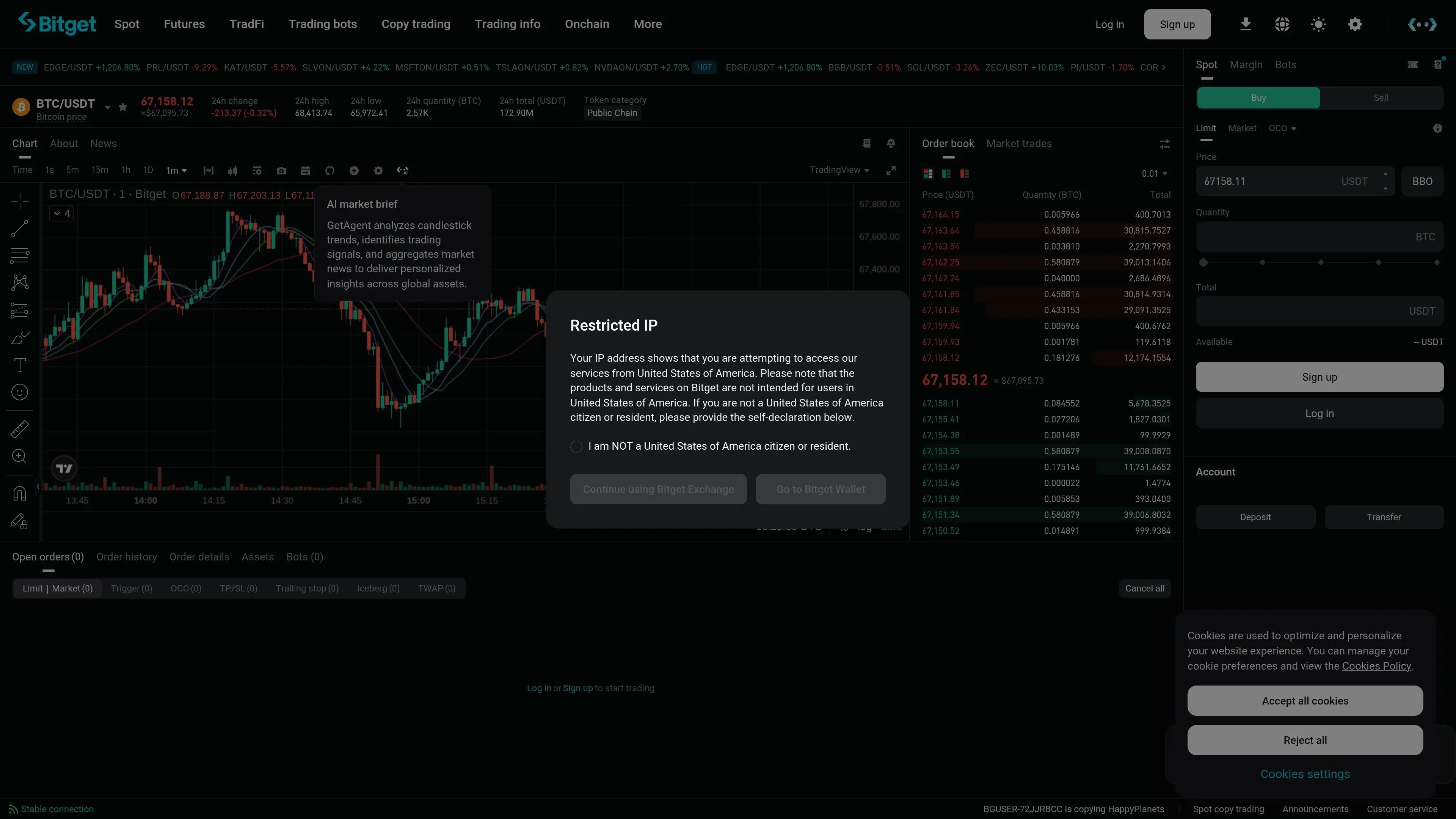
The spot trading interface is intuitive and features professional TradingView charts for in-depth technical analysis. You'll find standard order types:
- Market Order: Executes immediately at the best available market price.
- Limit Order: Allows you to set a specific price at which you want to buy or sell. The order will only execute when the market price reaches your set limit.
- Stop-Limit Order: Combines a stop price and a limit price. When the stop price is triggered, a limit order is placed.
- OCO (One-Cancels-the-Other) Order: A pair of conditional orders where if one order is executed, the other is automatically canceled. Useful for managing risk and profit targets simultaneously.
Futures Trading: High Leverage, High Potential
For those seeking higher leverage and potential returns, Bitget's futures trading platform is robust and feature-rich. It supports both USDT-margined and coin-margined perpetual futures contracts, offering up to 125x leverage.
Bitget Wallet (BWB): Your Multi-Chain Gateway
Formerly known as BitKeep, Bitget Wallet (BWB) is a powerful multi-chain, non-custodial cryptocurrency wallet that seamlessly integrates with the Bitget exchange. It supports over 100 blockchains, making it a versatile tool for managing your digital assets across various ecosystems.
Key features of Bitget Wallet include:
- DEX Aggregator: Find the best swap rates across multiple decentralized exchanges.
- NFT Marketplace: Explore, buy, and sell NFTs directly from your wallet.
- DApp Browser: Access a wide range of decentralized applications (DApps) securely.
- Token Swap: Easily exchange tokens within the wallet.
- Seamless Integration: Effortlessly move funds between your Bitget exchange account and your Bitget Wallet, bridging centralized and decentralized finance (CeFi and DeFi).
Bitget Launchpad and Earn: Passive Income Opportunities
Bitget extends beyond active trading with features designed for passive income and early investment opportunities.
- Bitget Launchpad: Offers early access to new token sales from promising projects. Participation typically requires holding BGB (Bitget Token), the native utility token of the Bitget ecosystem. This provides an opportunity to acquire tokens at an initial offering price before they hit the broader market.
- Bitget Earn: The 'Earn' section provides various products for generating passive income on your crypto holdings. These can include flexible savings, fixed savings, staking, and structured products. The specific offerings and APYs (Annual Percentage Yields) will vary, so always review the terms and risks associated with each product.
Bitget Token (BGB): The Ecosystem's Utility Token
BGB is more than just a token; it's the backbone of the Bitget ecosystem. Holding BGB grants users numerous benefits, including:
- Reduced trading fees.
- Access to Launchpad allocations.
- Staking rewards.
- Exclusive events and promotions.
- Voting rights in community governance initiatives.
As Bitget continues to grow, the utility and demand for BGB are expected to expand, making it a key component for maximizing your experience on the platform.
How DEXTools Helps Bitget Users
While Bitget provides robust trading tools, DEXTools complements your strategy by offering advanced on-chain analytics for decentralized exchanges. Before making a spot trade on Bitget, especially for newly listed or trending tokens, you can use DEXTools to research token liquidity, volume, holder distribution, and real-time price action on DEXs. This allows you to gain a deeper understanding of market sentiment and potential price movements, informing your Bitget trading decisions with comprehensive data that goes beyond centralized exchange metrics.
Conclusion
Bitget has evolved into a comprehensive cryptocurrency exchange offering a wide array of features for both novice and experienced traders. From its industry-leading copy trading system to advanced spot and futures markets, a versatile multi-chain wallet, and opportunities for passive income through Launchpad and Earn, Bitget provides a robust platform for engaging with the crypto economy. By understanding and utilizing its diverse offerings, users can effectively navigate the complexities of the digital asset space in 2026 and beyond.
Frequently Asked Questions
What is Bitget copy trading?
Bitget copy trading allows users to automatically replicate the trades of experienced professional traders, mirroring their positions and strategies proportionally based on user-defined settings.
Is Bitget safe to use?
Bitget employs multiple security measures, including KYC verification, Google Authenticator 2FA, fund passwords, and cold storage for assets, making it a secure platform. However, no platform is 100% immune to risks.
How do I choose a good copy trader on Bitget?
Look for traders with a 90-day+ consistent track record, maximum drawdown under 30%, win rate above 60%, steady daily PnL, and a reasonable number of followers. Avoid those using excessively high leverage.
What is Bitget Wallet?
Bitget Wallet (formerly BitKeep) is a multi-chain, non-custodial wallet supporting over 100 blockchains. It features a DEX aggregator, NFT marketplace, DApp browser, and seamless integration with the Bitget exchange.
Can I earn passive income on Bitget?
Yes, Bitget offers various passive income opportunities through its 'Earn' platform, including flexible savings, fixed savings, staking, and structured products. The Bitget Launchpad also provides early access to new token sales.
What is BGB and what are its benefits?
BGB is the native utility token of the Bitget ecosystem. Holding BGB offers benefits like reduced trading fees, access to Launchpad allocations, staking rewards, exclusive events, and voting rights.
What is the maximum leverage on Bitget Futures?
Bitget Futures offers up to 125x leverage for both USDT-margined and coin-margined perpetual contracts. High leverage amplifies both potential profits and losses.
How does Bitget compare to other exchanges?
Bitget differentiates itself primarily through its industry-leading copy trading feature and robust social trading ecosystem, which is more developed than on many other top exchanges, alongside competitive spot and futures offerings.
Do I need to complete KYC to use Bitget?
While you can register and access some features without KYC, completing KYC verification is required to unlock full trading capabilities, higher withdrawal limits, and participate in certain activities like the Launchpad.