Use DEXTools Like a Pro: Expert Tips
— By AliceOnChain in Tutorials
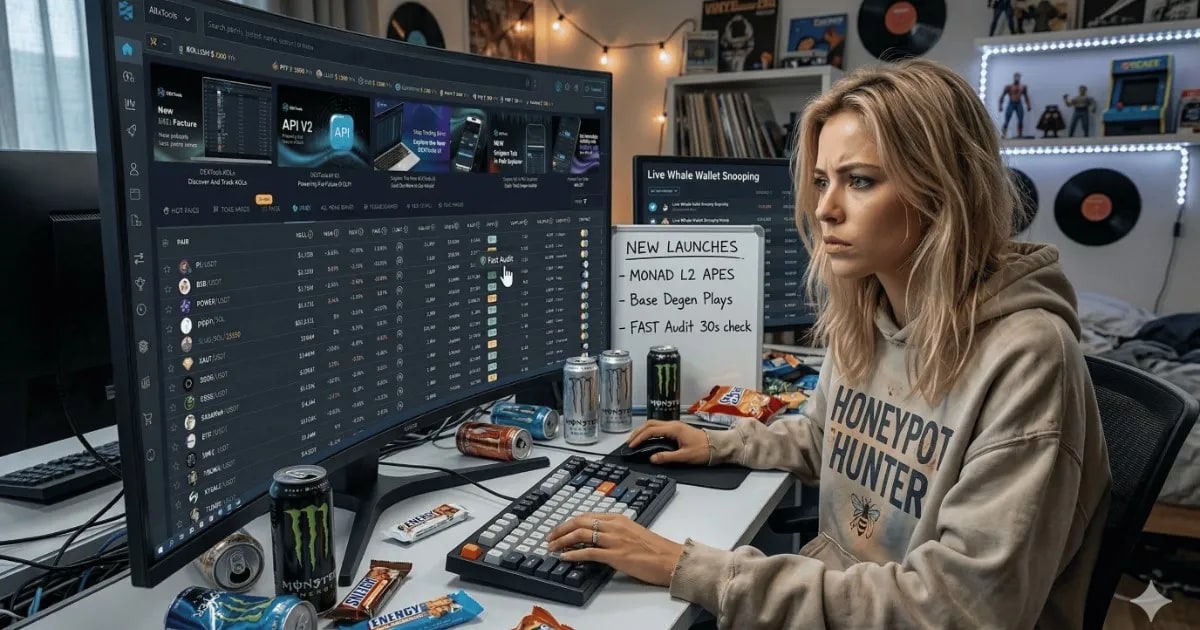
Master DEXTools with advanced filters and strategic watchlists. Optimize your crypto trading with savvy tips designed for 2026's fast markets.
How to Use DEXTools Like a Pro: Filters, Watchlists, and Fast Validation
In the high-velocity markets of 2026, information overload is the primary challenge for retail traders. Understanding how to use DEXTools like a pro is less about accumulating data and more about filtering out noise. With hundreds of new pairs launching every hour across Solana, Base, and Monad, differentiating signal from noise is crucial for success.
To operate at an institutional level, it's not just about "checking prices." You need a streamlined workflow that prioritizes speed and security.
Mastering the DEXTools Pair Explorer Filters
Most users browse the "Hot Pairs" list, but a pro crafts custom views. The filtering engine in DEXTools aids in finding specific opportunities that match your risk appetite.
The Liquidity Floor: Set a minimum liquidity filter (e.g., >$50k) to hide "dust" pools and potential instant-rugs.
Age-Based Scanning: Use the "Created" filter to identify tokens that survive the first 24 hours. Statistically, those holding their floor post-launch volatility have a higher chance of significant gains.
Volume/Market Cap Ratio: Filter for tokens where the 24h volume is at least 30% of the Market Cap, ensuring active assets with genuine interest are traded, not stagnant "zombie" tokens.
Strategic Watchlists: Organizing Your Conviction
Monitoring 50 tokens at once is impractical. Pros leverage the Watchlist feature to categorize their investment "theses."
The "Main Watch": Focus on 3-5 high-conviction positions you hold or plan to enter soon.
The "Sector Watch": Group tokens by narrative (like AI Agents, DePIN, Meme-Coins). When one rallies, check the laggards in the same list for an entry.
The "Competitor Watch": Track the top five leaders in a niche to assess market strength. If leaders falter, it signals potential exits from smaller investments in that sector.
Fast Validation: The 30-Second Security Check
A pro doesn't buy without a quick audit. DEXTools integrates security data directly into Pair Explorer, enabling swift contract validation.
Check the DEXT Score: If the score is below 70, investigate. Is the contract unverified? Is there a high sell tax?
Verify the HoneyPot Status: Look for automated audit badges. Focus on "Mint Functions" and "Blacklist Ability." If developers can stop you from selling, a price increase is irrelevant.
Community Trust: Consult the community vote section. Not foolproof, but sudden "Red" vote spikes often flag community-detected scams before charts do.
Building Your Ultimate "Command Center": A Custom Layout
Your workspace is your most crucial execution tool. Mastering how to use DEXTools like a pro involves recognizing the default view is just a start. A custom, adaptable command center reduces reaction time for pro traders.
The DEXTools App enables deep customization by turning chart and pair data sections into interactive panels. Drag and resize windows like Pair Information or Live Trades across your screen. This "grid-based" flexibility is key for performance.
Create your focus: If you're a scalper, drag the 'Live Trades' panel to the center, next to a 1-minute chart. If you're a narrative hunter, the 'Watchlist' and 'New Socials' panels should dominate.
Remove the Noise: Temporarily hide unnecessary panels with one click. Not currently trading a pair? Collapse the detailed contract description for larger chart analysis. This modularity ensures your "Command Center" adapts on-the-fly, providing a distinct speed advantage when seconds matter.
Automation: Beyond Manual Monitoring
Capitalize on automated Desktop and Telegram notifications for your customized, filtered alerts. When a token in your "Sector Watch" hits a specific volume threshold, be informed rather than searching. Automation enables scaling your monitoring without increasing screen time.
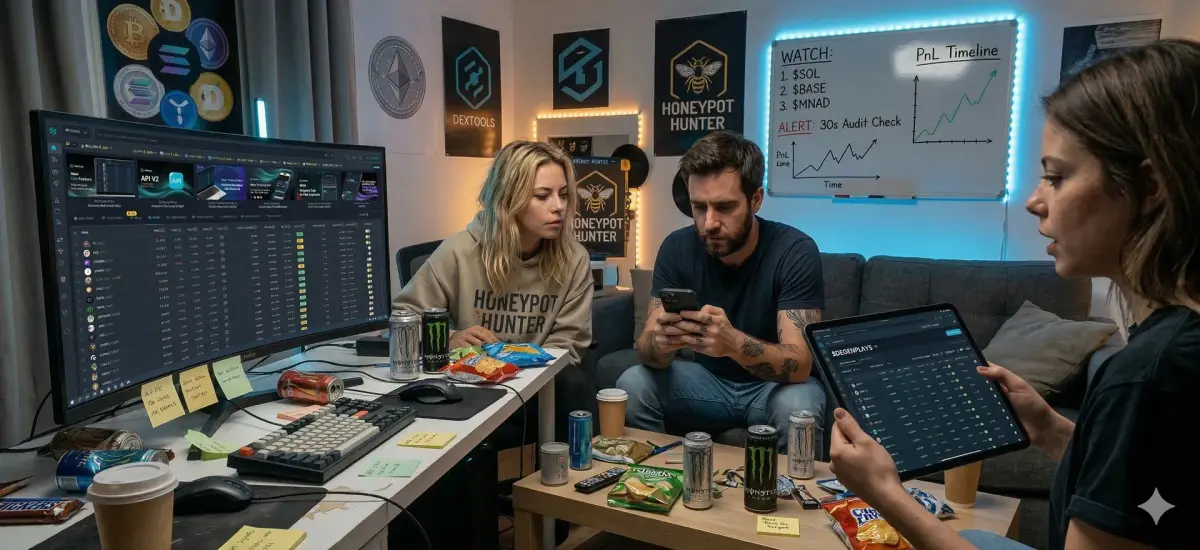
Enhance Your Workflow
Distinguishing a "gambler" from a "trader" is a repeatable process. Using advanced filters, structured watchlists, quick validation, and a workspace tailored to your needs transforms DEXTools from a simple chart to a professional-grade terminal.
Ready to level up? Open the DEXTools Pair Explorer, apply a "Liquidity > $100k" filter, and start building your first narrative-based watchlist today.
--
Disclaimer: This article is for informational purposes only and does not constitute investment advice, financial advice, trading advice, or any other kind of advice. DEXTools does not recommend buying, selling, or holding any cryptocurrency or token. Users should conduct their own research and consult with a qualified financial advisor before making any investment decisions. Cryptocurrency investments are volatile and high-risk. DEXTools is not responsible for any losses incurred.
Video Tutorial

Related Guides
- Axiom Tutorial 2026: How to Trade Solana Like a Pro
- How to Analyze Liquidity Like a Pro Memecoin Trader
- Bitcoin Price Prediction 2026: Expert Analysis, Scenarios and Key Levels
- MetaMask Complete Guide: Setup, Security and Tips
- Crypto Wallet Security: 12 Safety Rules (2026)
- Crypto Whitepaper
Frequently Asked Questions
What are the key features of DEXTools for traders?
DEXTools offers features like Pair Explorer filters, customizable watchlists, and fast validation tools to help traders filter noise and identify profitable opportunities in the market.
How can I create a watchlist in DEXTools?
In DEXTools, you can create a watchlist by categorizing tokens into groups such as 'Main Watch' for high-conviction positions, 'Sector Watch' for thematic tokens, and 'Competitor Watch' for tracking market leaders.
What is the importance of the DEXT Score in DEXTools?
The DEXT Score helps traders quickly assess the security of a token; a score below 70 warrants further investigation into potential risks like unverified contracts or high sell taxes.
How can I customize my workspace in DEXTools?
You can customize your DEXTools workspace by dragging and resizing data panels to create a layout that suits your trading style, ensuring quick access to the information you need.
What automation features does DEXTools offer?
DEXTools provides automated notifications via Desktop and Telegram, allowing traders to receive alerts for specific volume thresholds in their watchlists without constant monitoring.