What Is a Blockchain Explorer? How to Use One (2026)
— By Tony Rabbit in Tutorials

What is a blockchain explorer? Use it like a search engine for on-chain data to track transactions, wallets, tokens and contracts, with a step-by-step example.
Top results for what is a blockchain explorer treat it as a search engine for blockchain data. This guide is aligned to that beginner-use-case intent.
A blockchain explorer is a public search and verification tool that lets you inspect addresses, transactions, blocks, token holdings, and smart contract activity directly on-chain. If a wallet app is your control panel, the explorer is your audit window. It is where you stop guessing and start verifying.
That is why explorers matter so much to beginners. They help answer the questions that wallet interfaces alone cannot always settle cleanly. Did the funds actually arrive on-chain? Is this the right address on the right network? Does this account have token activity? Is the transaction confirmed, pending, or failed? A good explorer is the fastest path from anxiety to evidence.
Quick answer
- A blockchain explorer is a public tool for checking wallet addresses, transactions, token balances, and block data on a specific chain.
- Explorers do not custody funds. They simply show what the blockchain already recorded.
- Examples include Etherscan, BscScan, Basescan, Arbiscan, Tronscan, and Solscan.
- Use an explorer when you need to verify whether a transfer landed, whether an address holds a token, or whether a transaction is still pending.
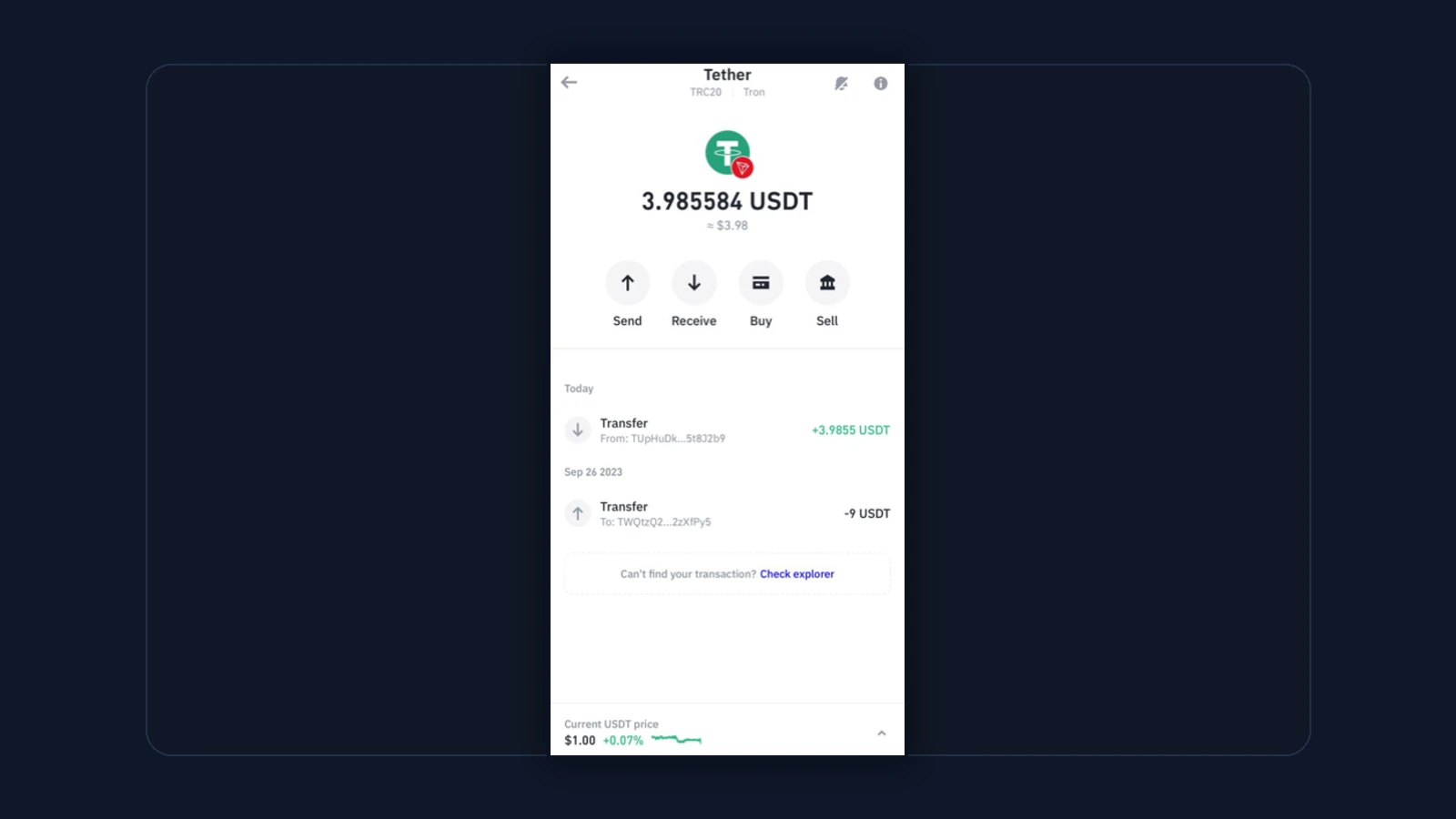
What a Blockchain Explorer Actually Does
An explorer indexes blockchain data and turns it into something humans can search. Instead of reading raw chain data directly, you paste an address, transaction hash, or token contract into a site like Etherscan or Solscan and get a structured view of what the network recorded. That includes balances, transfer history, gas usage, confirmations, contract interactions, and more.
Trust Wallet's troubleshooting guidance makes this practical rather than theoretical. When balances look wrong or an asset seems missing, one of the first recommended checks is to use a blockchain explorer to inspect the balance and transactions directly. That advice matters because the explorer can confirm whether the issue is on-chain, in the wallet display, or in the user's own network selection.
What You Can Verify With an Explorer
For beginners, explorers are most useful for five things. First, checking whether an address actually holds assets on the chain you think it does. Second, tracking whether a transaction is pending, confirmed, or failed. Third, reviewing token transfers and contract interactions. Fourth, confirming that the wallet address and network match the route you intended. Fifth, spotting the difference between a display issue and a real on-chain issue.
The most useful beginner explorer checks
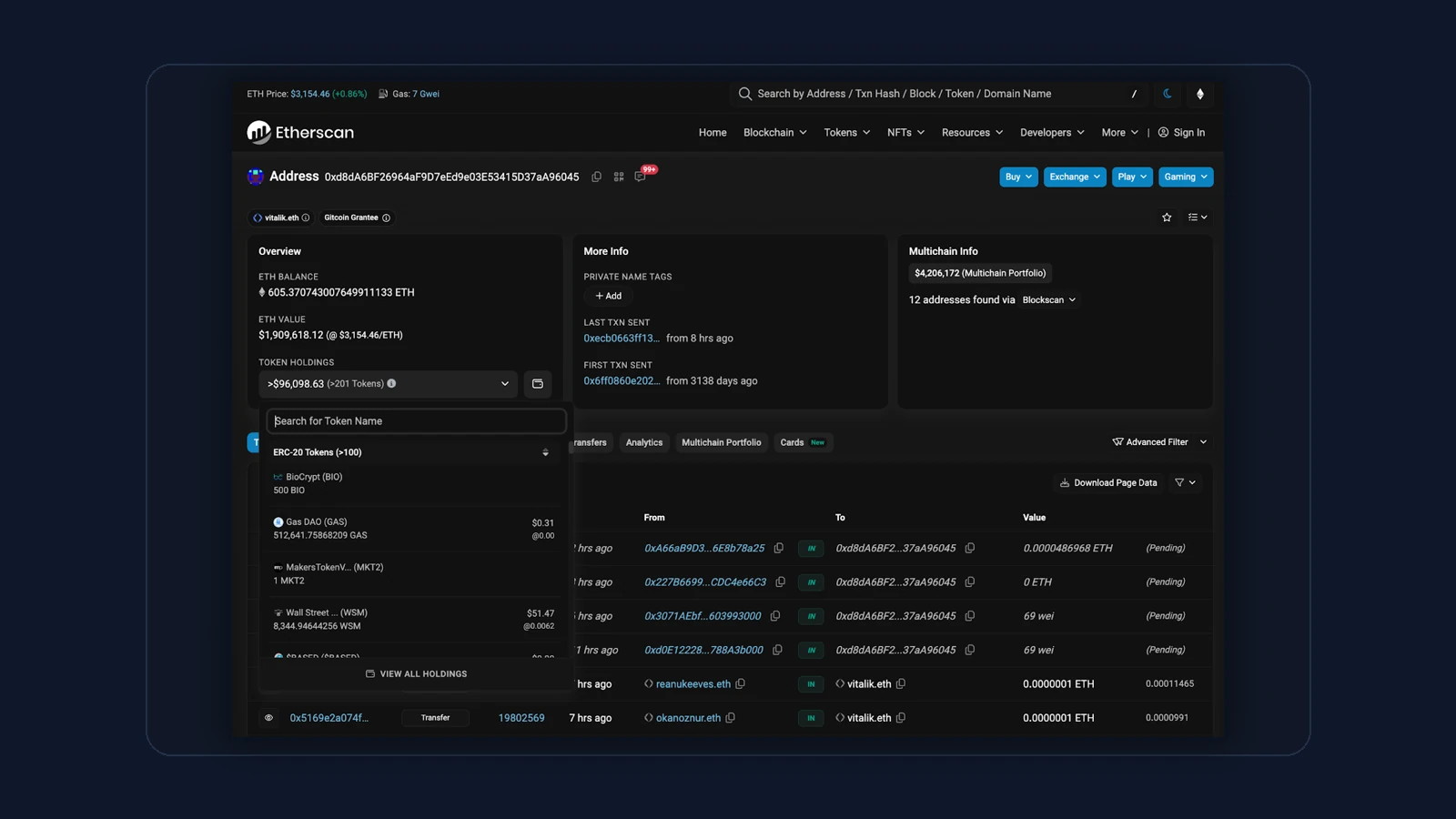
Common Explorers by Chain
The right explorer depends on the chain. Ethereum users often default to Etherscan. BNB Smart Chain uses BscScan. Base uses Basescan. Arbitrum uses Arbiscan. Tron users often use Tronscan. Solana users commonly check Solscan or Solana.fm. The naming changes, but the job stays the same: make public chain data searchable.
Trust Wallet's support material even lists many of these directly because explorer checks are such a core troubleshooting step. That list is a reminder that there is no one universal explorer for every chain. You need the one that matches the route you are using.
Explorer examples beginners should recognize
Wallet App vs Blockchain Explorer
A wallet app prioritizes convenience. It helps you store assets, sign transactions, and interact with networks. An explorer prioritizes transparency. It helps you verify what the chain says. Neither replaces the other. In practice, they work together: the wallet creates and manages the activity, while the explorer verifies the result.
This difference is why explorers are especially useful during stressful moments. If you sent funds and the wallet looks odd, you do not want reassurance alone. You want proof. The explorer is where you get it.
When to open an explorer immediately
- Your wallet balance looks wrong or incomplete.
- A transaction seems stuck or failed.
- You need to confirm the exact address or contract on the right chain.
- You want to verify whether a token transfer actually landed.
- You are troubleshooting across multiple wallets or exchanges.
Explorer Mistakes Beginners Make
The common explorer mistakes
How DEXTools and Explorers Work Together
DEXTools and explorers solve adjacent problems. DEXTools helps you confirm token, pair, liquidity, and chain context before or during a trade. Explorers help you verify the raw on-chain record behind the address, transaction, or contract. Used together, they reduce both market confusion and transfer confusion.
A good habit is to use DEXTools for the market-side question and the explorer for the chain-side question. Is this the right token and pair? DEXTools helps. Did the transaction or balance actually land on-chain? The explorer answers that.
Frequently Asked Questions
What is a blockchain explorer?
It is a public search tool for looking up addresses, transactions, token contracts, blocks, and other on-chain data for a specific blockchain.
Is Etherscan a blockchain explorer?
Yes. Etherscan is one of the best-known explorers and focuses on Ethereum.
Can an explorer tell me if my transaction is confirmed?
Yes. If you search the transaction hash, the explorer can usually show whether it is pending, confirmed, failed, or dropped.
Do explorers work on every chain?
No single explorer covers every chain in the same way. You need the explorer that matches the network you are using.
Does DEXTools replace a blockchain explorer?
No. DEXTools helps with market and token context, while explorers help verify the direct on-chain record.
Related DEXTools tutorials
Disclaimer: This article is for educational purposes only and does not constitute investment, legal, tax, or security advice. A blockchain explorer helps verify what happened on-chain, but it does not reverse transactions or guarantee recovery from user mistakes.
How to Verify a Transaction Step by Step
A blockchain explorer becomes most useful when you need to confirm that a transfer actually settled the way you expected. The starting point is the transaction hash, a long unique string your wallet shows after you send funds. Pasting that hash into the explorer search bar pulls up the full record, which is the single most reliable way to check status without relying on a wallet notification that may be delayed or unclear.
Once the transaction page loads, a few fields tell you almost everything you need. The status line confirms whether the transfer succeeded or failed. The sender and receiver addresses let you verify the funds went where intended. The amount, the token contract, and the network fee show exactly what moved and what it cost. Block confirmations indicate how deeply the transaction is settled into the chain.
A practical verification routine looks like this:
- Search the hash to open the transaction record.
- Read the status to confirm success rather than a pending or failed state.
- Check the addresses against the ones you intended to use.
- Confirm the amount and token, since a similar looking contract can be a different asset.
This habit protects against scams that send fake confirmation screenshots, and it gives you an independent source of truth. The explorer reports what the network recorded, not what an app or message claims happened.
Related Guides
- How to Use Etherscan and Solscan: Blockchain Explorer Tutorial 2026
- Basescan Tutorial 2026: Base Block Explorer Master Guide
- What Is a TON Memo Tag and When Do You Need One? Guide (2026)
- Top 5 Crypto Exchanges in 2026: Which One Should You Use?
- Revenue Concentration vs Revenue Diversity: Why One Income Stream Can Make Protocols Fragile