How to Use Stargate Finance: Step by Step (2026)
— By Tony Rabbit in Tutorials

Learn how to use Stargate Finance for cross-chain transfers: what to check before bridging and how to review your route safely before confirming.
Stargate Finance enables cross-chain transfers of supported assets by connecting your wallet, selecting source and destination networks, reviewing the asset route, and confirming the transfer. It simplifies moving assets across chains without manual bridging and swapping, though cross-chain transfers remain multi-step risk events involving trust in the route and output assumptions.
Stargate Finance is best used when you want to move supported assets across chains through a cross-chain transfer interface instead of stitching together separate bridge and swap steps manually. That is why the query has strong evergreen value. Users searching this term usually want a route they can actually use, not a theory lesson about bridging.
The practical job is simple: connect the right wallet, choose the source and destination networks, review the asset route, then confirm the transfer carefully. The important caveat is that cross-chain transfers are still multi-step risk events. You are not just pushing one coin from point A to point B. You are trusting the route, the chain context, and the output assumptions at the other end.
Quick answer
- Stargate is a cross-chain liquidity transport and transfer interface for moving supported assets between blockchains.
- The core beginner workflow is connect wallet, choose source chain, choose destination chain, review the route, and confirm.
- Before sending, check asset support, destination chain, route details, and wallet network readiness.
- A small test transfer is still the cleanest habit when the amount matters or the route is new to you.
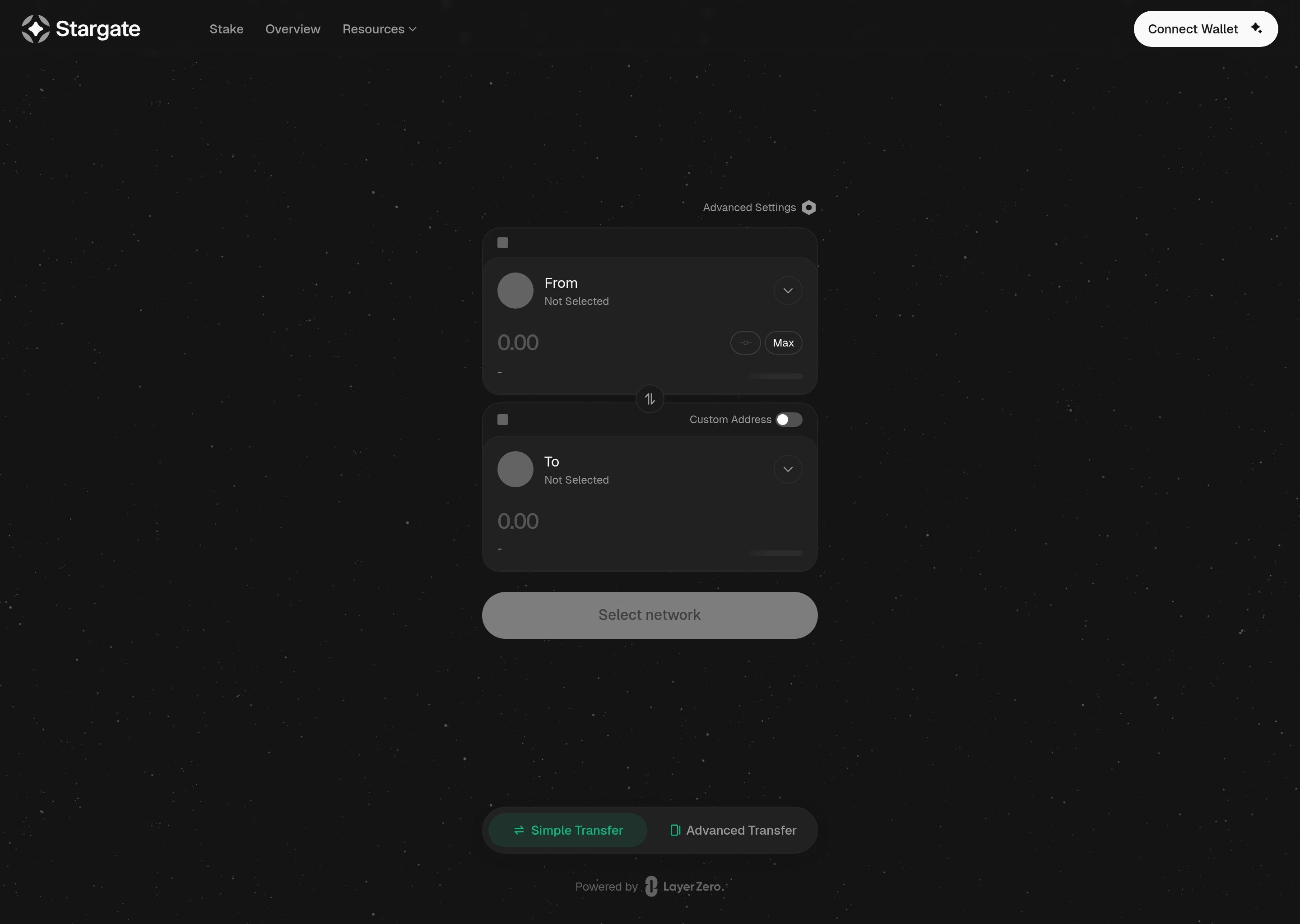
What Stargate Is Best Used For
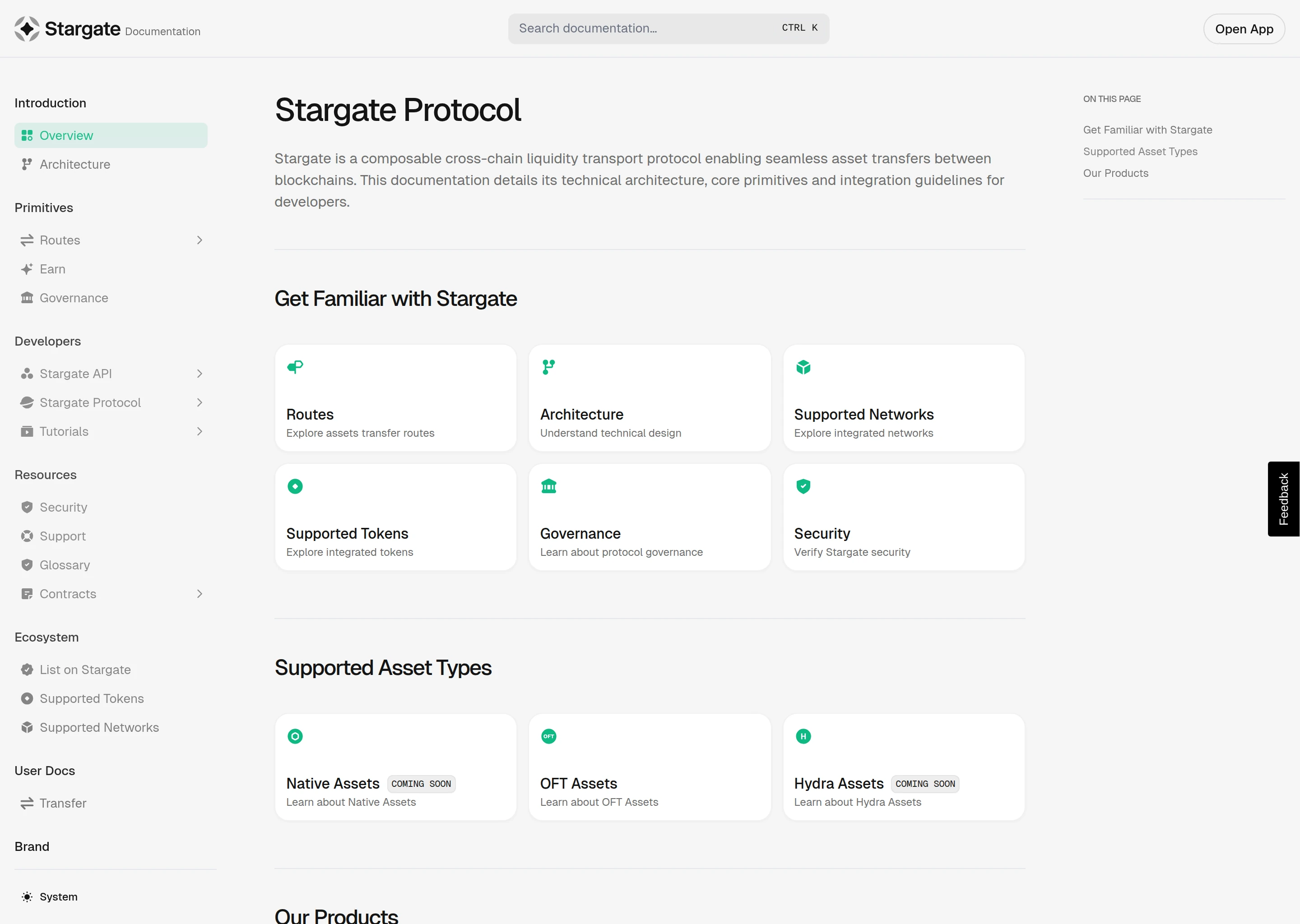
Stargate is strongest when your real need is to move value across chains without building the route manually from separate components. The official documentation describes Stargate as a composable cross-chain liquidity transport protocol that enables seamless asset transfers between blockchains. For the end user, that translates into a cleaner route-selection experience for supported assets and networks.
The key is to treat Stargate like a route tool, not a magic tunnel. You still need to know what asset you are sending, what chain it is leaving, what chain it is arriving on, and whether the destination result is actually useful to you.
What to Prepare Before You Use Stargate
Before using Stargate, make sure the wallet is connected to the correct source network, the asset you want to move is actually supported, and the destination chain is the one you need. The documentation is useful here because it frames Stargate around routes, supported networks, and supported tokens rather than pretending every asset can go anywhere with equal ease.
This is also the moment to decide whether you care more about route simplicity or squeezing every last basis point out of the path. Most beginners should prefer clarity first. Cross-chain mistakes are usually more expensive than small fee differences.
What to review before using Stargate
A clean Stargate workflow
How to Use Stargate Step by Step
In practice, Stargate is straightforward. Open the app, connect the wallet, define the source and destination, enter the amount, review the route, and confirm. The beginner edge comes from refusing to rush that review stage. The transfer itself may look simple, but the consequences of a wrong chain or wrong expectation are still real.
After signing, track the result carefully. Cross-chain transfers can feel longer or more opaque than same-chain swaps, so stay disciplined about confirming that the asset arrived on the intended network and in the intended form.
What to Review on the Route
The route details that matter most
What to do after you click confirm
When Stargate is cleaner than a native bridge and when it is not
A stronger Stargate troubleshooting habit
- If the route feels unclear, stop and rebuild it instead of forcing the first visible path.
- If the destination chain in your head and in the interface do not match perfectly, do not sign yet.
- If the amount matters, validate the destination wallet view after the transfer instead of assuming success from the source-side confirmation alone.
- If the token arrives but the next step still looks bad, reassess the destination liquidity before doing anything else.
Helpful next reads on DEXTools
The Biggest Stargate Mistakes
The biggest Stargate mistakes are not really about Stargate itself. They are about user haste. People skip the supported route checks, misread the destination chain, or treat the route like a one-click shortcut that does not need careful review. That is exactly how cross-chain transfers become frustrating.
Common Stargate mistakes
A safer Stargate checklist
- Confirm the source wallet and source network before connecting.
- Double-check the destination chain, not just the destination token symbol.
- Review whether the route supports the asset you actually want to move.
- Use a small test transfer when the route is new or the amount matters.
- Verify the arrival on the destination side before assuming the job is finished.
When not to use Stargate impulsively
How DEXTools Helps Around the Transfer
DEXTools does not replace Stargate, but it helps with the token and market context around the route. Before or after a transfer, DEXTools can help confirm whether the destination token environment is active, liquid, and actually worth landing in. That matters because a technically successful bridge is still a bad result if you arrive in the wrong market context.
In short, use Stargate for the transfer route and DEXTools for token-side validation. They solve adjacent problems.
Frequently Asked Questions
How do you use Stargate Finance?
Connect the correct wallet, choose the source chain and destination chain, review the supported route, enter the amount, and confirm the transfer.
What is Stargate Finance used for?
It is used for moving supported assets across chains through a cross-chain transfer interface.
What should I check before using Stargate?
Check the source chain, destination chain, supported asset, and whether the final destination result is actually what you need.
Should I use a test transfer on Stargate?
Yes, especially if the route is new to you or the amount is large enough that a mistake would hurt.
Does DEXTools replace Stargate?
No. Stargate handles the cross-chain transfer route. DEXTools helps with token and market context around that route.
Related DEXTools tutorials
Disclaimer: This article is for educational purposes only and does not constitute investment, legal, tax, or security advice. Cross-chain transfers add execution and bridge risk, so always verify the route, network, and destination before signing.
Related Guides
- What is Yearn Finance? V3 Vaults Yield Aggregator Guide 2026
- What Is Velodrome Finance: Complete Optimism ve(3,3) DEX Guide (2026)
- What Is Puffer Finance Pufeth Liquid Restaking Guide 2026
- Pendle Finance Explained: Yield Tokenization, PT, YT and Fixed-Rate DeFi (2026)
- What Is Ondo Finance: Complete RWA Treasuries Guide (2026)