How to Use Orca DEX: Whirlpools and Solana Swap Guide (2026)
— By Tony Rabbit in Tutorials

Learn how to use Orca in 2026 for cleaner Solana swaps, concentrated liquidity through Whirlpools, fee-tier selection, and LP management.
Orca is a leading decentralized exchange (DEX) on Solana, known for its user-friendly interface and capital-efficient concentrated liquidity via Whirlpools technology. It simplifies token swaps and liquidity provision, distinguishing itself from aggregators like Jupiter and power-user platforms like Raydium by prioritizing an intuitive trading experience.
Orca is Solana's most user-friendly decentralized exchange, designed with simplicity as its core philosophy. While Raydium targets DeFi power users and Jupiter focuses on aggregation, Orca prioritizes a clean, intuitive trading experience combined with capital-efficient concentrated liquidity through its Whirlpools technology. It is one of the top 3 DEXes on Solana by volume and TVL.
This tutorial covers everything about Orca in 2026 - connecting your wallet, swapping tokens, understanding and providing concentrated liquidity through Whirlpools, managing your positions, earning trading fees, and a detailed comparison with Raydium and Jupiter.
Where this page fits Orca is the cleaner fit if you care most about simple Solana swaps and concentrated liquidity through Whirlpools. If you want deeper liquidity, more launch-adjacent flow, or Raydium-native pool activity, compare with Raydium.
What Makes Orca Special
Orca's philosophy is "DeFi for people, not programmers." The interface is intentionally clean with large buttons, clear labels, and helpful tooltips. This makes it accessible to newcomers while the underlying Whirlpools technology provides capital efficiency that satisfies advanced liquidity providers. Orca also emphasizes fair pricing and has built-in slippage protection.
Step 1 - Connecting Your Wallet
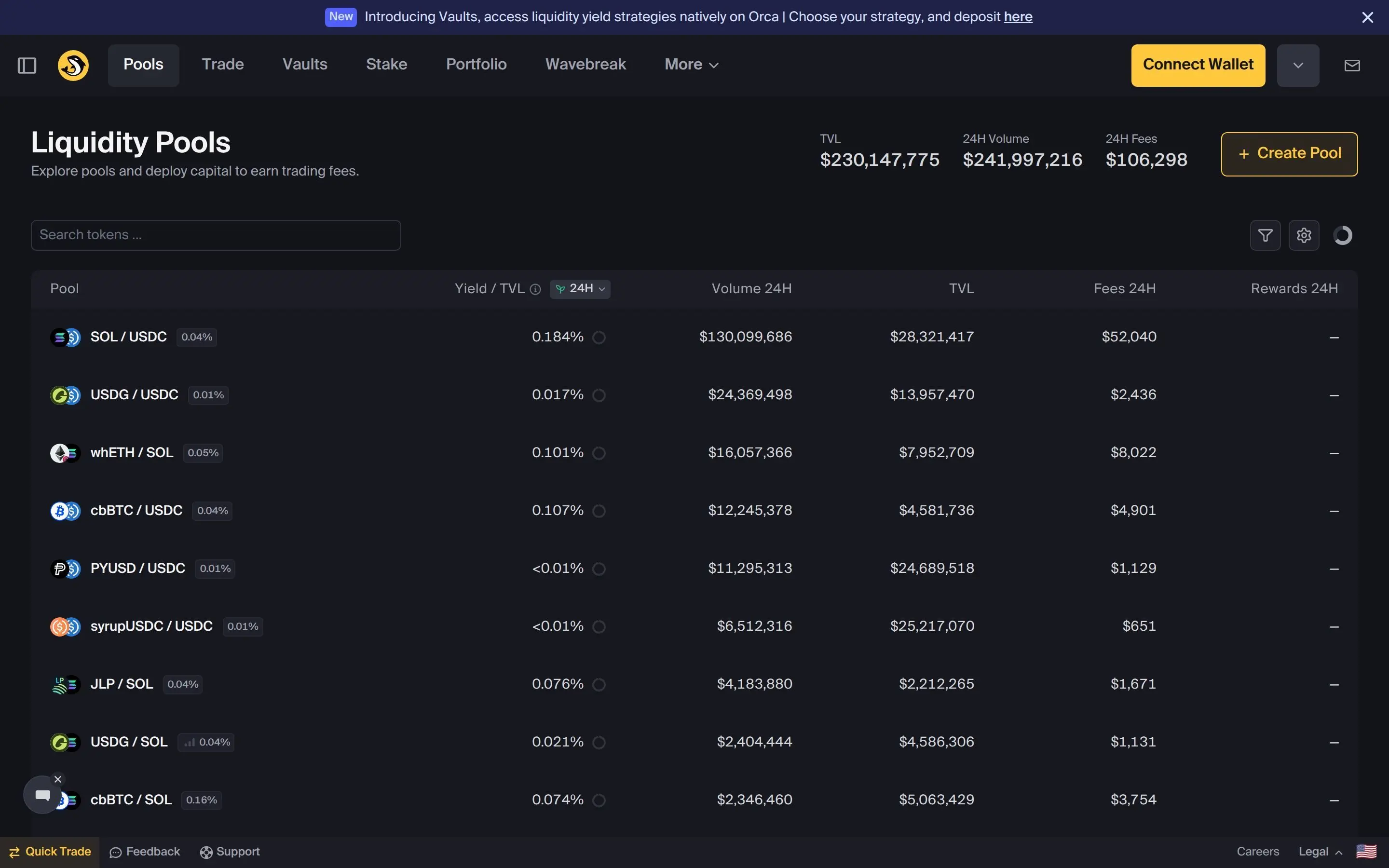
Visit orca.so and click "Connect Wallet" in the top right. Orca supports Phantom, Solflare, Backpack, and other Solana wallets. Approve the connection request in your wallet. You need SOL in your wallet for both trading and transaction fees (keep at least 0.05 SOL for fees).
Step 2 - Swapping Tokens
The swap interface is straightforward: select the token you are selling (top), select the token you are buying (bottom), enter the amount, review the rate and price impact, and click "Swap." Orca automatically routes through its own pools and optionally through Jupiter's aggregation to find you the best price.
Step 3 - Understanding Whirlpools (Concentrated Liquidity)
Whirlpools is Orca's concentrated liquidity market maker (CLMM) - similar to Uniswap V3. Instead of spreading liquidity across the entire price range (0 to infinity), you concentrate your liquidity within a specific price range. This makes your capital dramatically more efficient - the same $1,000 can provide 10-100x more effective liquidity than a standard pool.
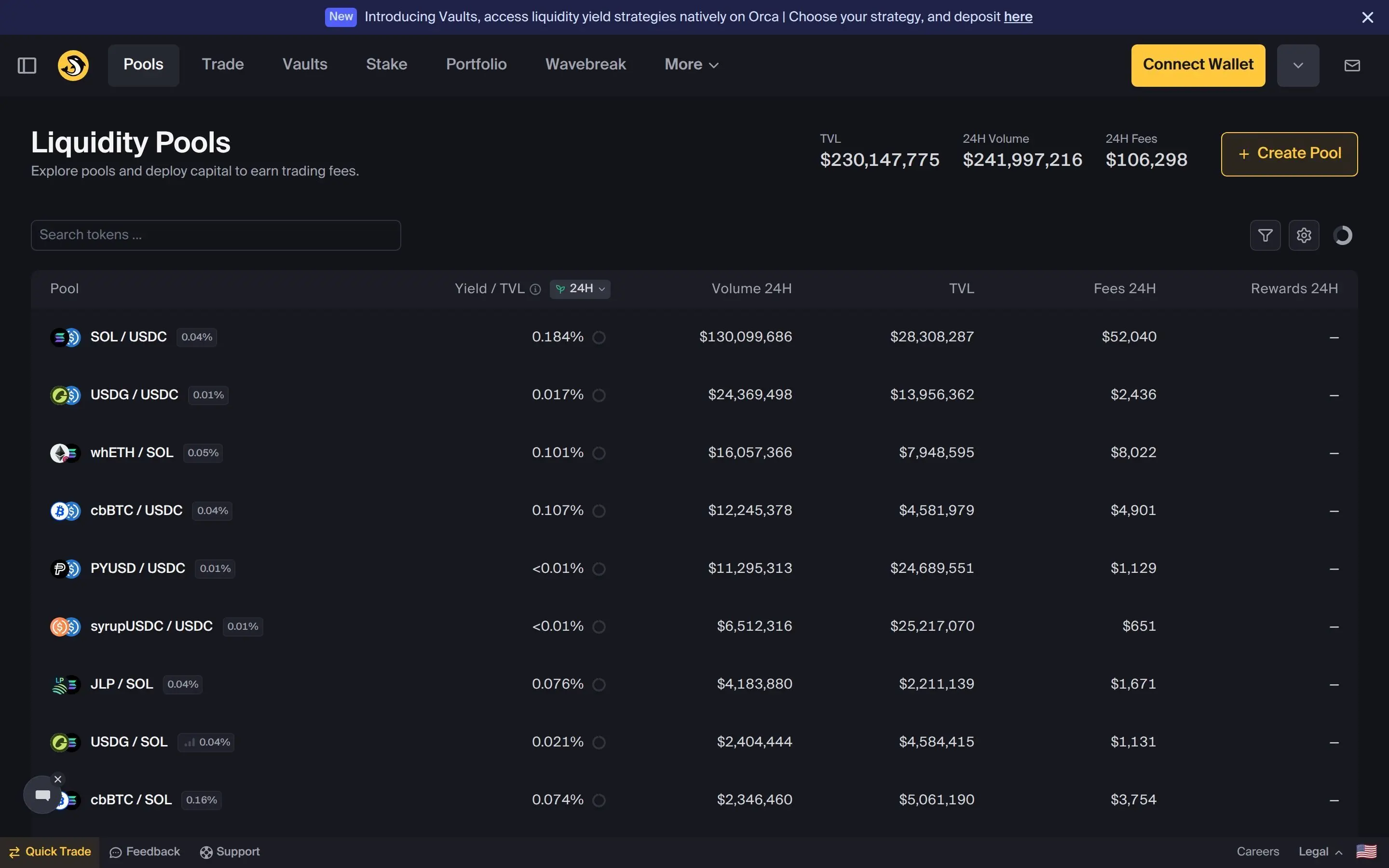
Orca offers four fee tiers for Whirlpools:
Step 4 - Providing Liquidity
Navigate to the Pools tab, select a pool, and click "Add Liquidity." For Whirlpools, you must set: a price range (lower and upper bounds for where your liquidity is active), the amount of each token to deposit, and the fee tier. Your liquidity only earns fees when the price is within your selected range.
Step 5 - Managing Positions and Claiming Rewards
Your active liquidity positions appear in the Portfolio section. For each position you can see: current value, earned fees, whether the price is in range, and the percentage of each token. Claim accumulated fees anytime by clicking "Collect Fees." You can also close positions (withdraw liquidity) or adjust the price range by closing and reopening with new parameters.
Orca vs Raydium vs Jupiter
- ✔ Cleanest, most intuitive Solana DEX interface
- ✔ Whirlpools concentrated liquidity for capital efficiency
- ✔ Four fee tiers for different pair types
- ✔ Built-in slippage protection
- ✔ Transparent fee structure
- ✘ Concentrated liquidity is complex for beginners
- ✘ Fewer features than Raydium
- ✘ Jupiter often finds better swap prices via aggregation
- ✘ Not the first choice for new token launches
Frequently Asked Questions
Related Guides
- How to Use Raydium on Solana: Swaps, Liquidity Pools and CLMM Guide (2026)
- Raydium vs Orca: Best Solana DEX Compared (2026)
- How to Use Jupiter DEX on Solana: Complete Swap, Limit Order and DCA Tutorial (2026)
- How to Farm on PancakeSwap: Liquidity, CAKE Rewards and LP Risks (2026)
- What Is CoW Swap: Complete Intent-Based DEX & Protocol Guide (2026)