Send Crypto From Kraken to Ledger Safely (2026)
— By Tony Rabbit in Tutorials

Send crypto from Kraken to Ledger safely: learn account setup, address checks, network matching, test transfers, and how to fix common withdrawal issues.
Sending crypto from Kraken to Ledger is one of the most important self-custody workflows in crypto because it sits at the point where convenience ends and responsibility begins. The exchange side feels familiar. The wallet side is yours forever. That is why safety matters so much more than speed here.
A good Kraken-to-Ledger transfer is boring in the best possible way. You prepare the correct Ledger account, verify the address, confirm the network, send a test amount, then move the full size only after the first transfer lands exactly where it should. If you approach it like that, the workflow is simple. If you rush it, it is the kind of mistake you remember for years.
Quick answer
- Create the correct Ledger account for the exact asset and network before you withdraw from Kraken.
- Verify the deposit address and network match on both Kraken and Ledger before sending anything.
- For meaningful size, send a small test transfer first and only continue after it arrives correctly.
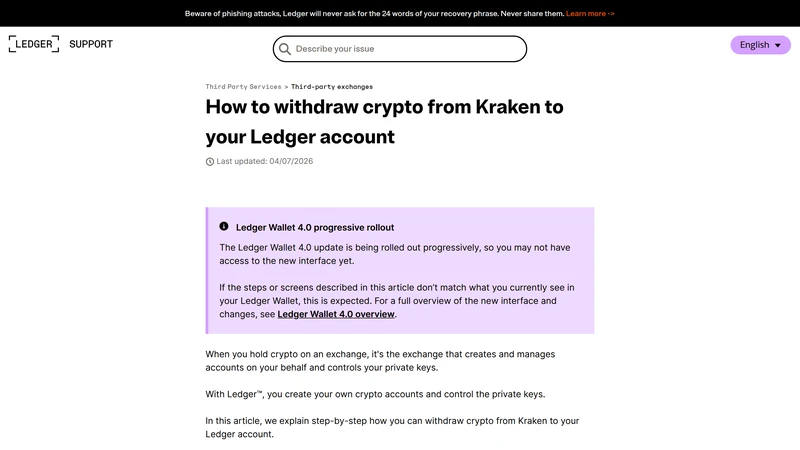
When Kraken to Ledger Is the Right Move
This workflow is the right move when you want to take custody of your assets instead of leaving them on an exchange. That does not mean you should withdraw carelessly. It means you should respect the fact that once the asset leaves Kraken, the safety of the next step depends on your address accuracy, network selection, and wallet setup.
That is why the safest mental model is simple: the destination is the real decision. Kraken is where the withdrawal starts, but Ledger is where success is defined. If the receiving account is wrong, unsupported, or mismatched to the network, the problem starts before you even hit confirm.
When this workflow makes sense
What to Prepare Before Withdrawing
Open Ledger Live, create or select the correct receiving account, and copy the address directly from that account. Then check the network. This is the part that saves people. The asset on Kraken must be withdrawn using a network that matches the receiving setup on Ledger. If the asset or network pairing is not clear, do not improvise. Use the official support flow and confirm compatibility first. A small test transfer is worth the extra minute every single time.
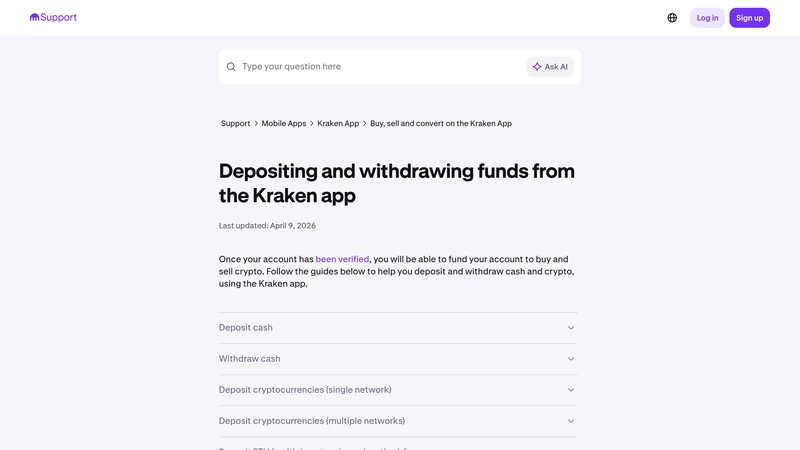
The four checks that matter before sending from Kraken to Ledger
How to Send Crypto from Kraken to Ledger Step by Step
Start on the Ledger side, not the Kraken side. Create or open the correct account, copy the receiving address, and verify the network you intend to use. Then go to Kraken and add or select that withdrawal destination carefully. If the exchange asks for confirmation, take the time to review the address again instead of treating it like a formality.
Send a small test amount first, wait for it to land in Ledger Live, and confirm that the asset and network appear exactly as expected. Only then should you send the full amount. This is the safest version of the workflow because it converts uncertainty into proof. Once the test lands, the full transfer stops being a leap of faith and becomes a repeated process.
A safer Kraken to Ledger workflow
Common Kraken to Ledger Mistakes to Avoid
The usual mistakes are painfully ordinary. People withdraw on the wrong network, use the wrong Ledger account, skip the test transfer because they are impatient, or assume that if an address looks vaguely familiar it must be correct. None of those shortcuts save real time. They only move risk closer to the point of no return.
Mistakes that create avoidable self-custody problems
What to Do If the Transfer Feels Stuck
Start with the basics. Has Kraken actually processed the withdrawal? Does the transaction hash show confirmations on the correct network? Is Ledger Live looking at the right account and the right asset? A transfer can be real and still appear missing if the destination app is pointed at the wrong place or has not refreshed yet.
If the issue is still unclear, work in order: exchange status, transaction hash, network confirmation, destination account view. That sequence helps you separate exchange delay from blockchain delay and blockchain delay from wallet display issues. Calm verification is how you solve this. Panicked clicking usually just creates more confusion.
Frequently Asked Questions
What is the safest way to send crypto from Kraken to Ledger?
Prepare the correct Ledger account first, verify the network, send a small test amount, and only then move the full balance.
Should I start on Kraken or on Ledger?
Start on Ledger. The receiving setup determines whether the destination is valid, so that is the part to confirm first.
Why is network matching so important for Kraken to Ledger transfers?
Because the asset must be withdrawn on a network that the destination Ledger setup actually supports and expects. A mismatch can create serious recovery pain.
Do I really need a test transfer?
If the amount matters, yes. The test transfer is the simplest way to prove the full workflow before sending real size.
What should I check if my transfer is not showing in Ledger Live yet?
Check Kraken withdrawal status, the transaction hash, network confirmations, and whether you are looking at the correct Ledger account for that asset.
Related reading
Disclaimer: This article is for educational purposes only and not financial, legal, or tax advice. Exchange support, asset compatibility, and network options can change. Always confirm the live withdrawal details before sending funds.